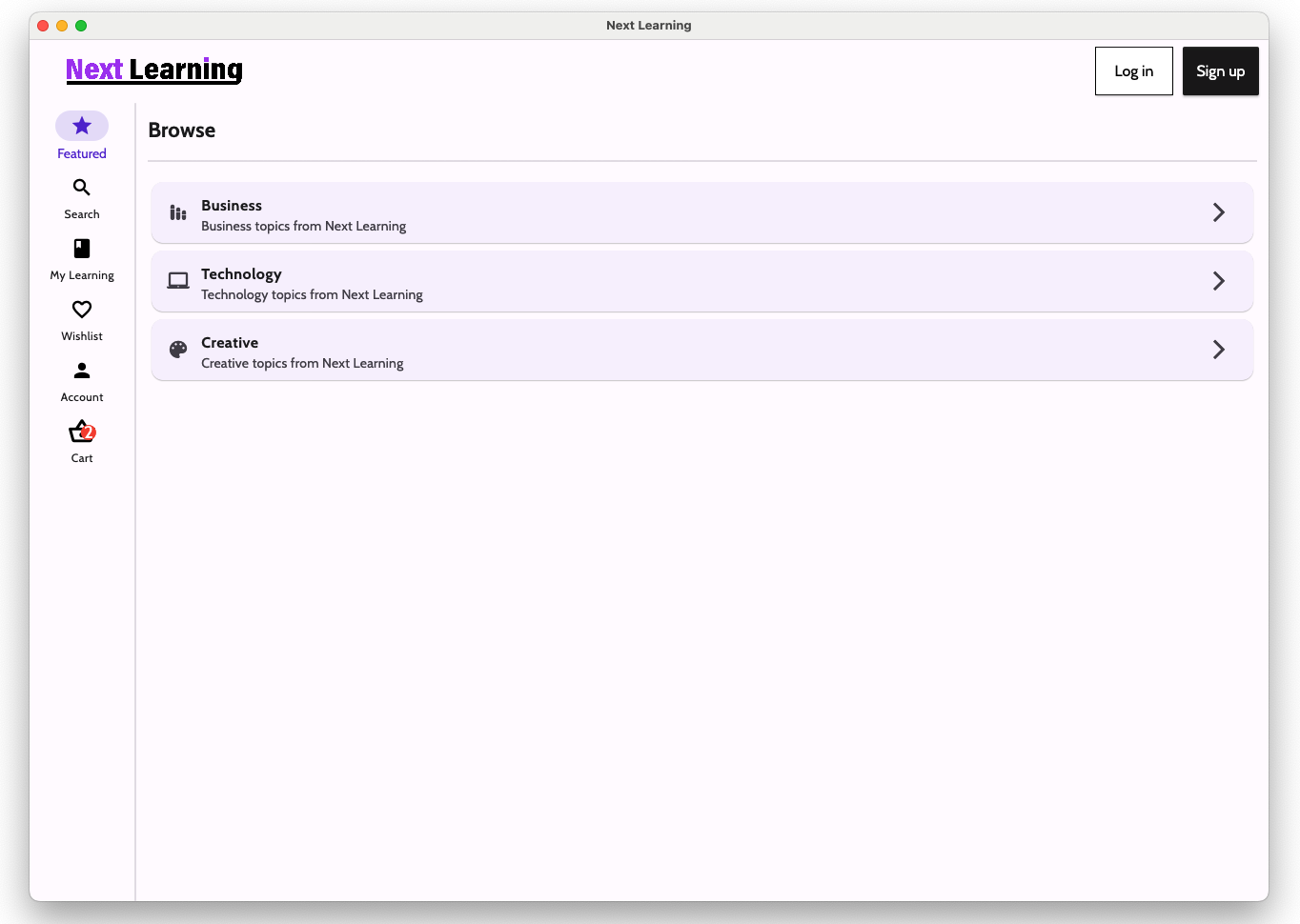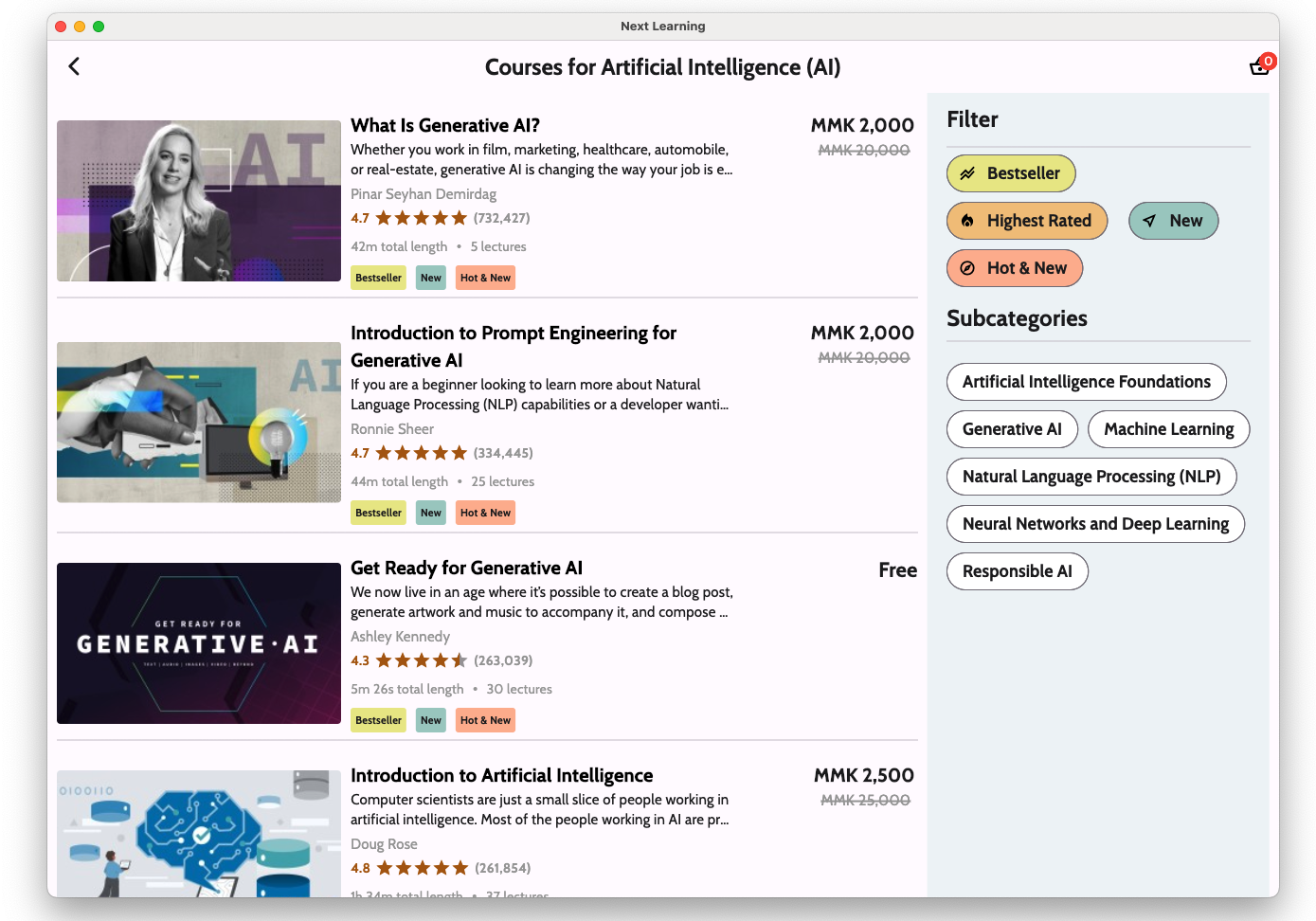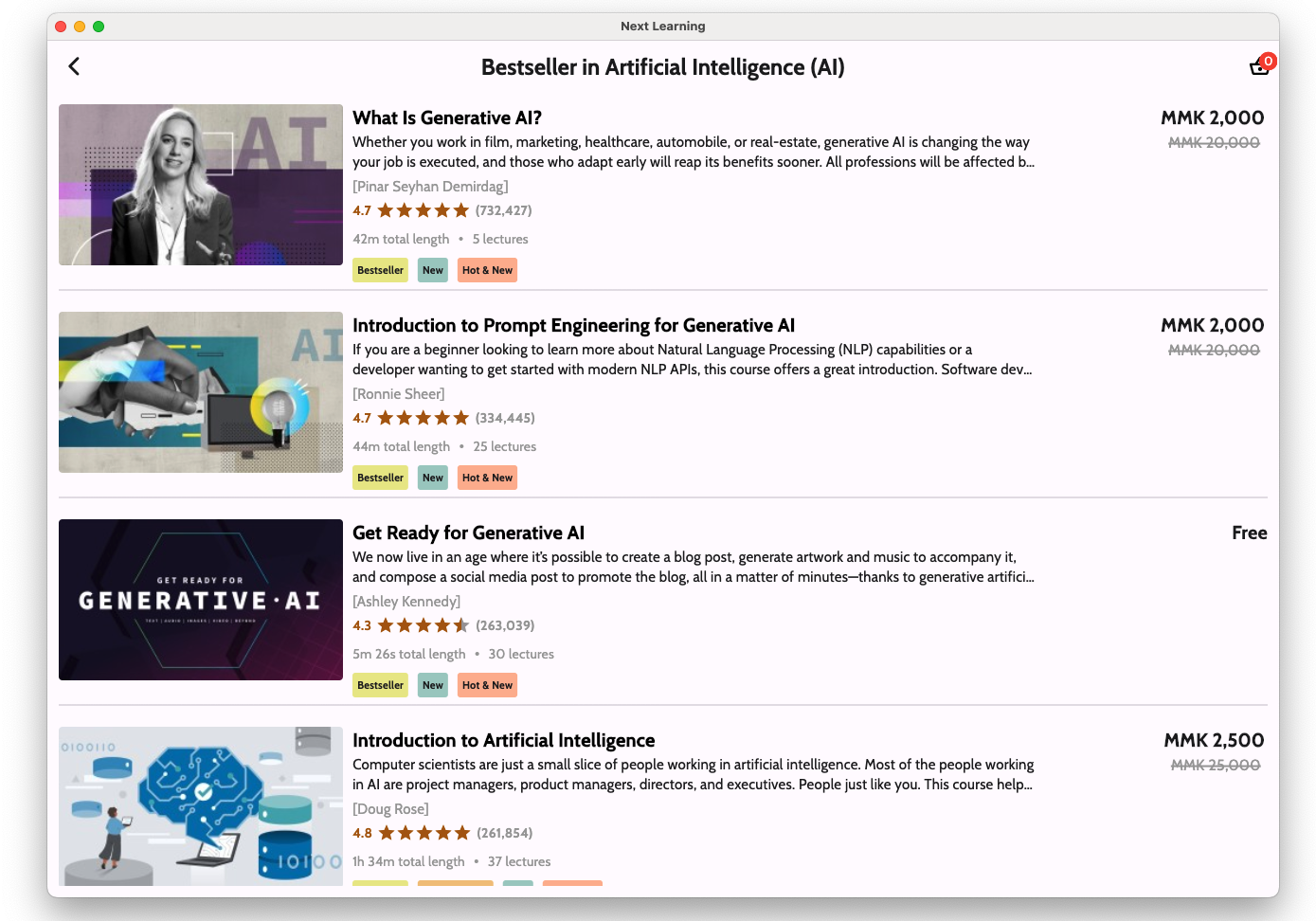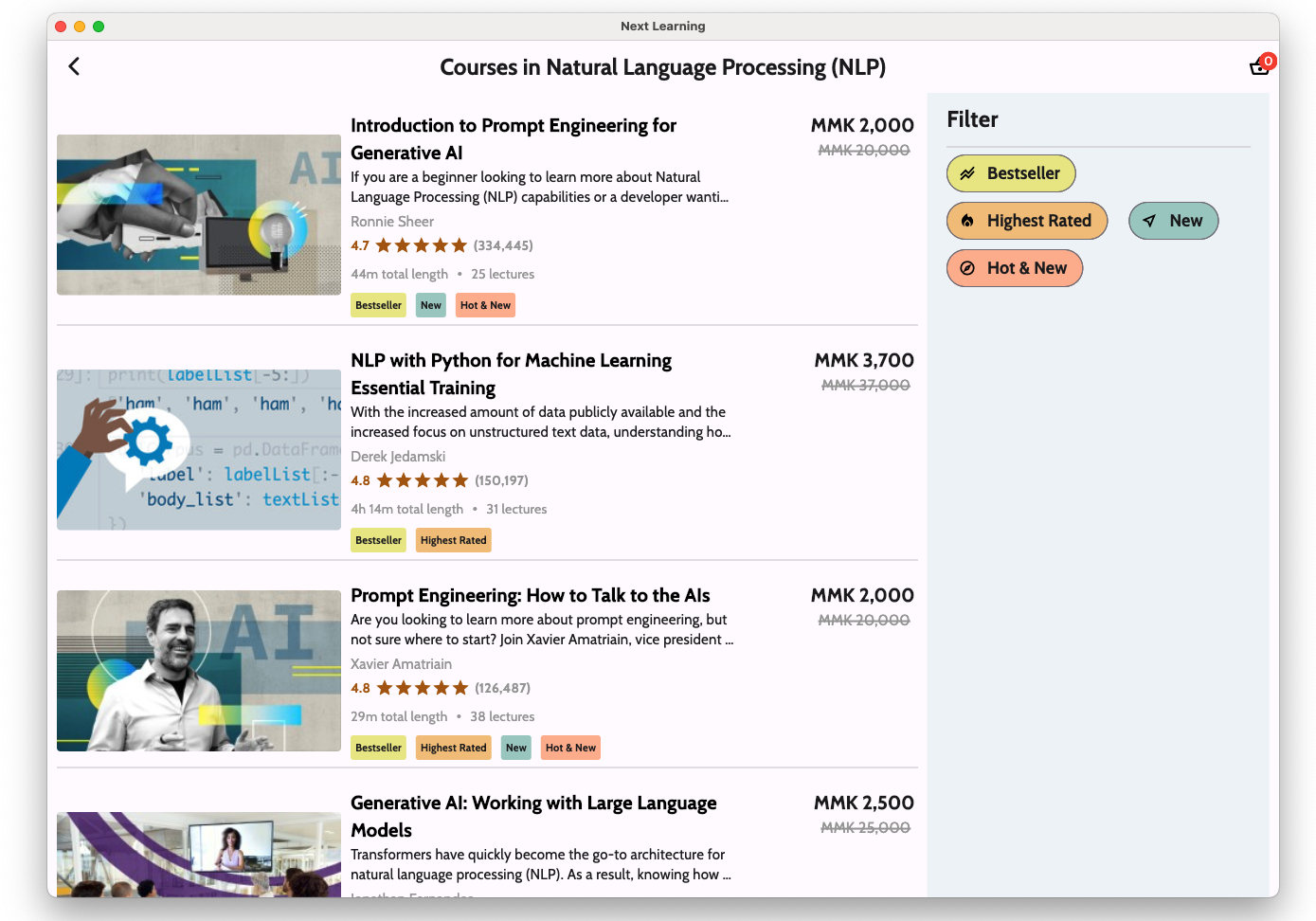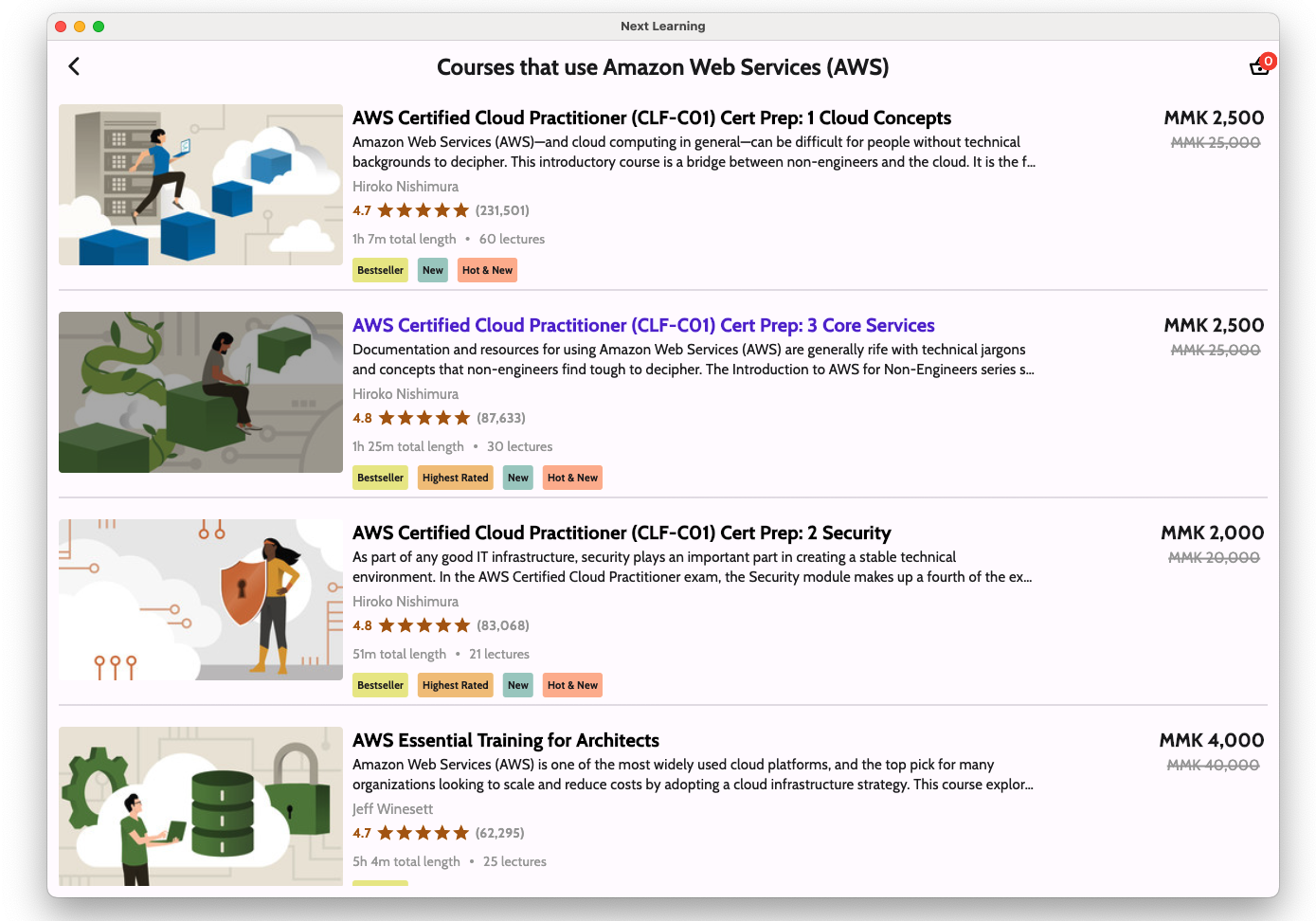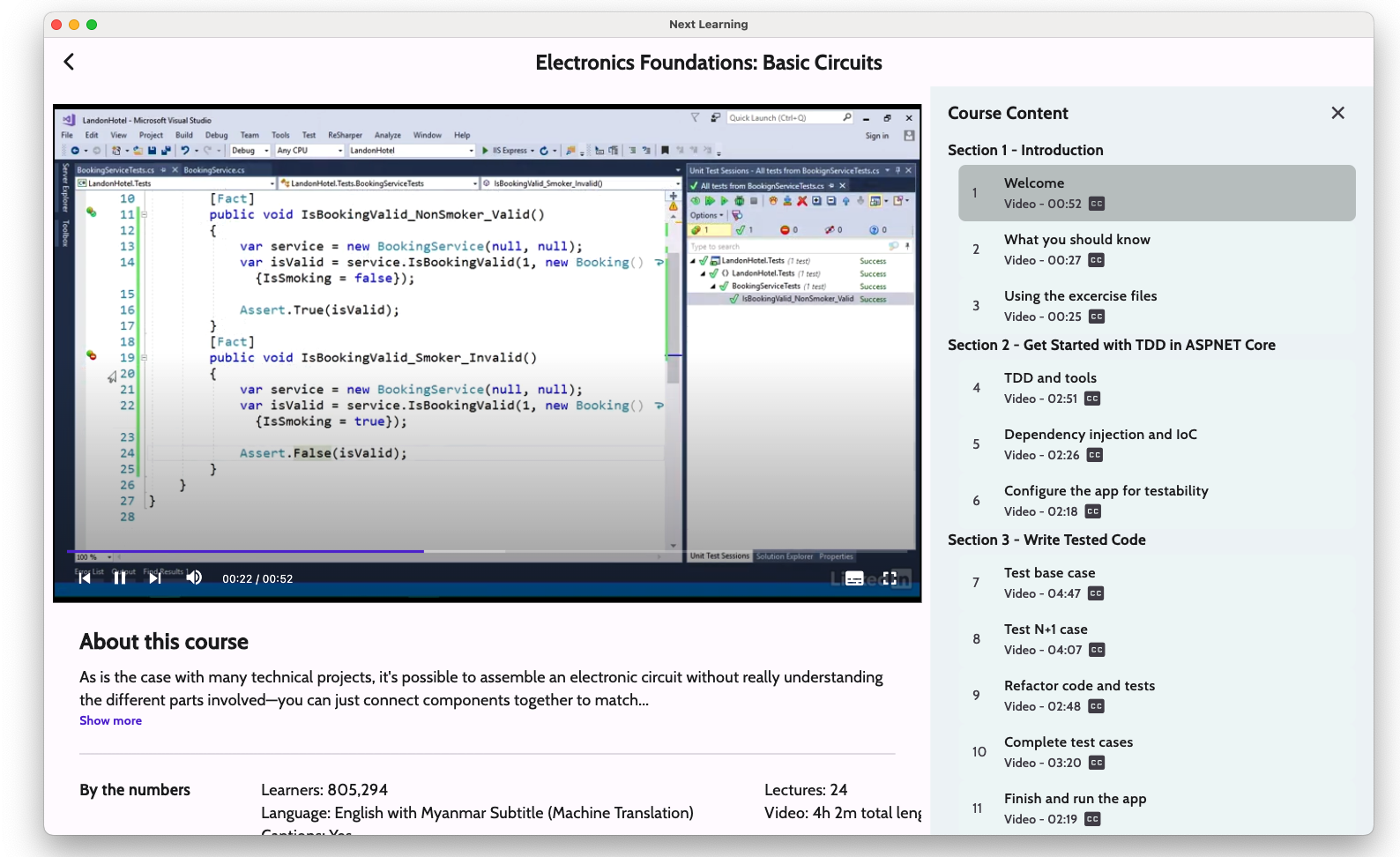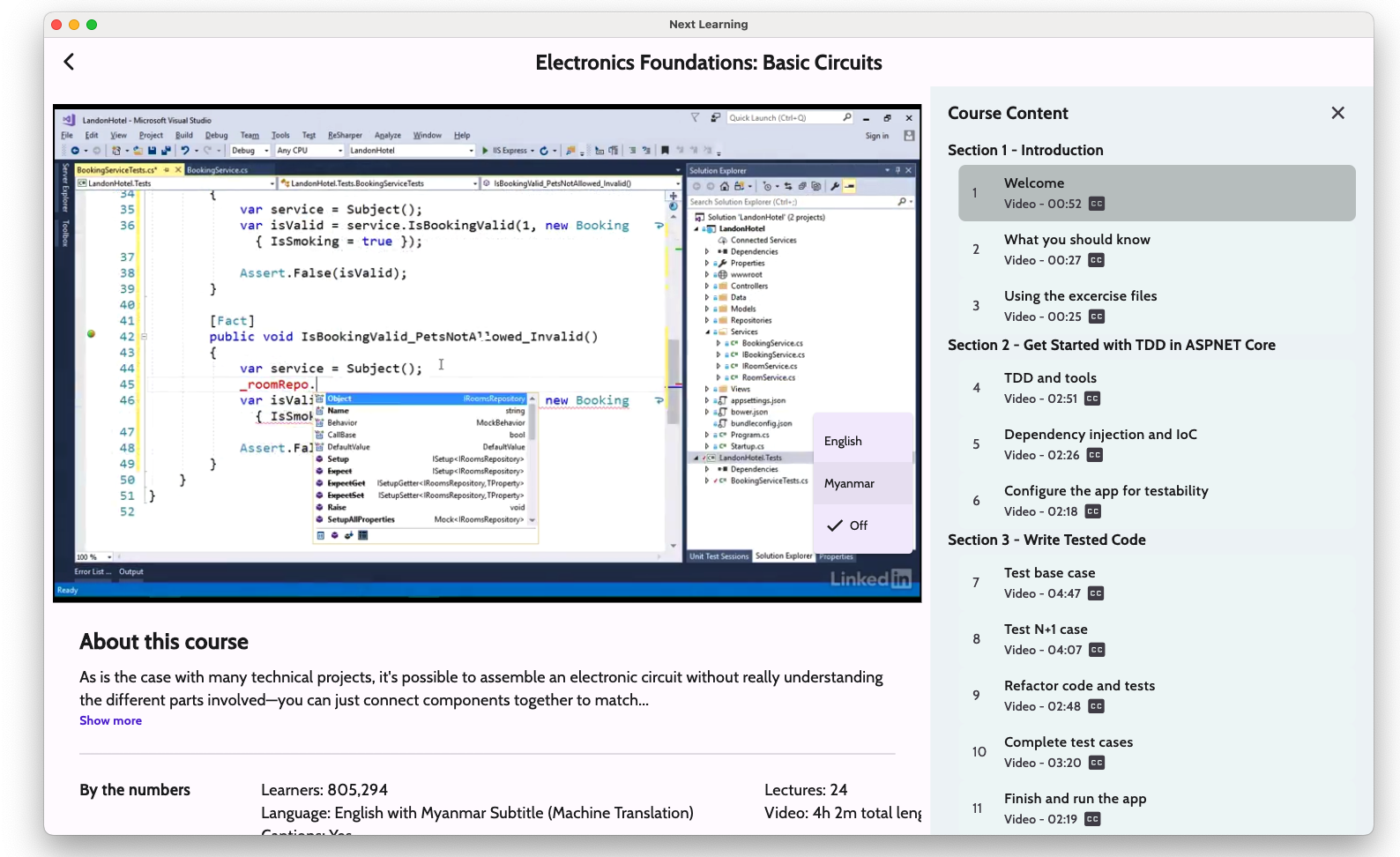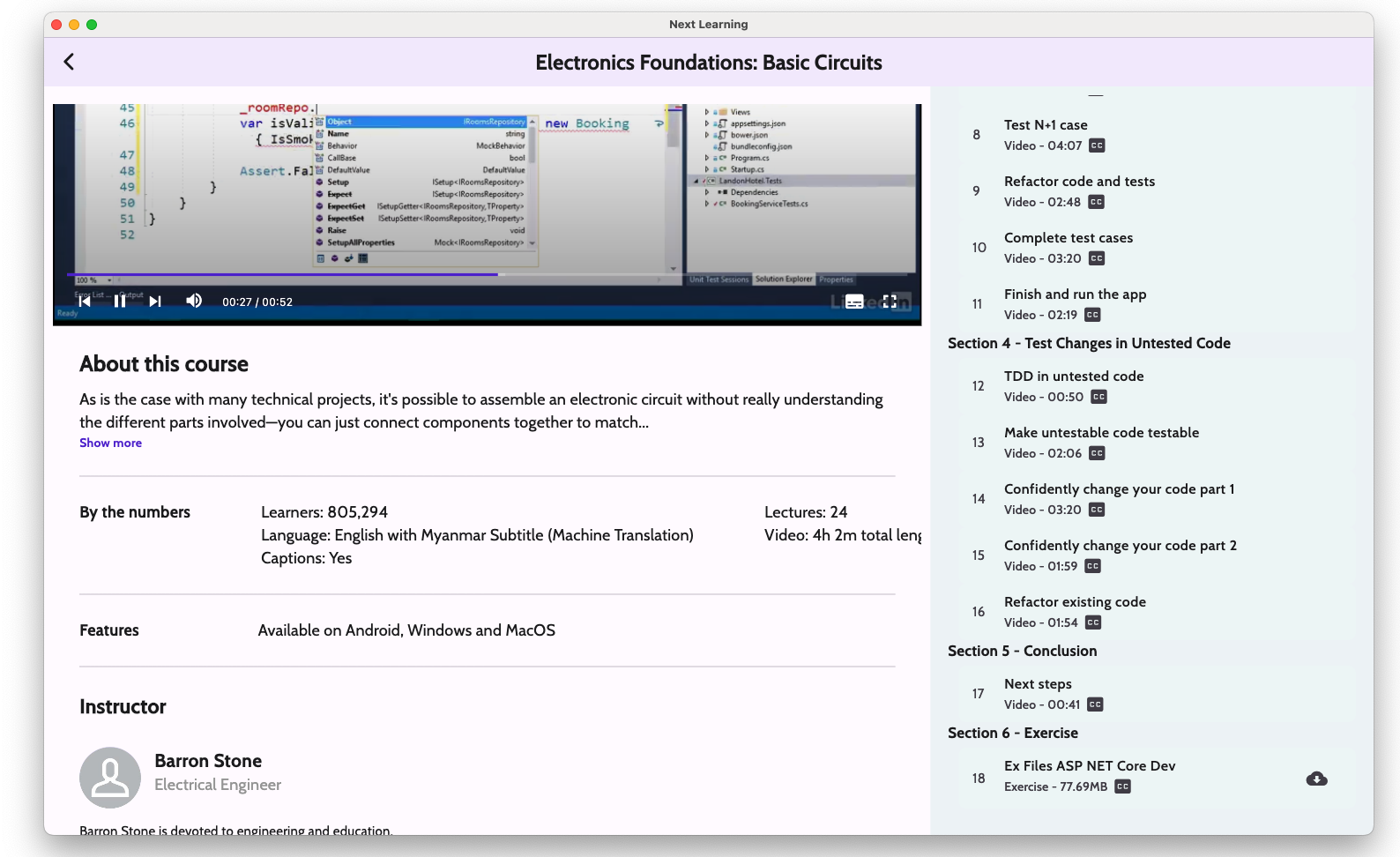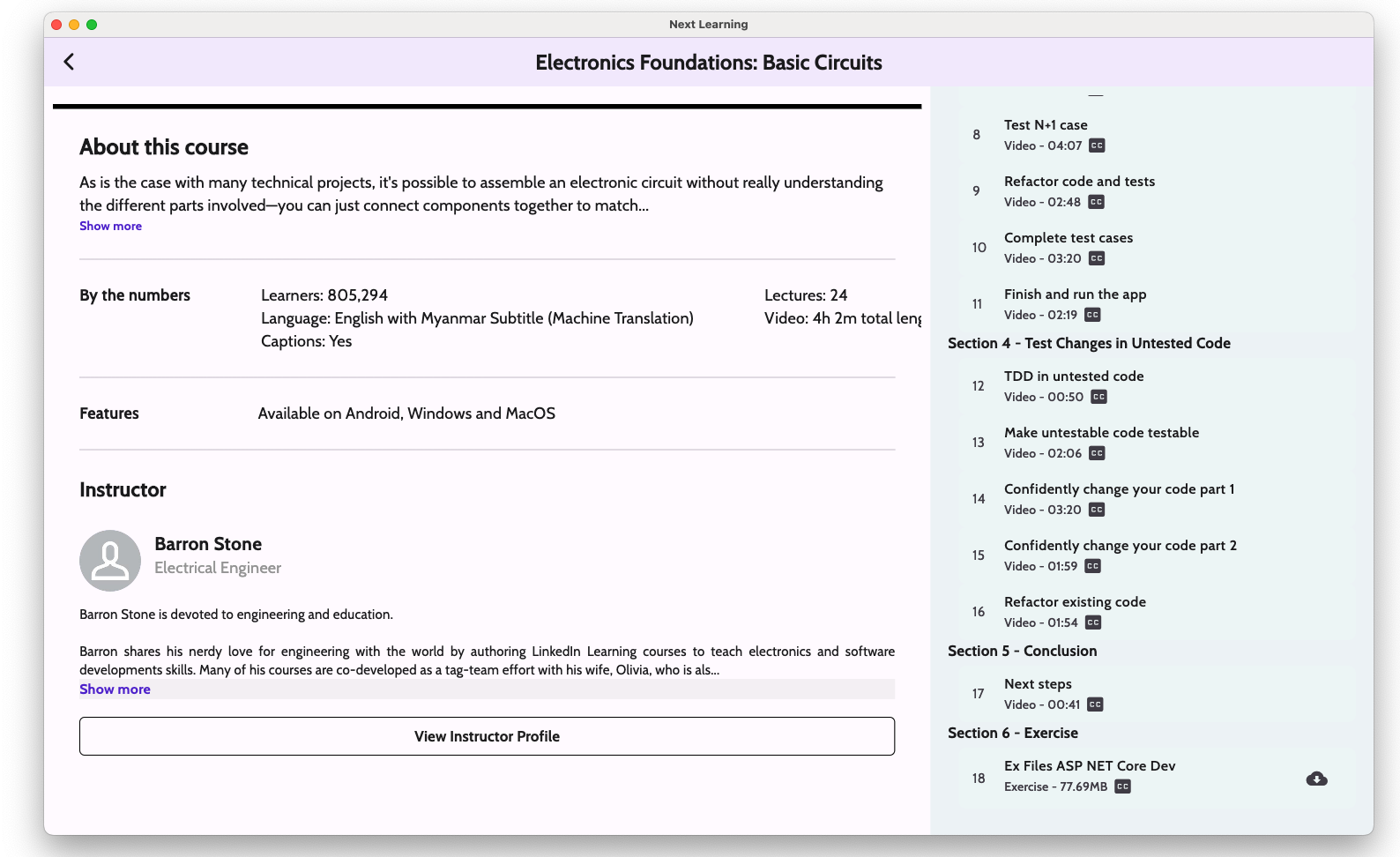
Next Learning Desktop (Windows & MacOS)
It is an online learning application which allows users to study online.



Core Features
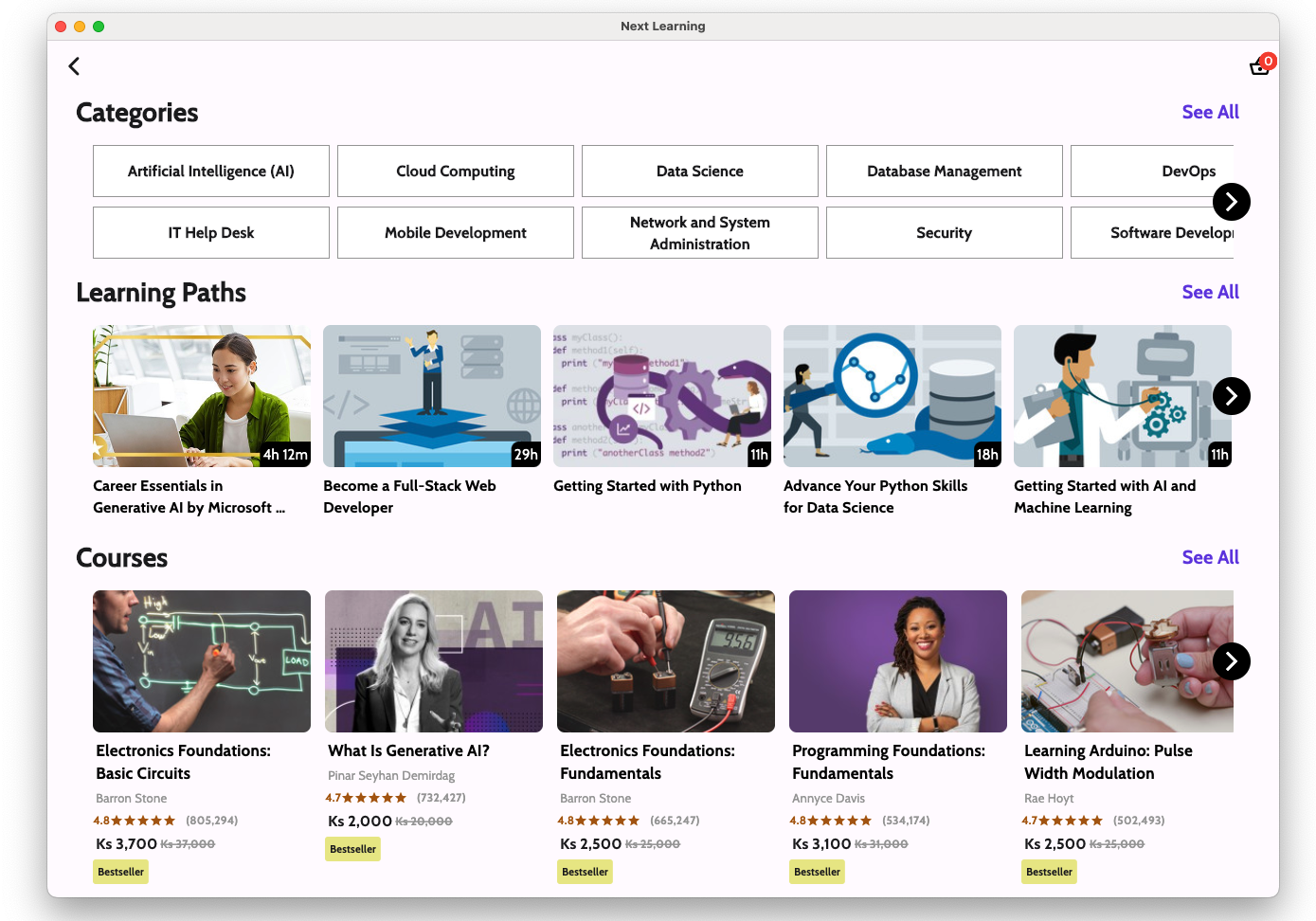
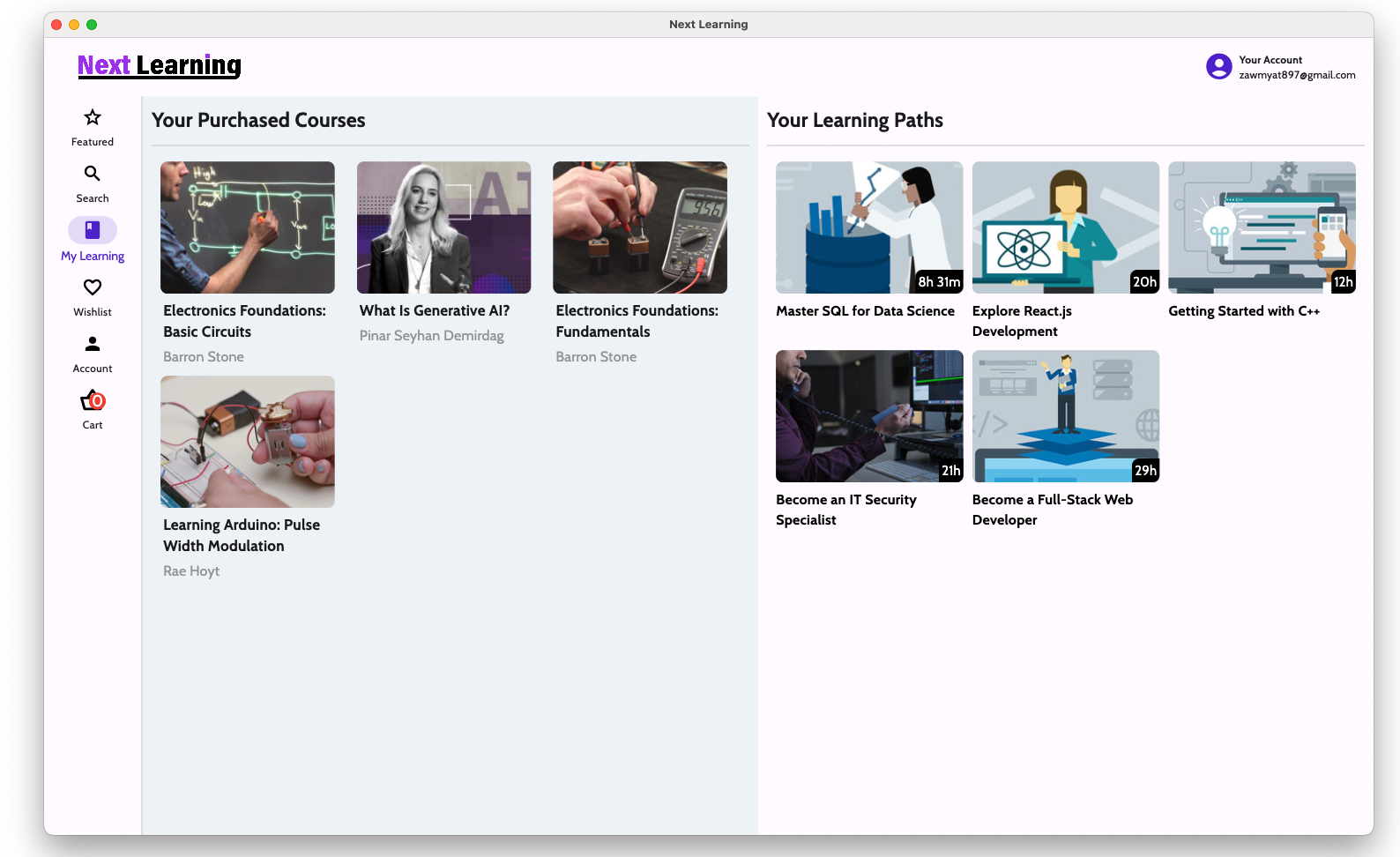
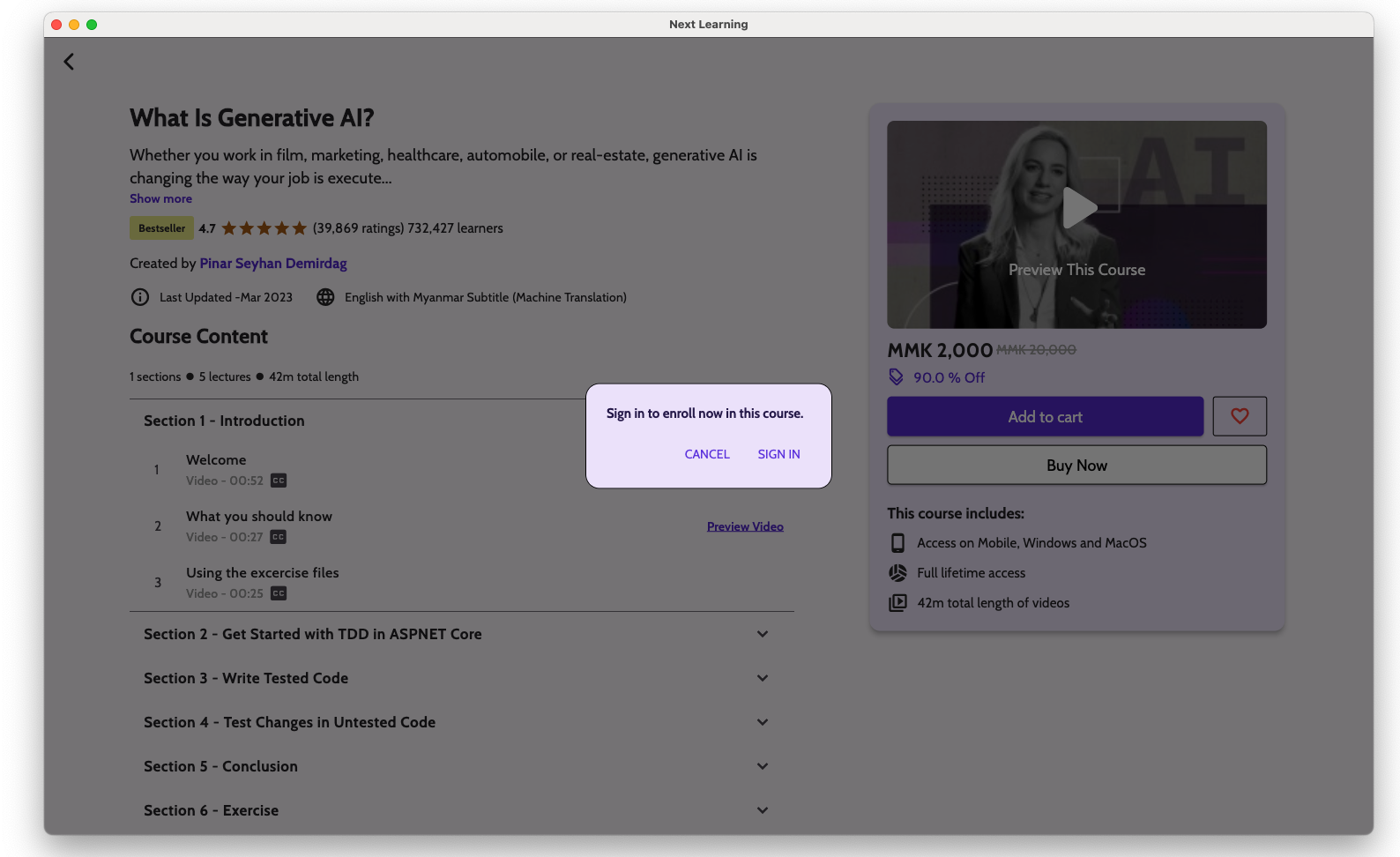
- Explore a wide variety of online courses in one app
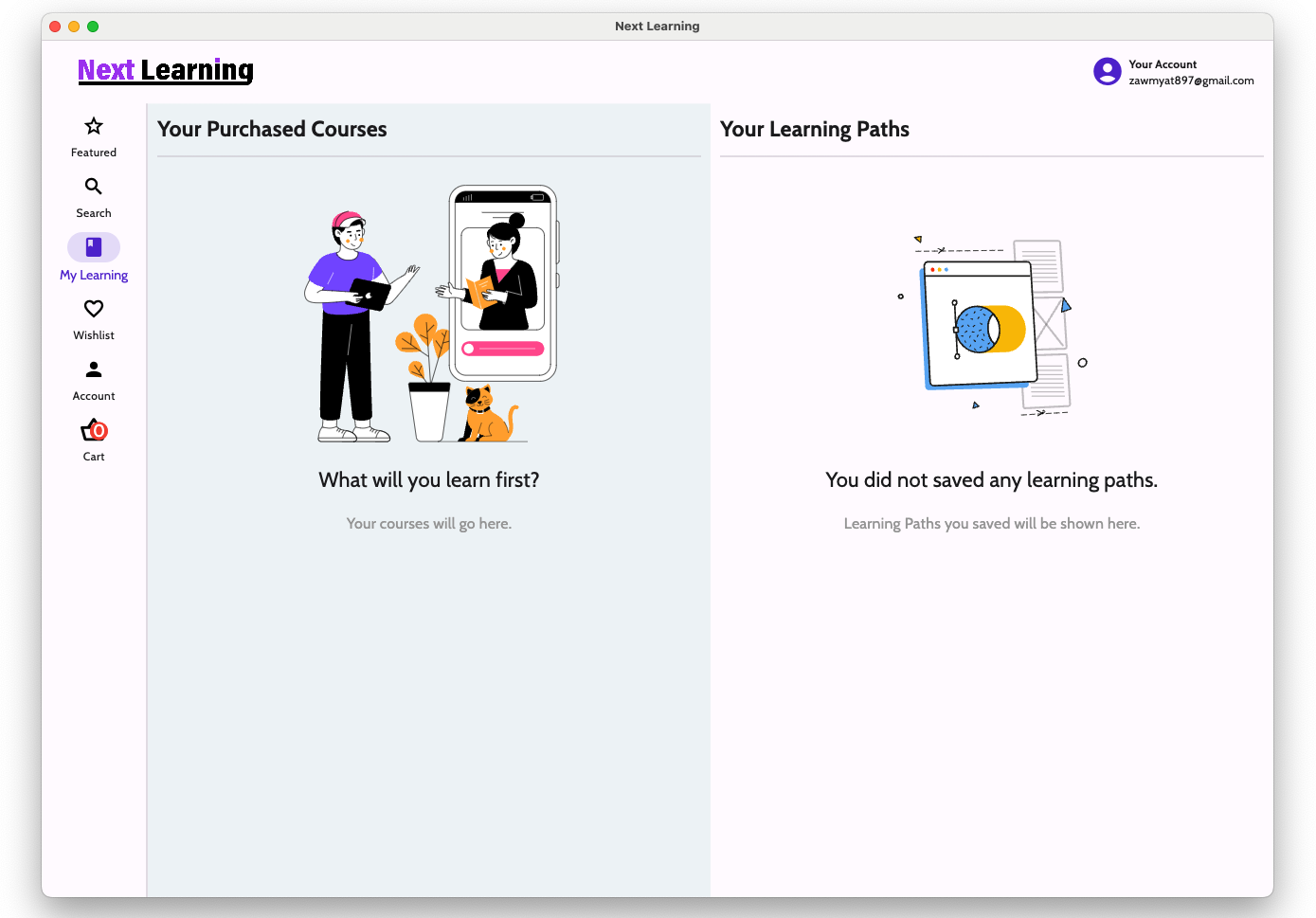
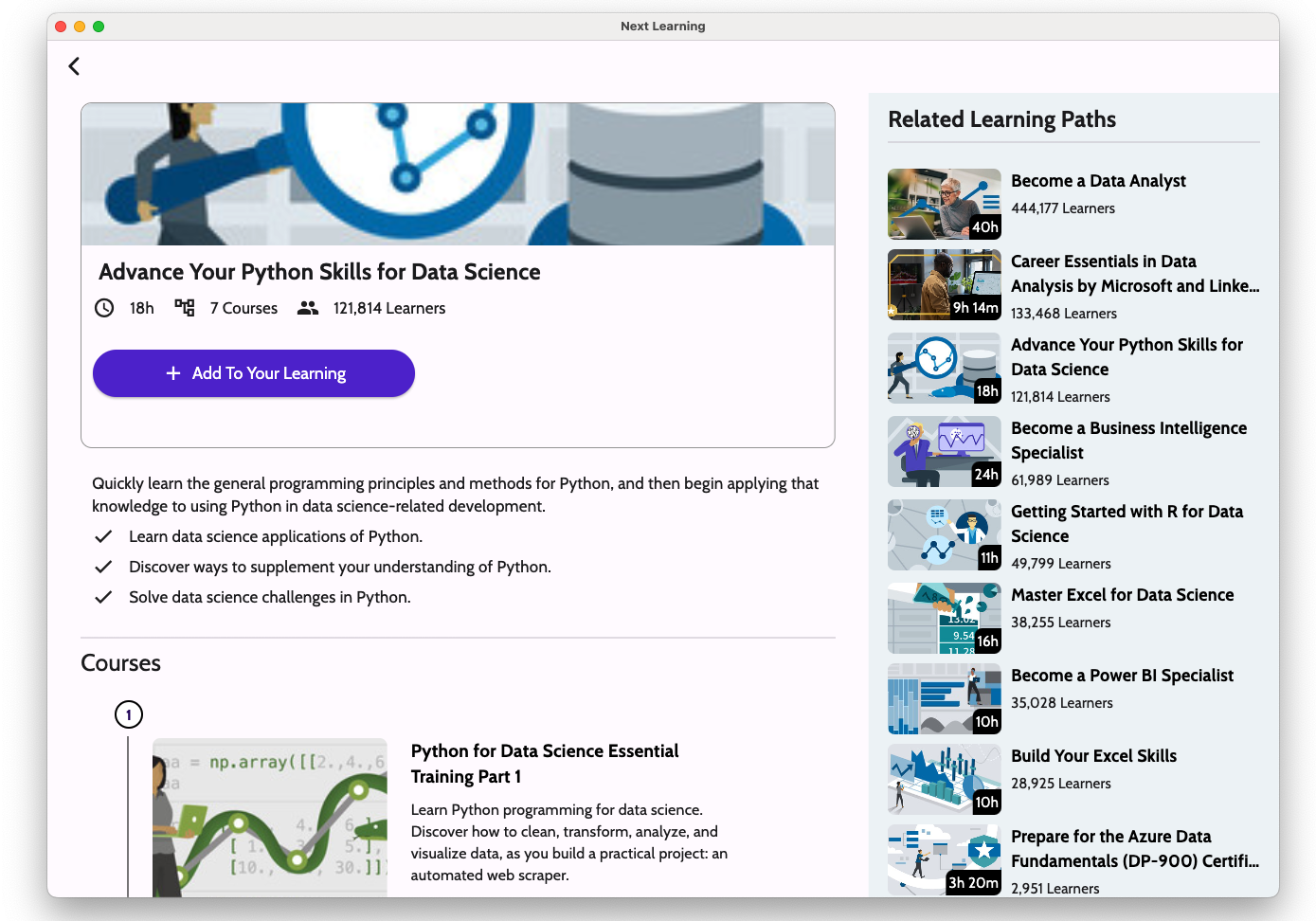
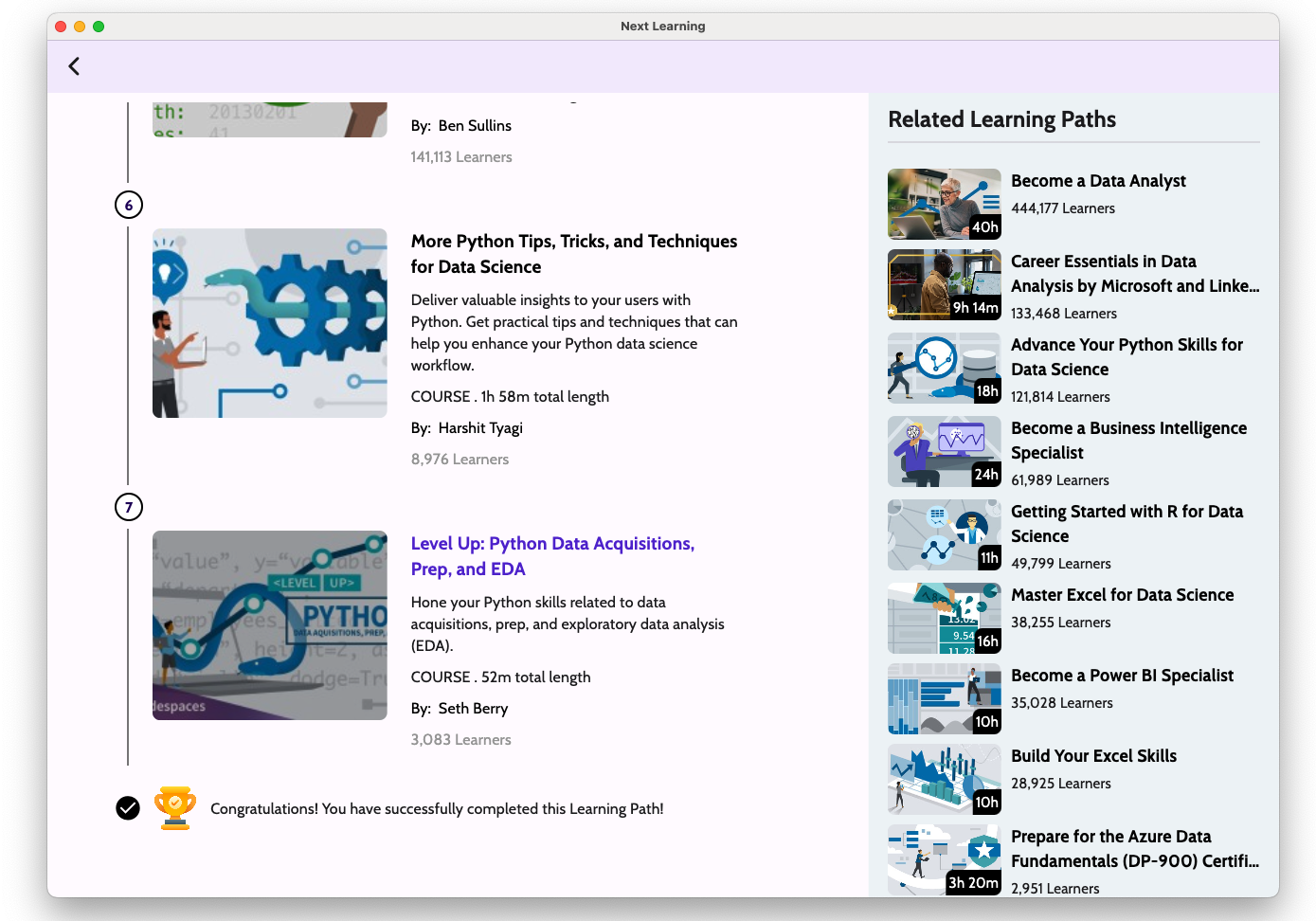
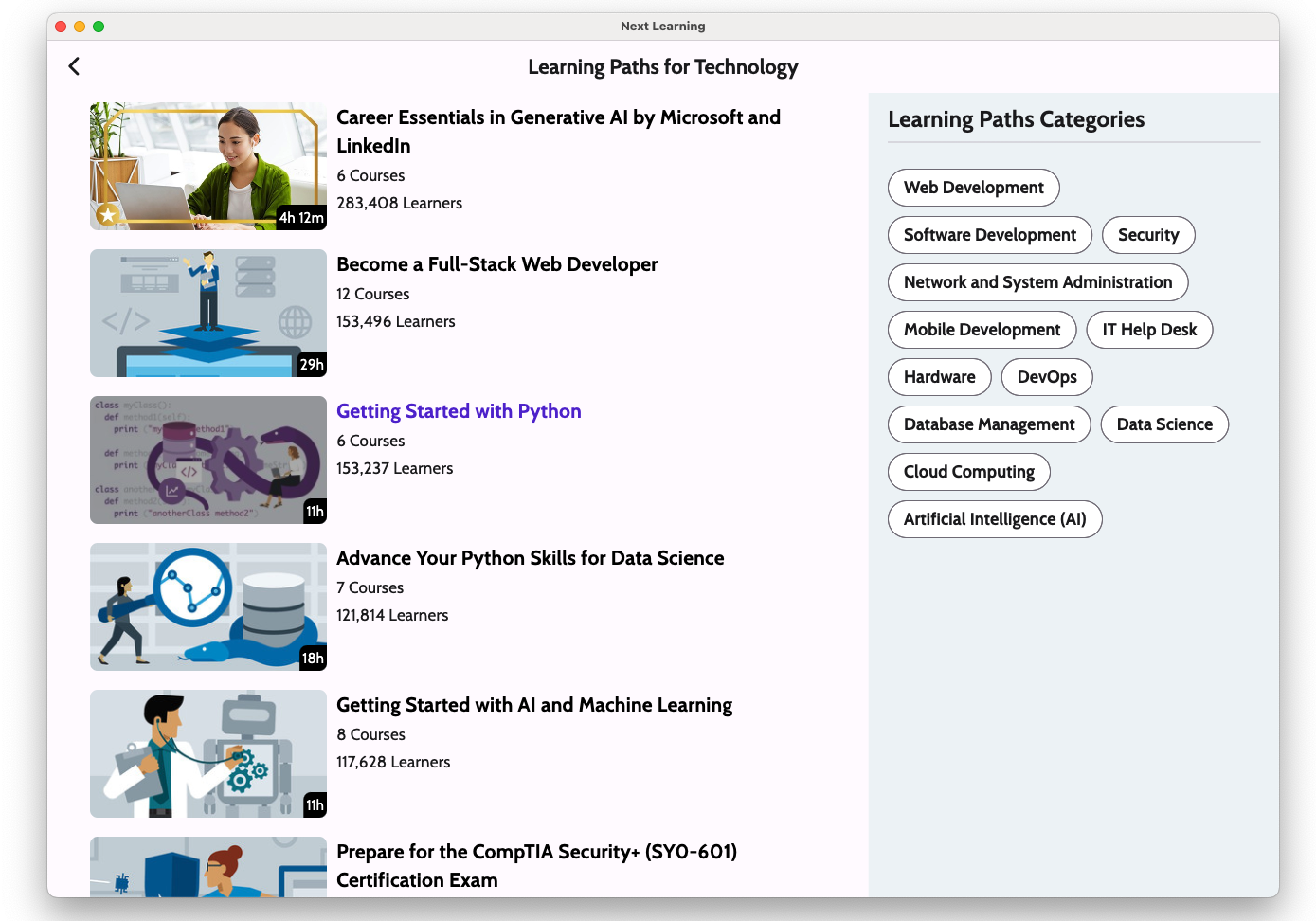
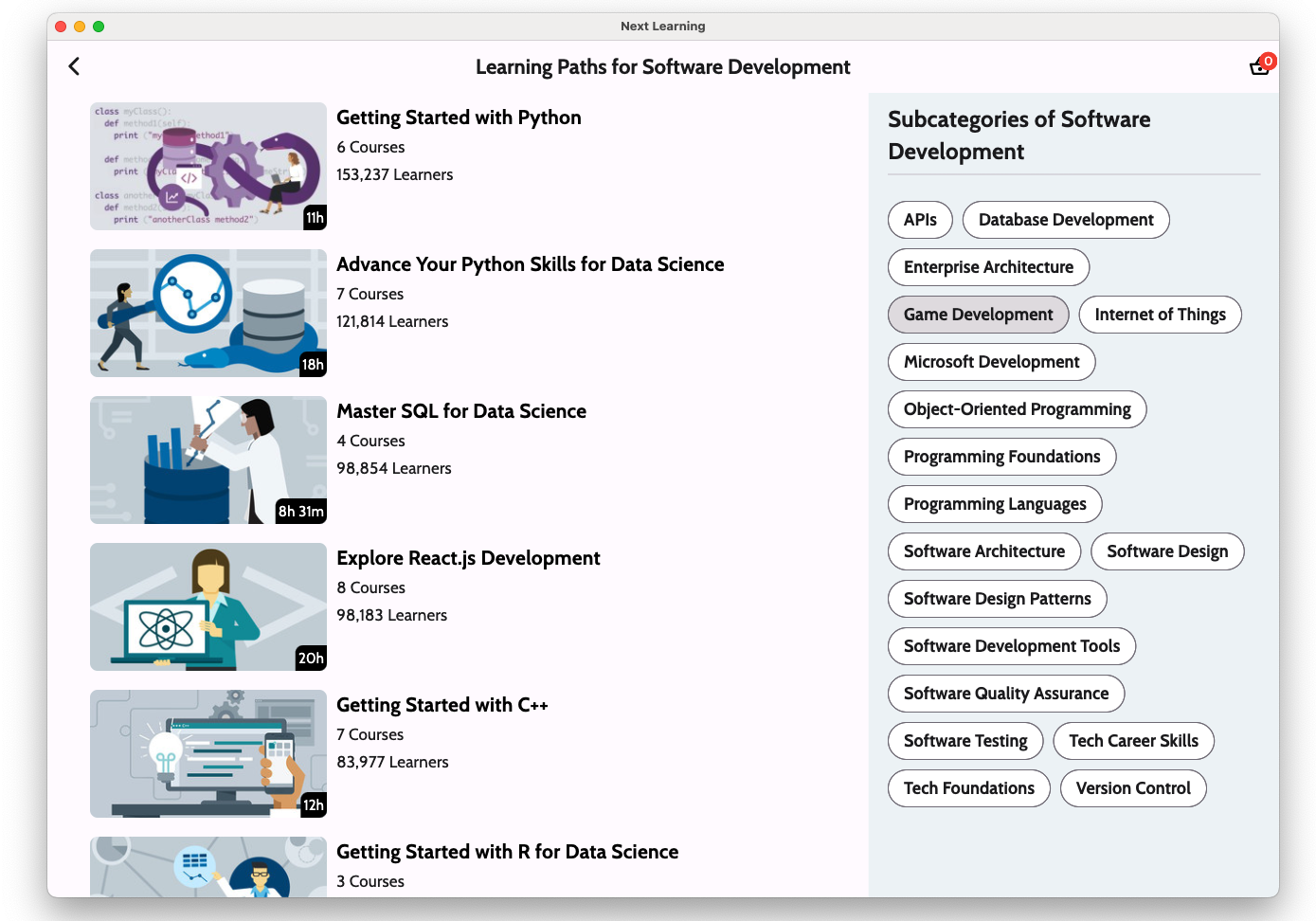
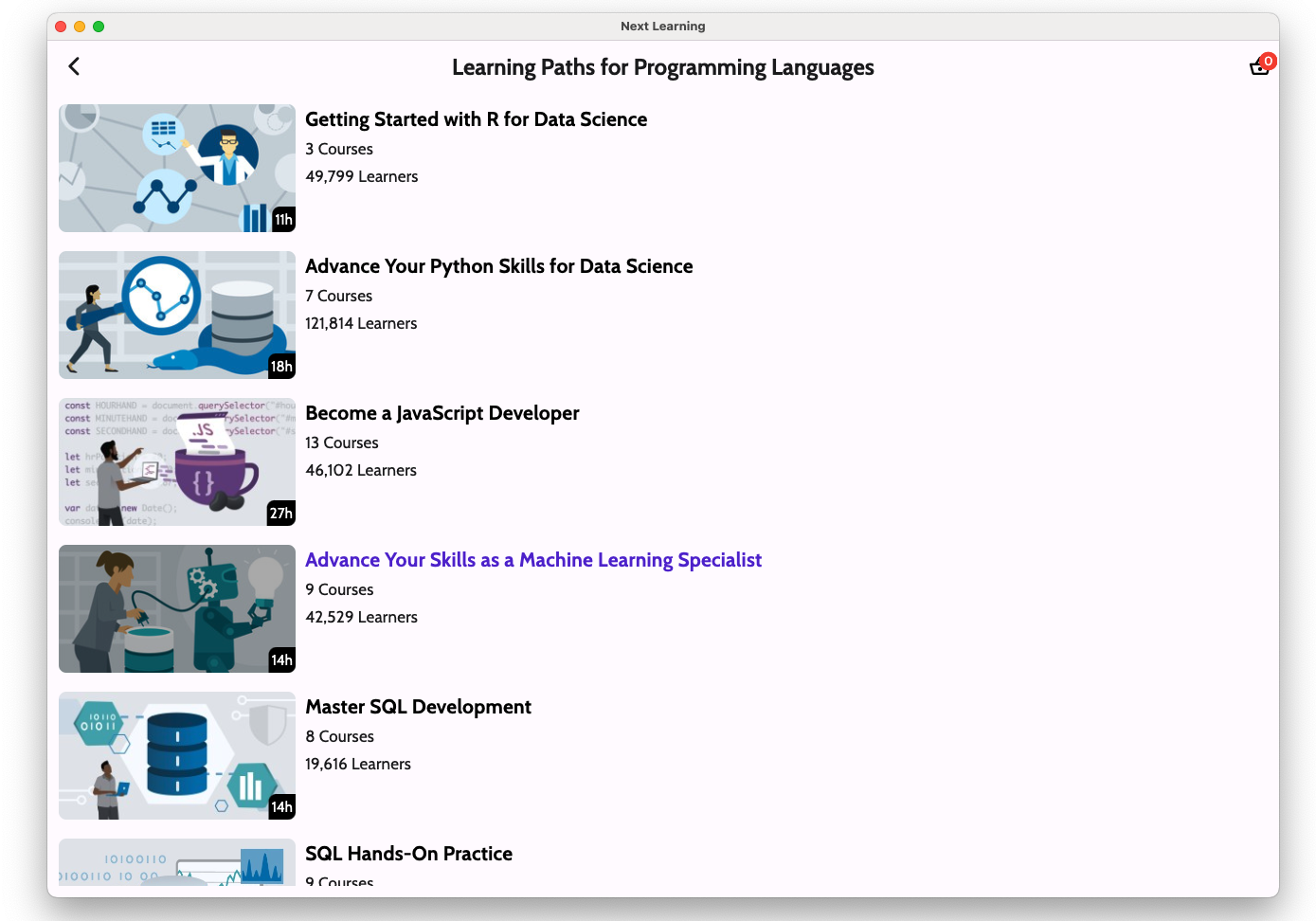
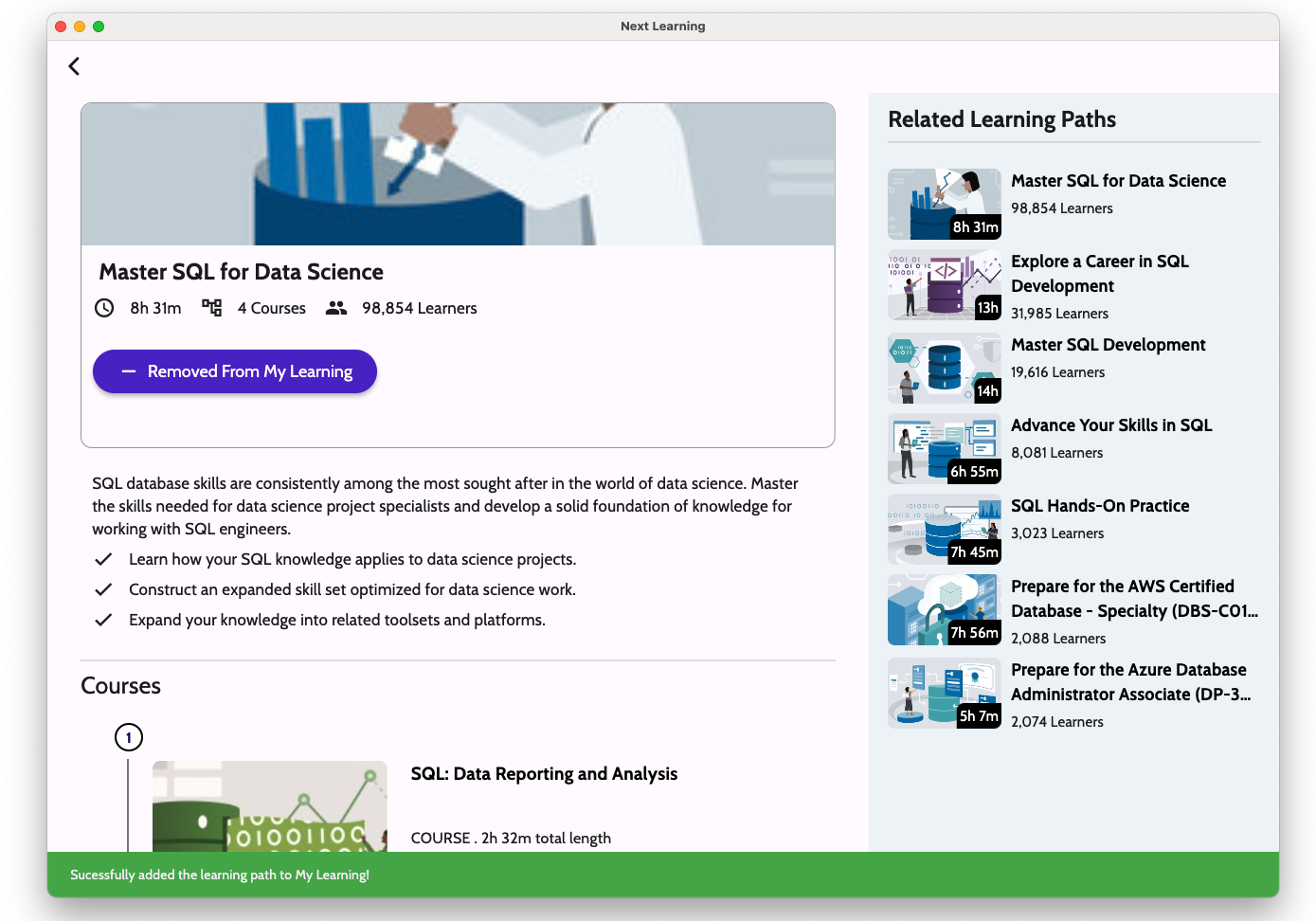
- Well prepared learning paths
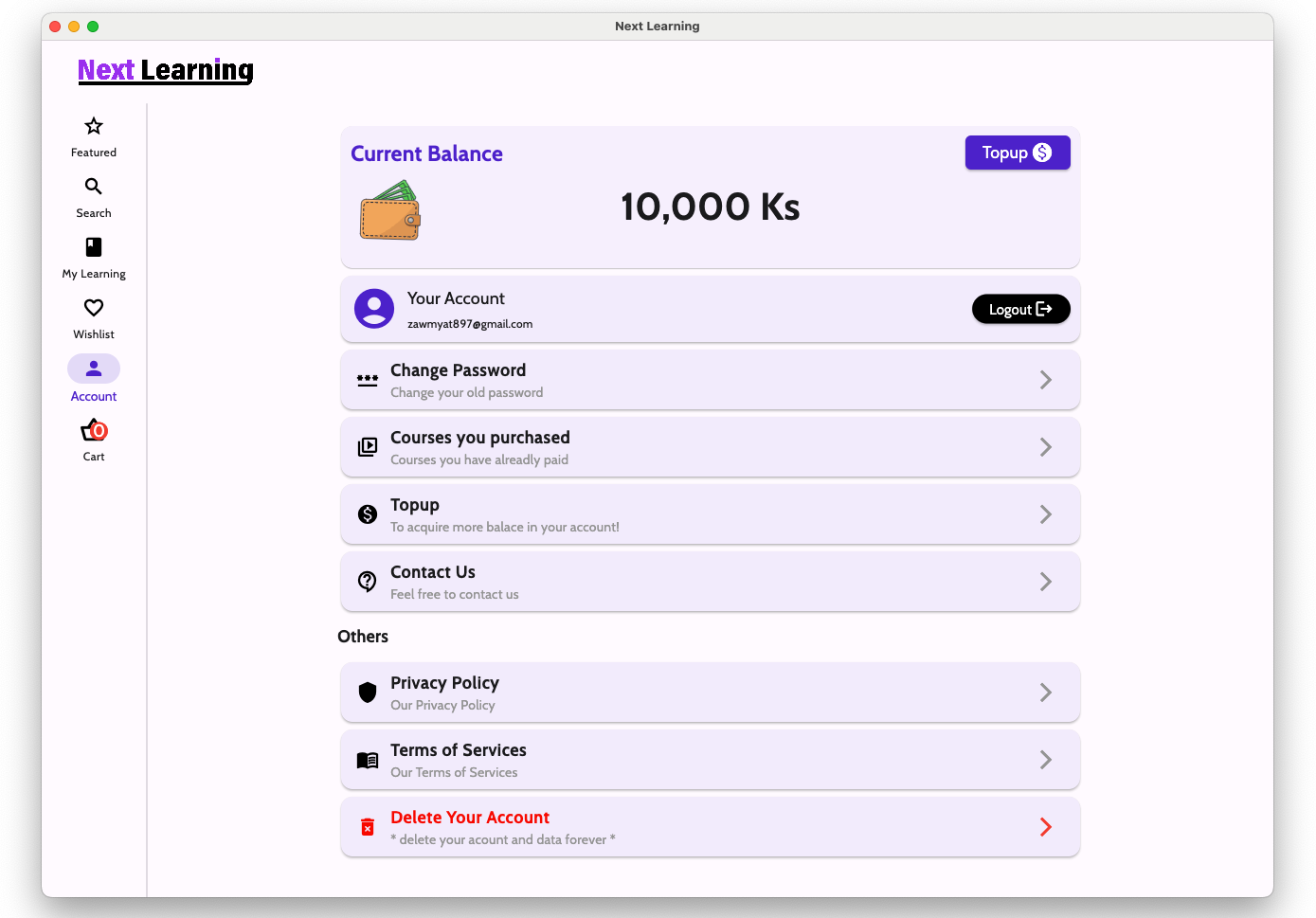
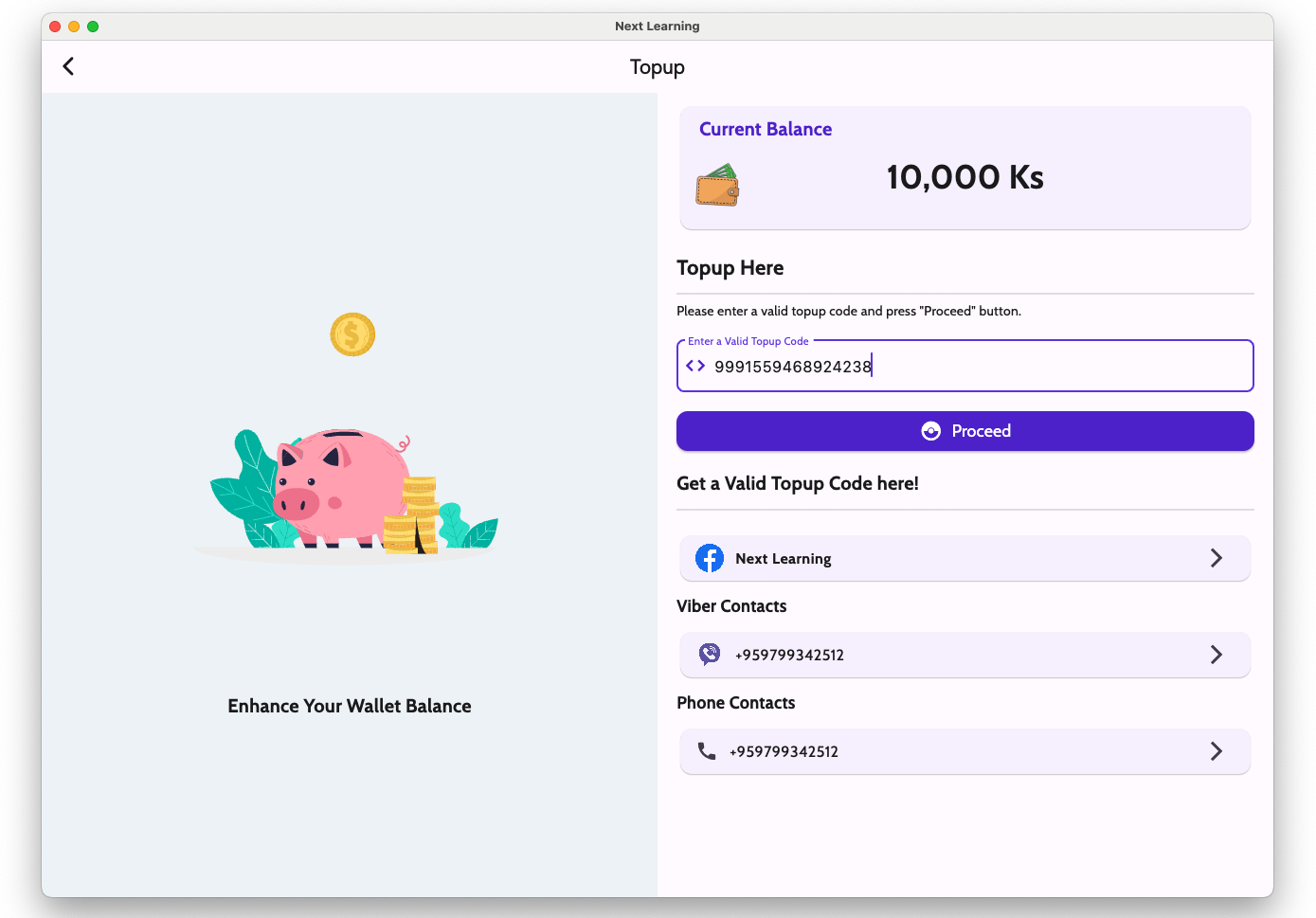
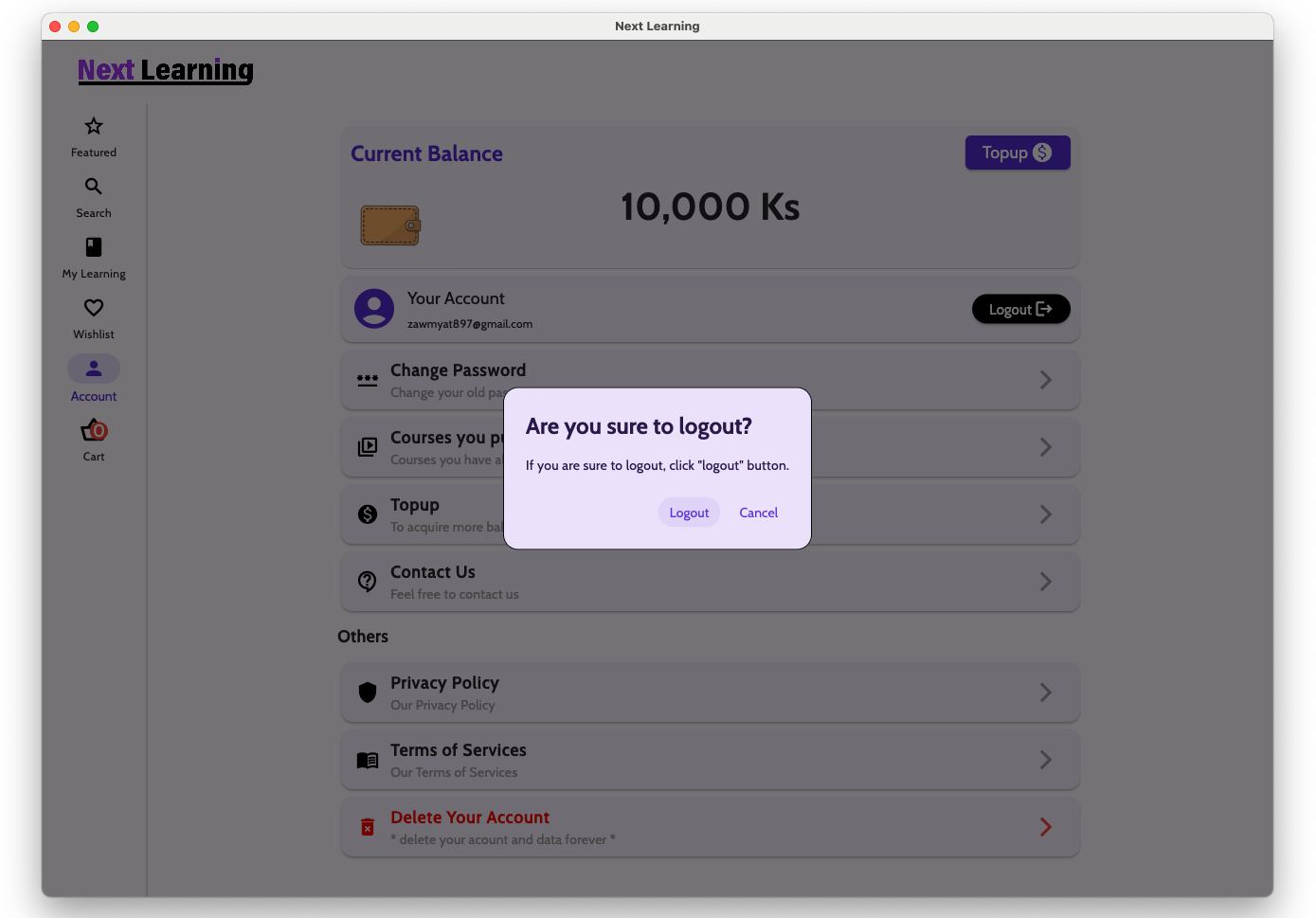
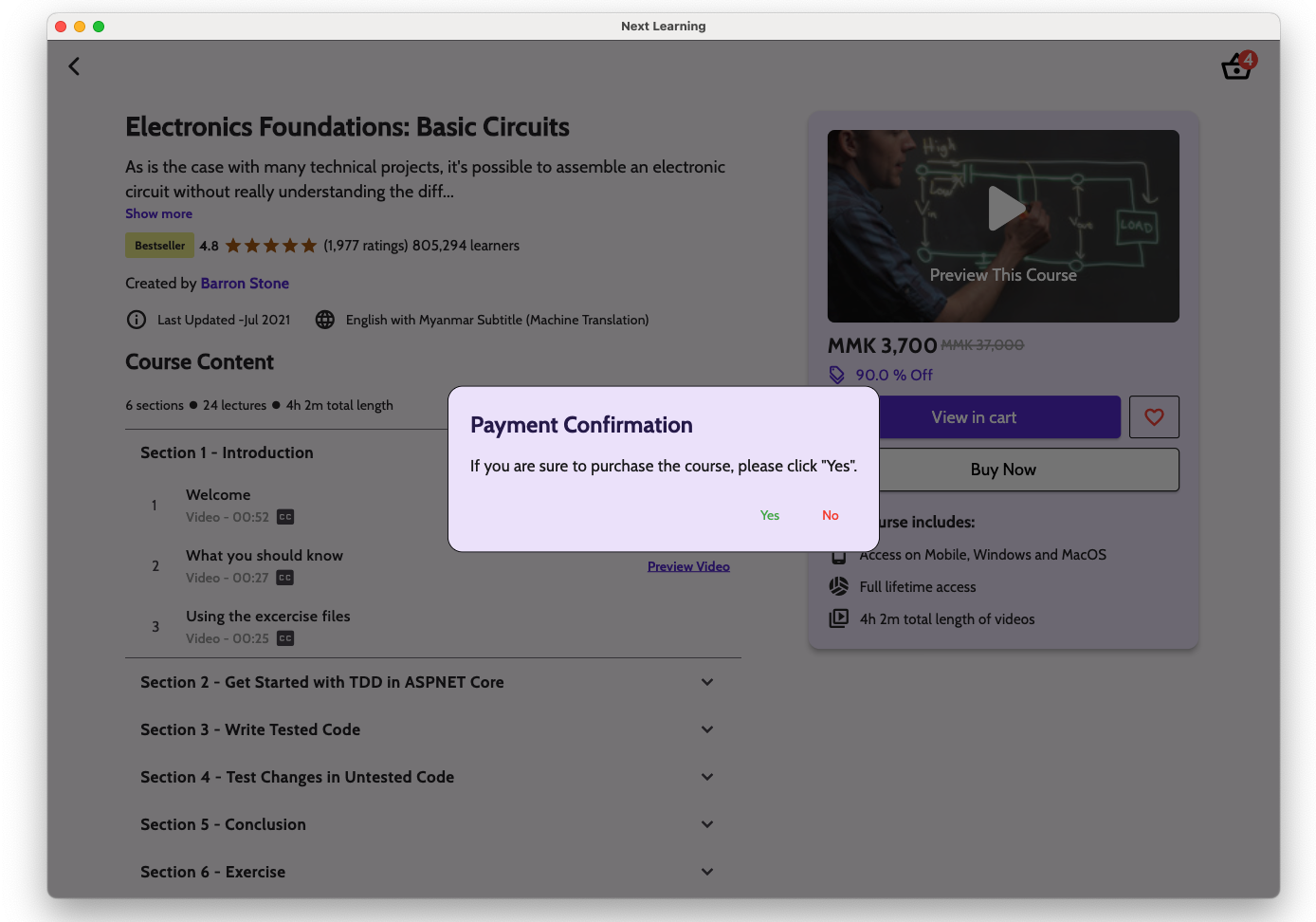
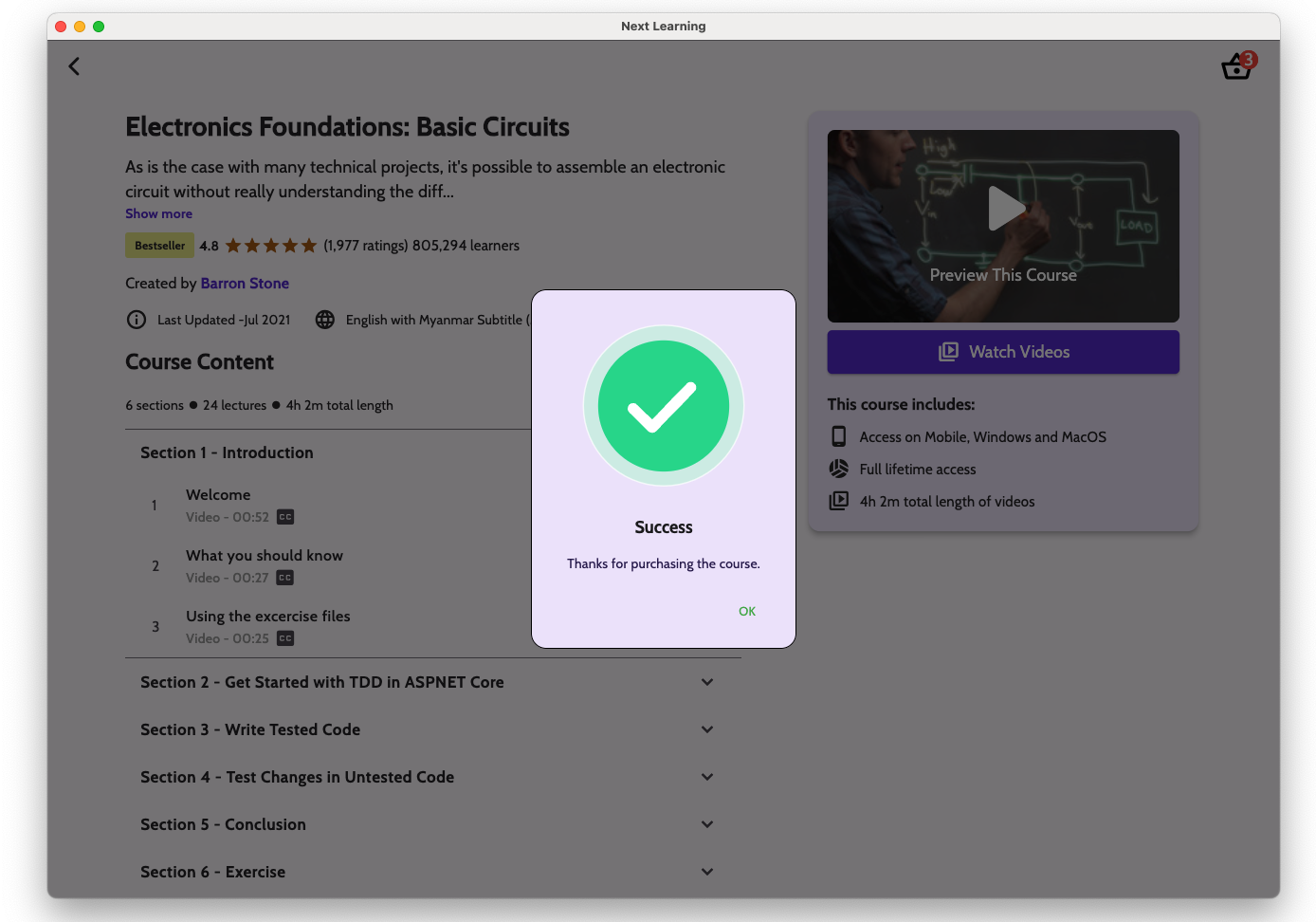
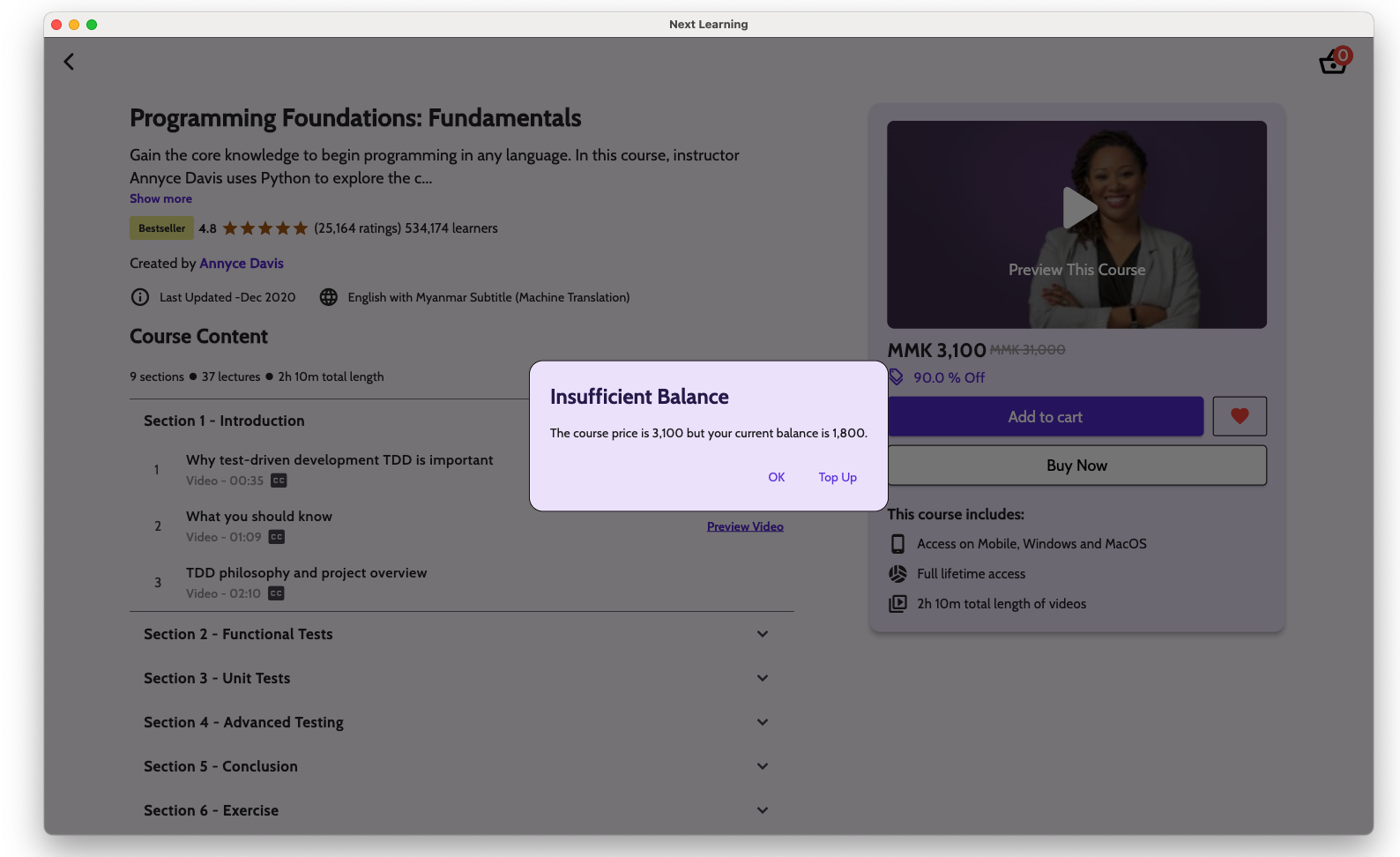
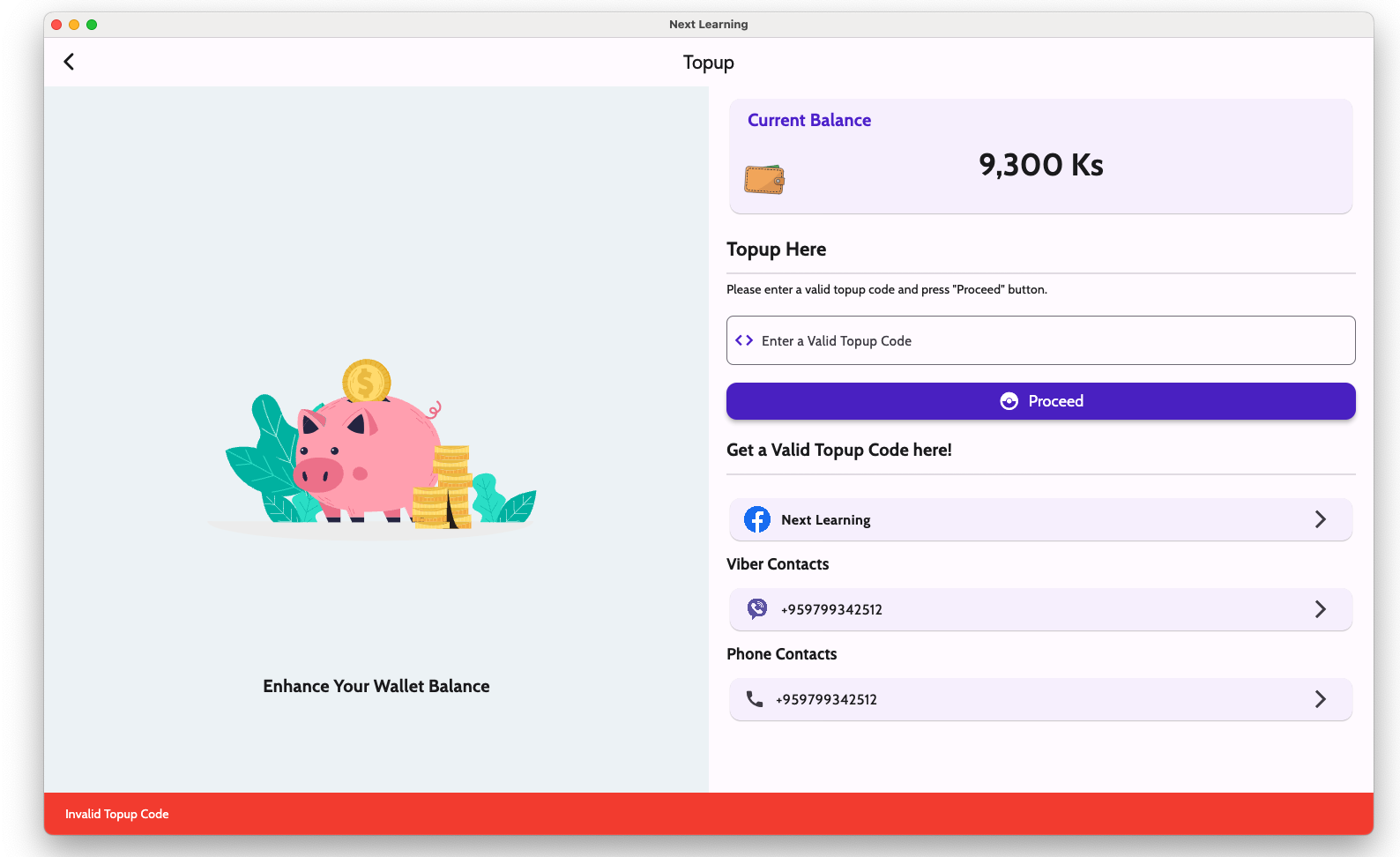
- Digital Wallet to purchase courses
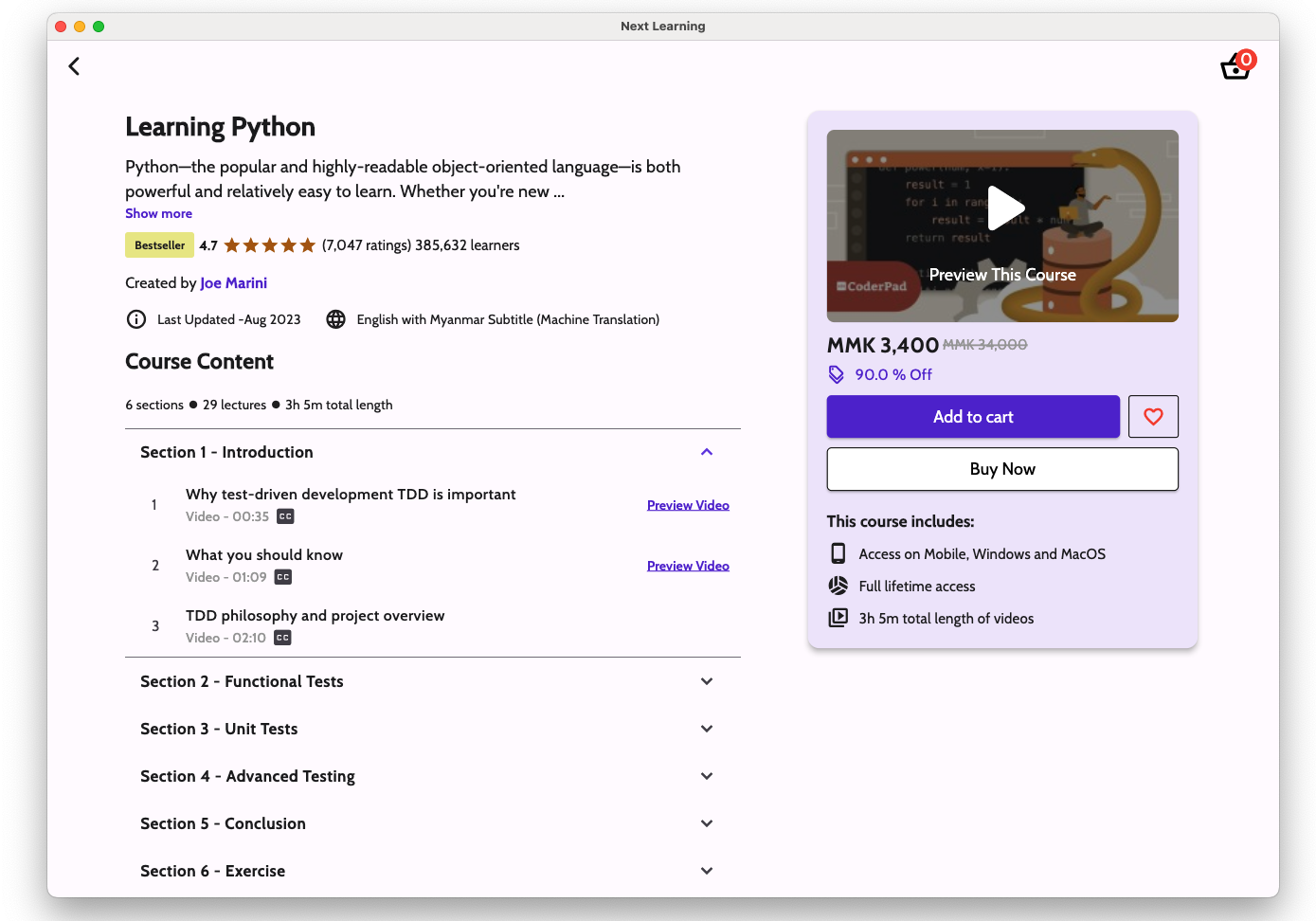
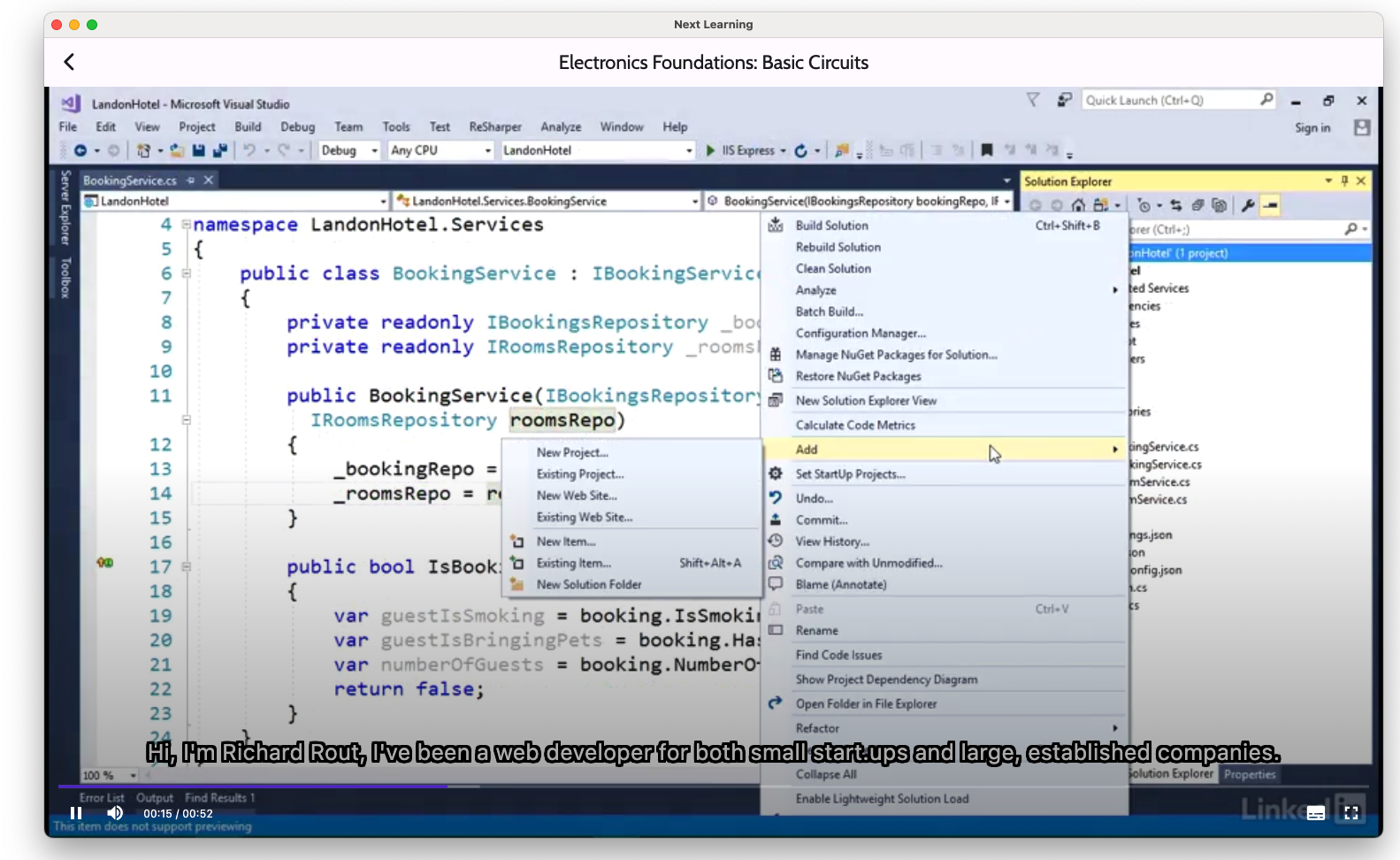
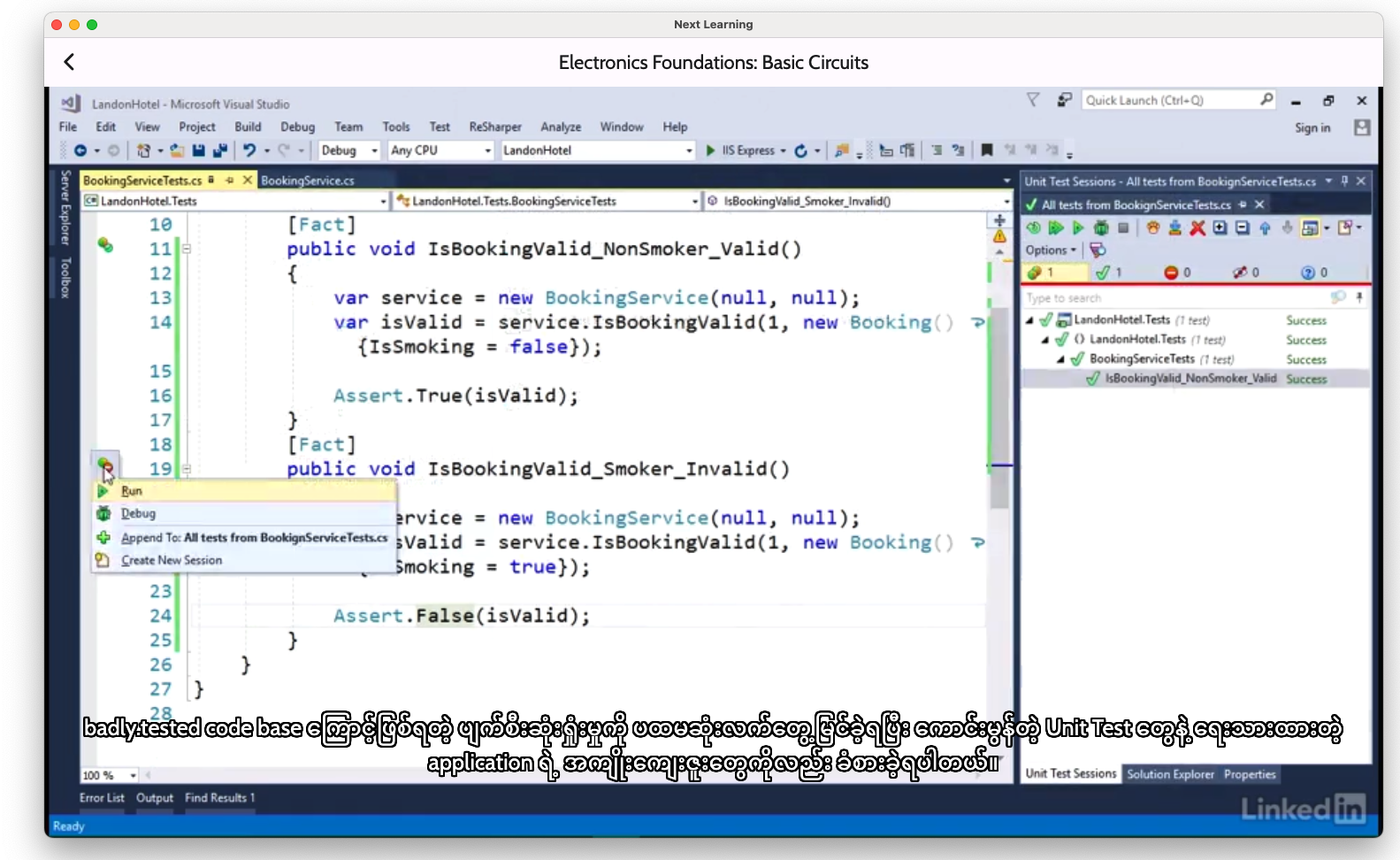
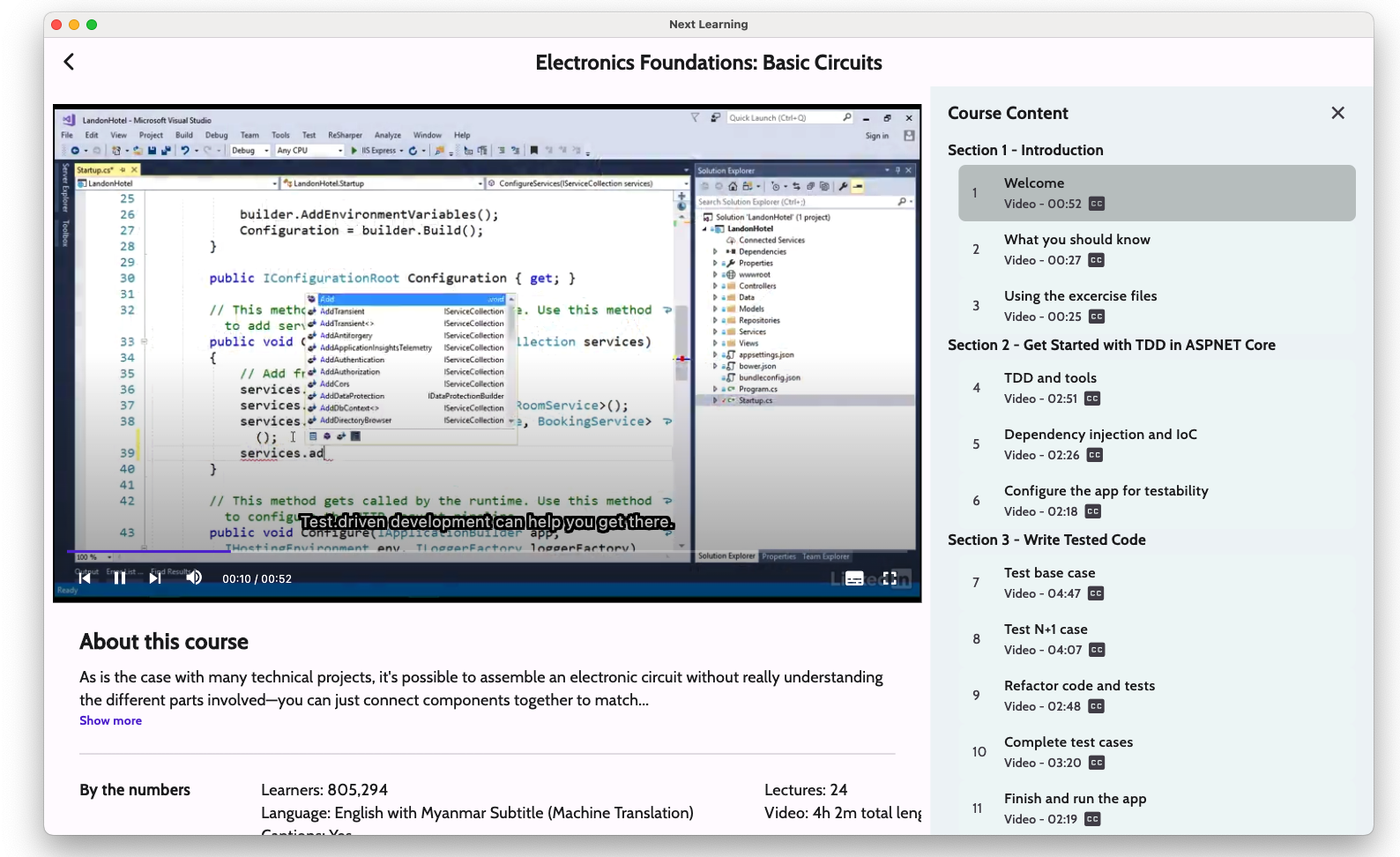
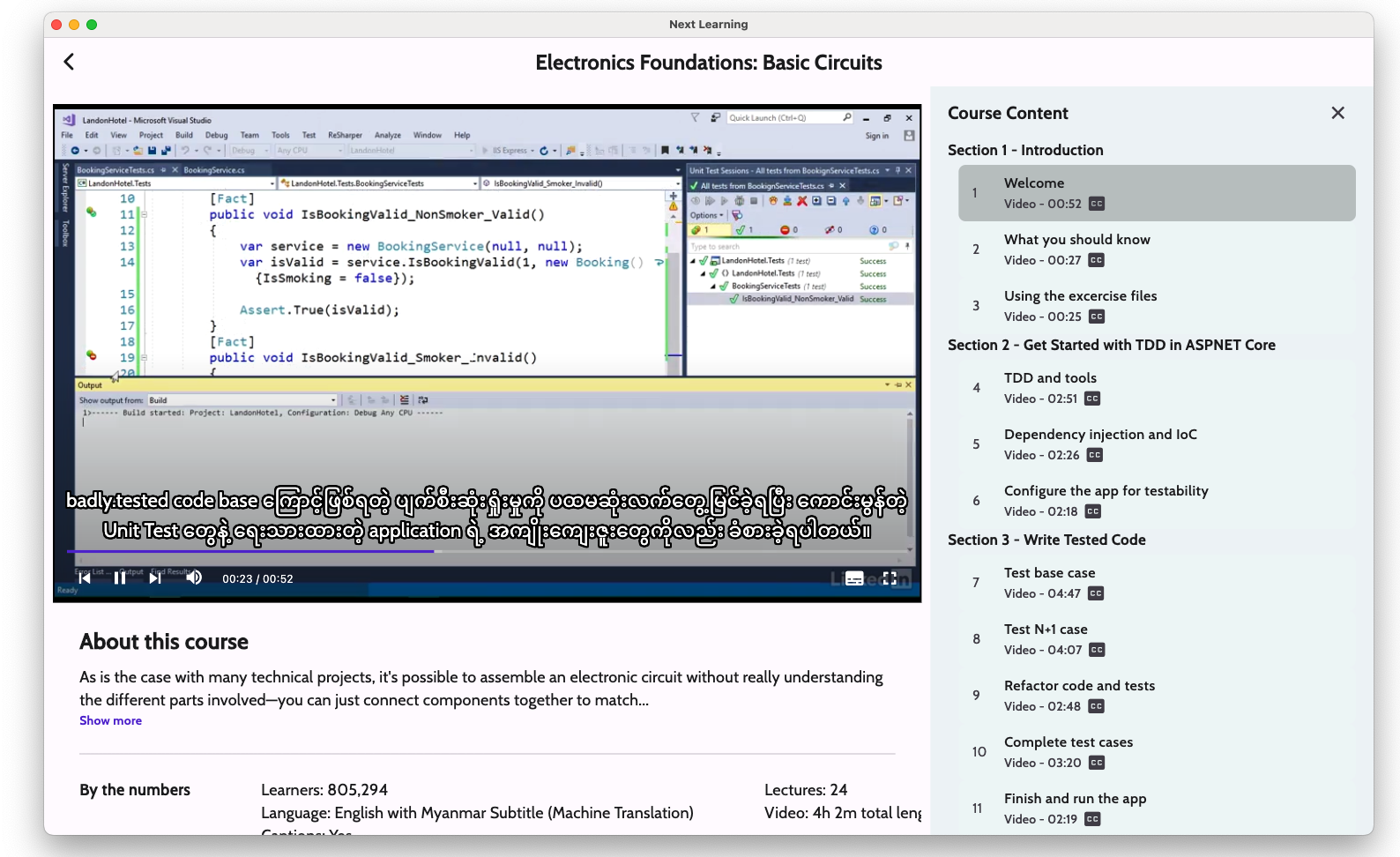
- Learn with subtitles
- Download video courses for offline learning (downloading videos will not be visible in the file manager, which means that it is downloaded as cache)
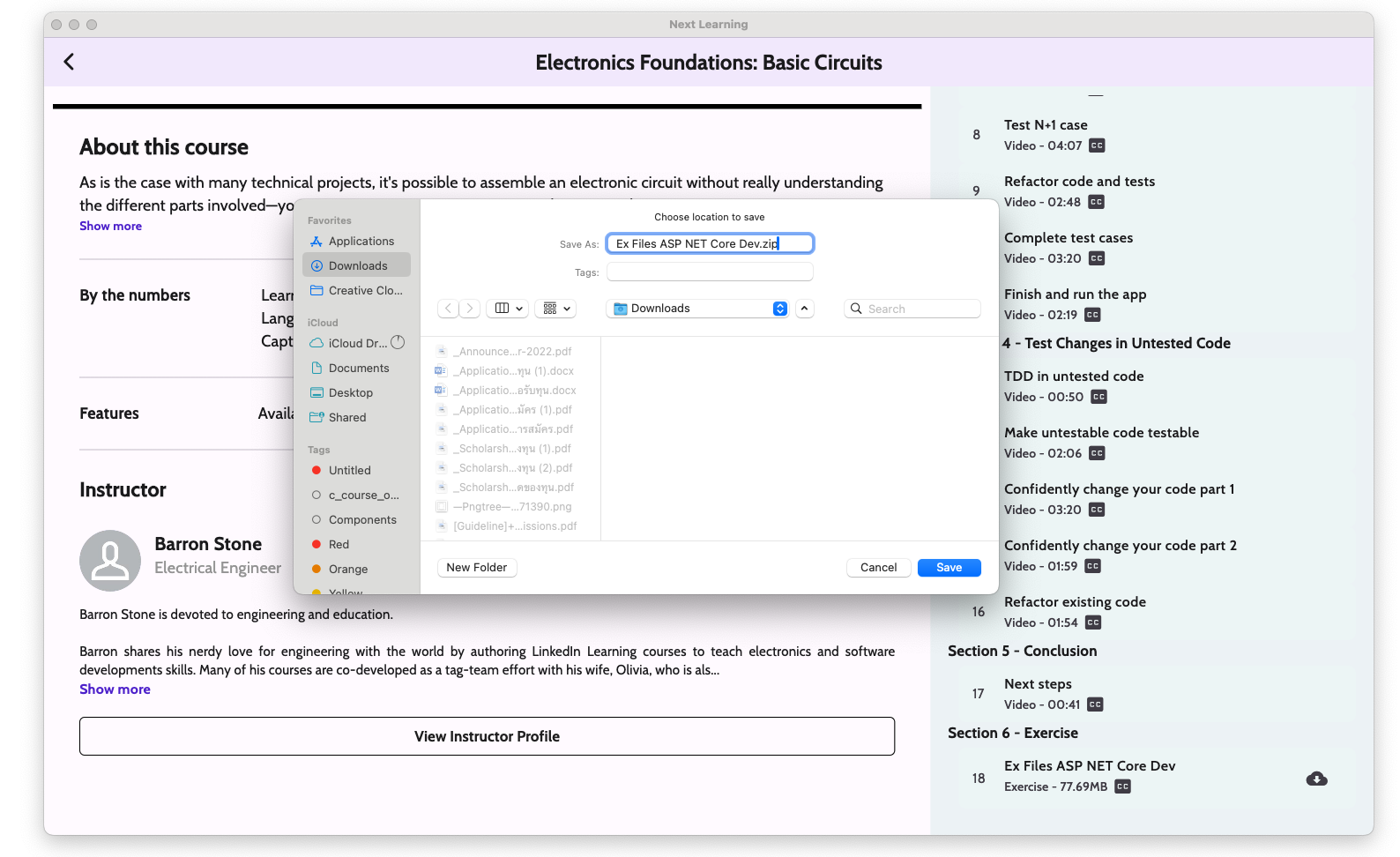
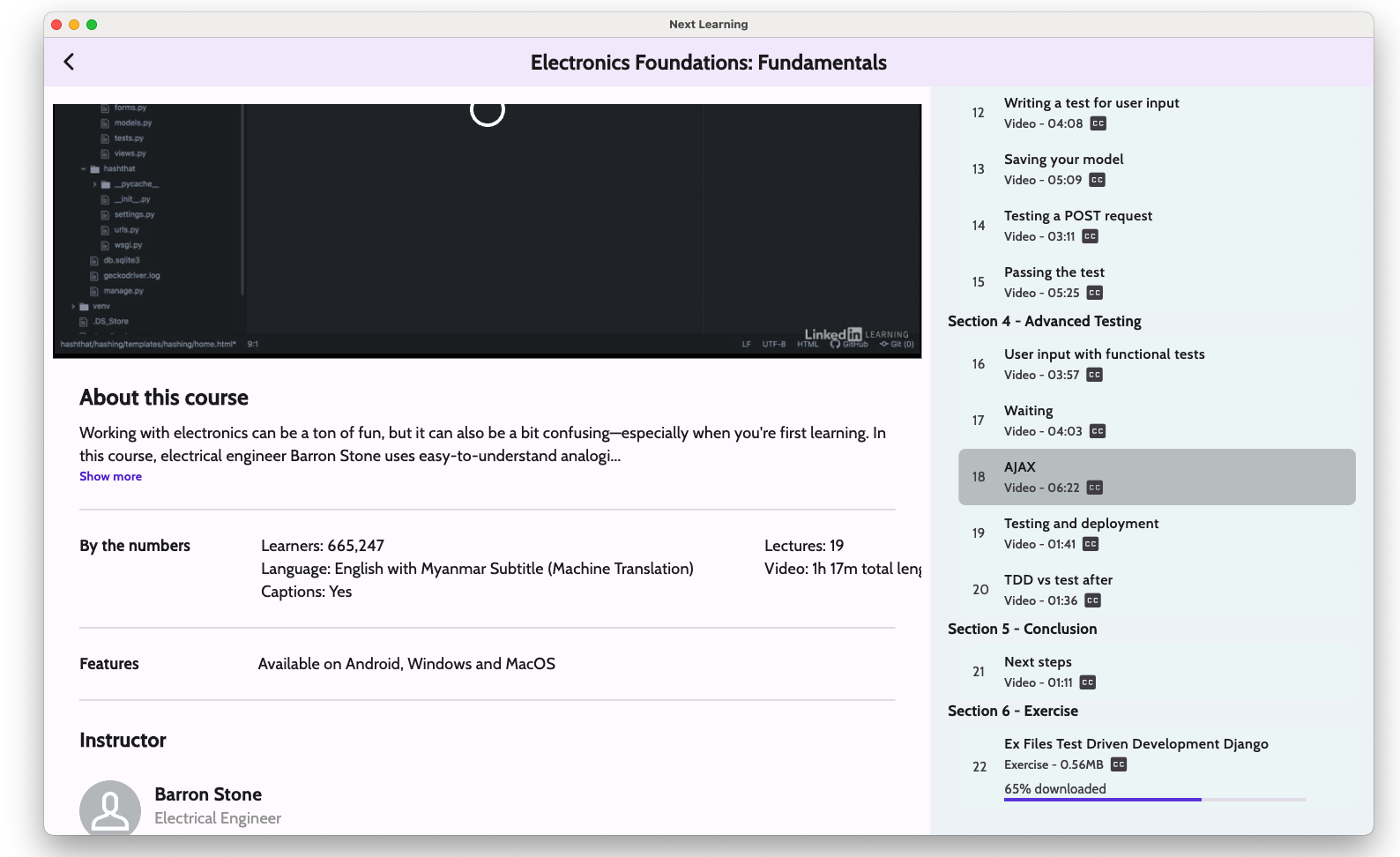
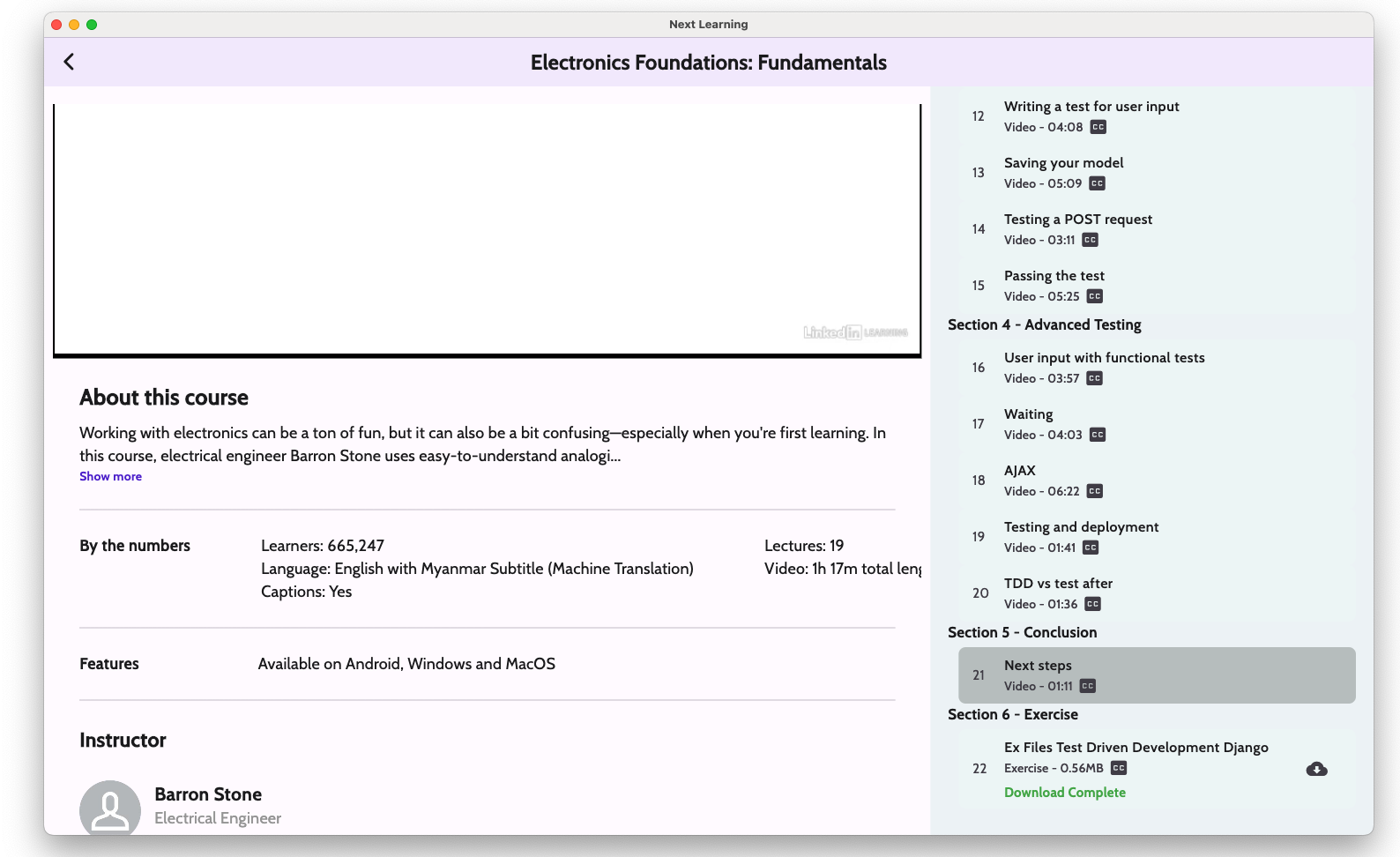
- Download course resources files (This type of download saves zip files in the Download folder.) Background Download / Show the download progress as a notification form / Parallel Download)
- Public/Locked Video Lessons
- Next/Previous Skip buttons, Forward/Backward 10 sec skippable
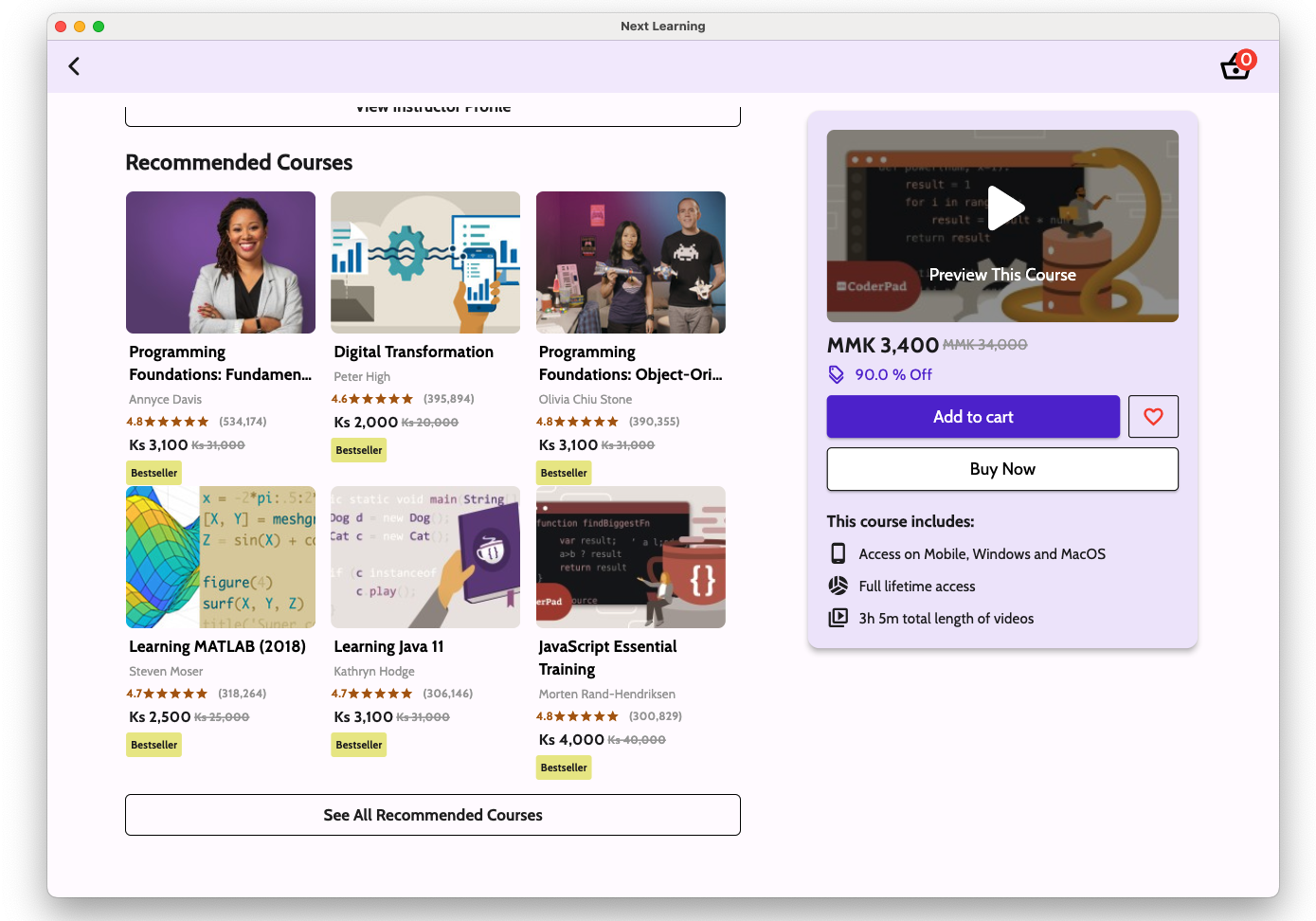
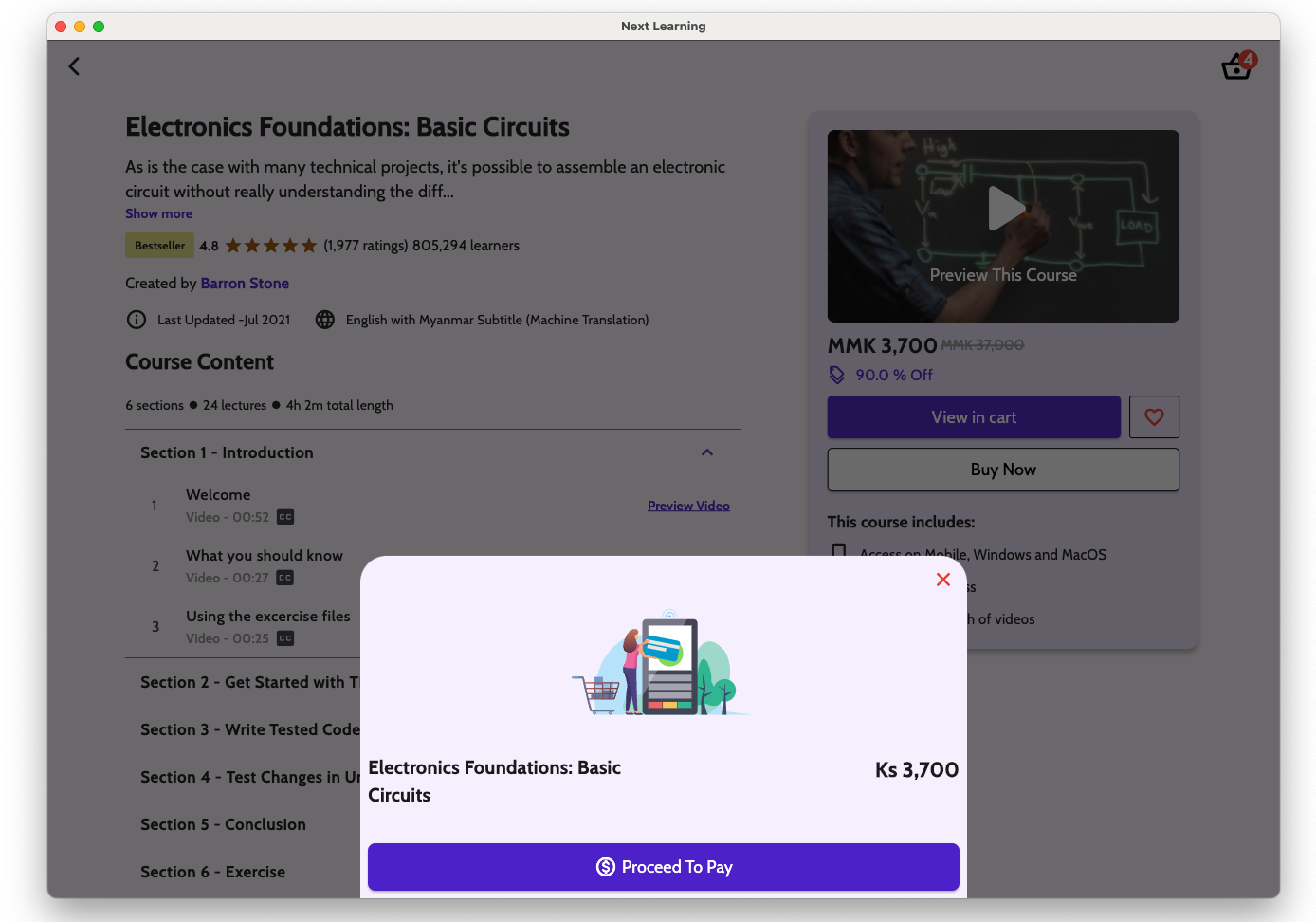
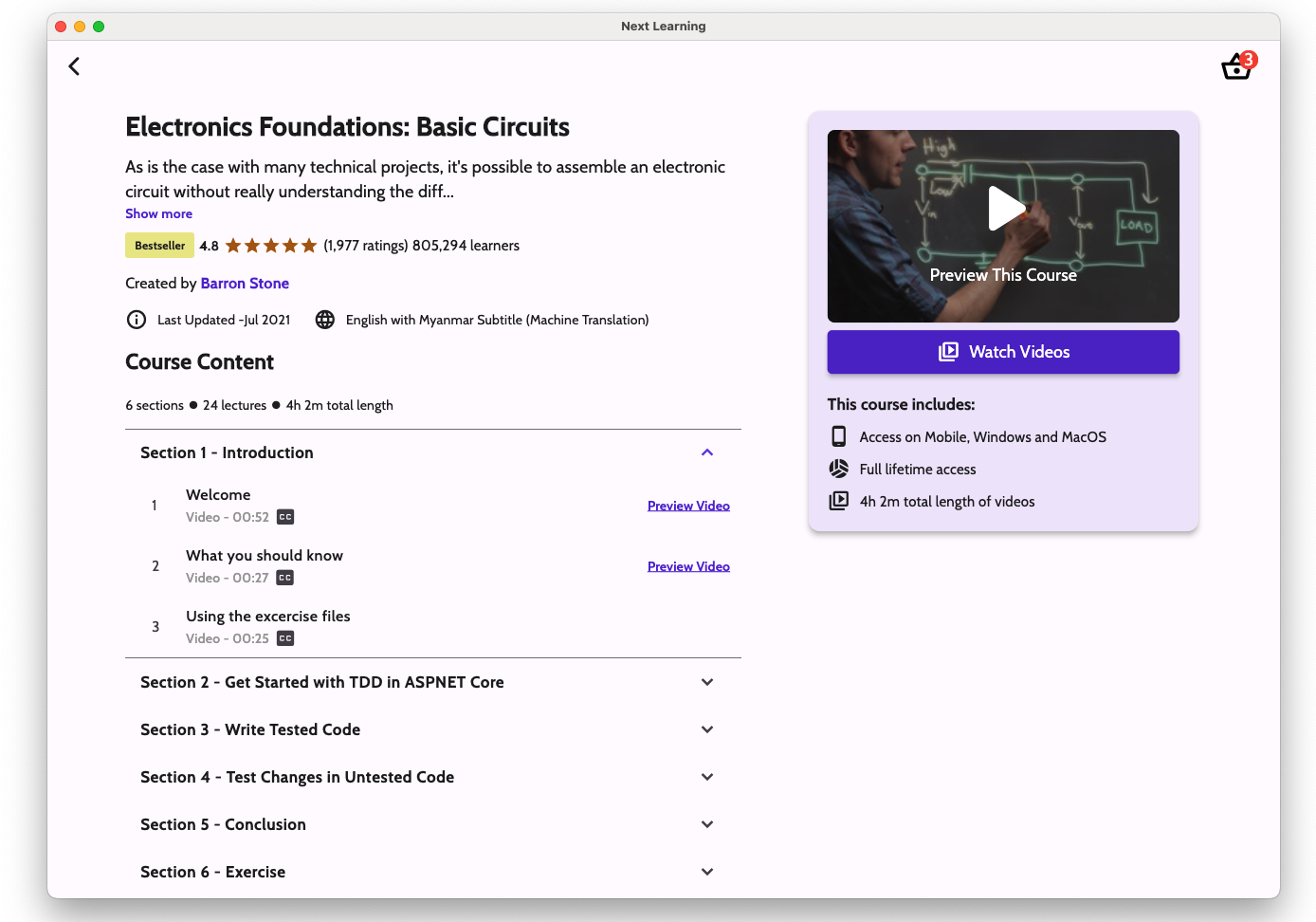
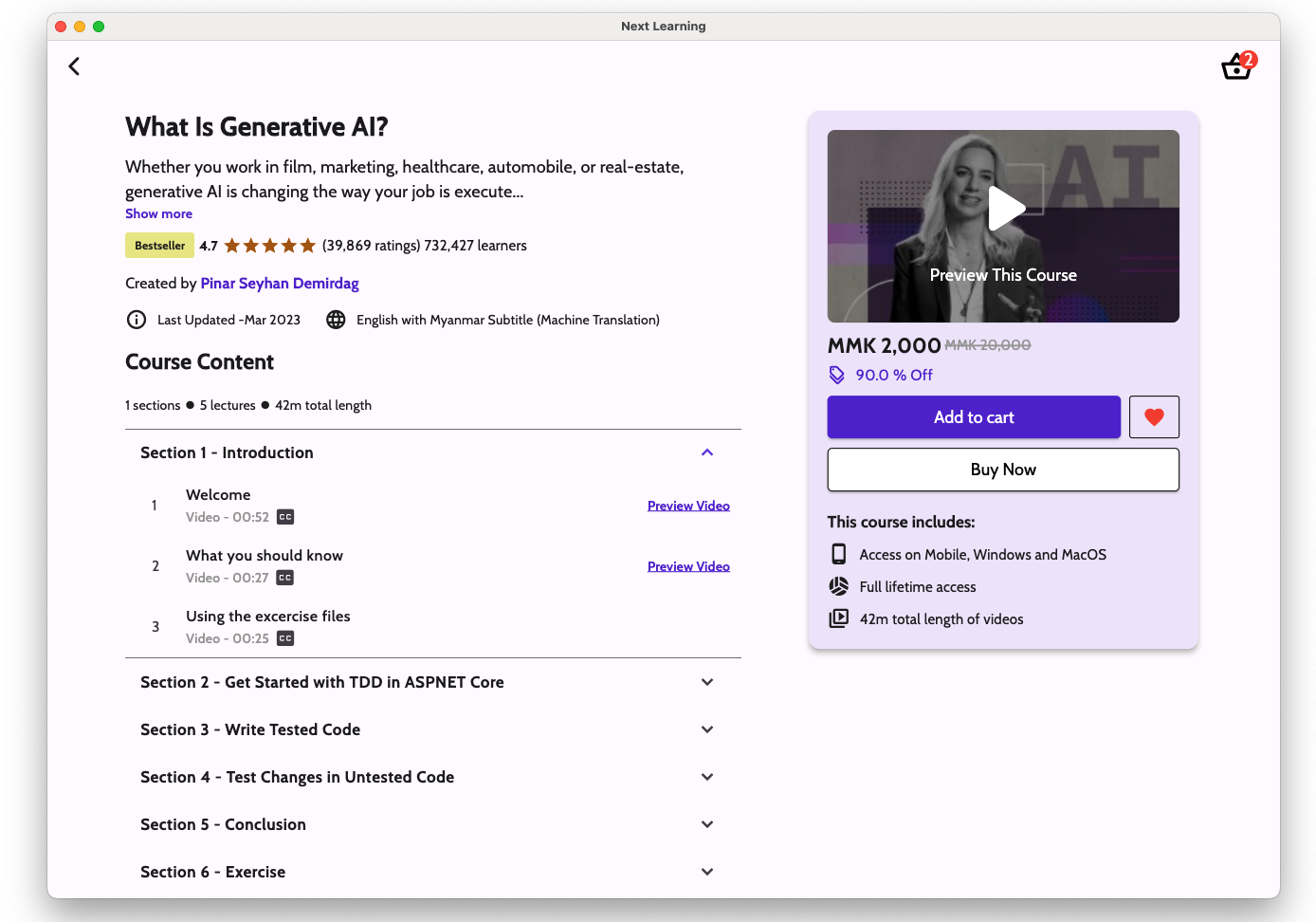
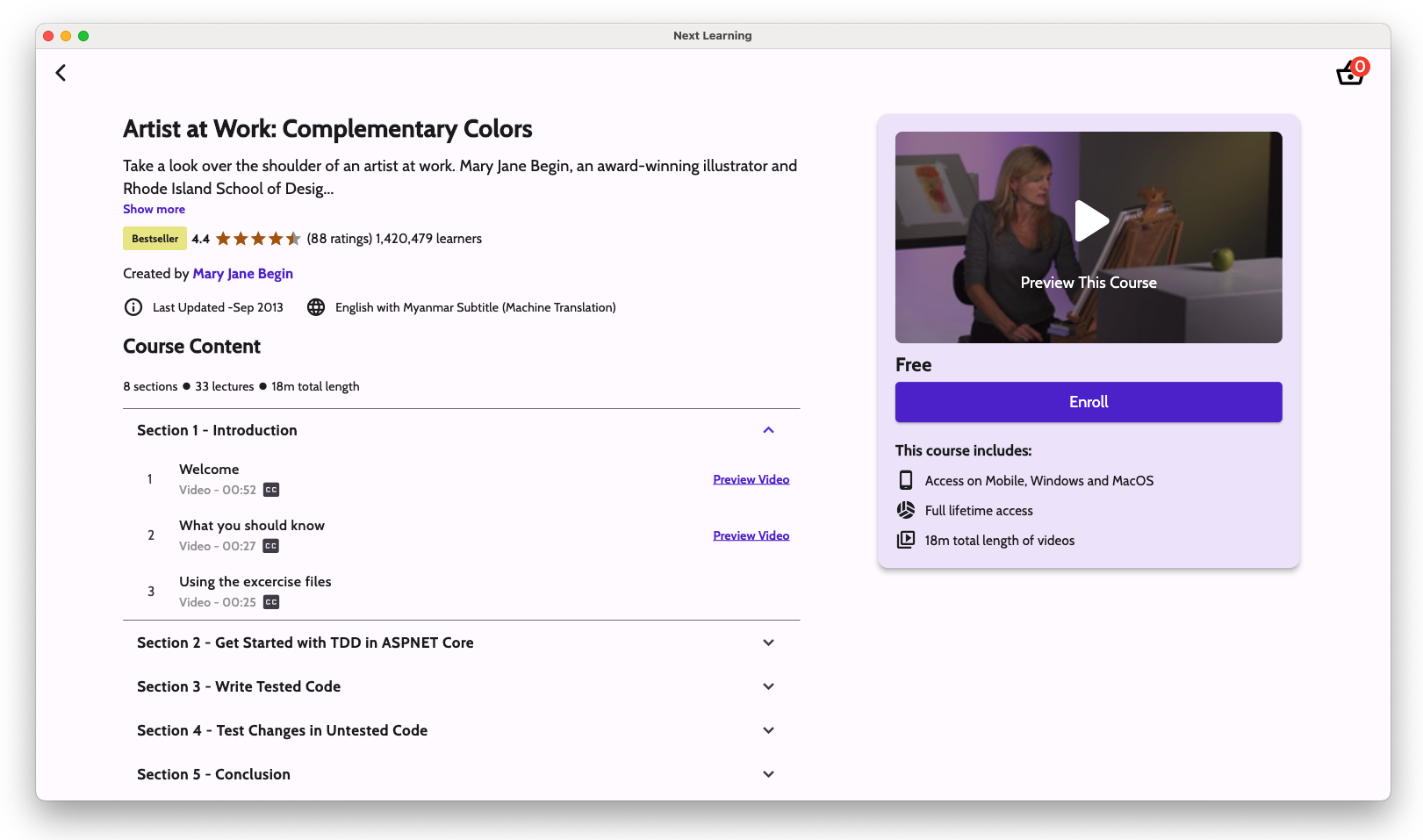
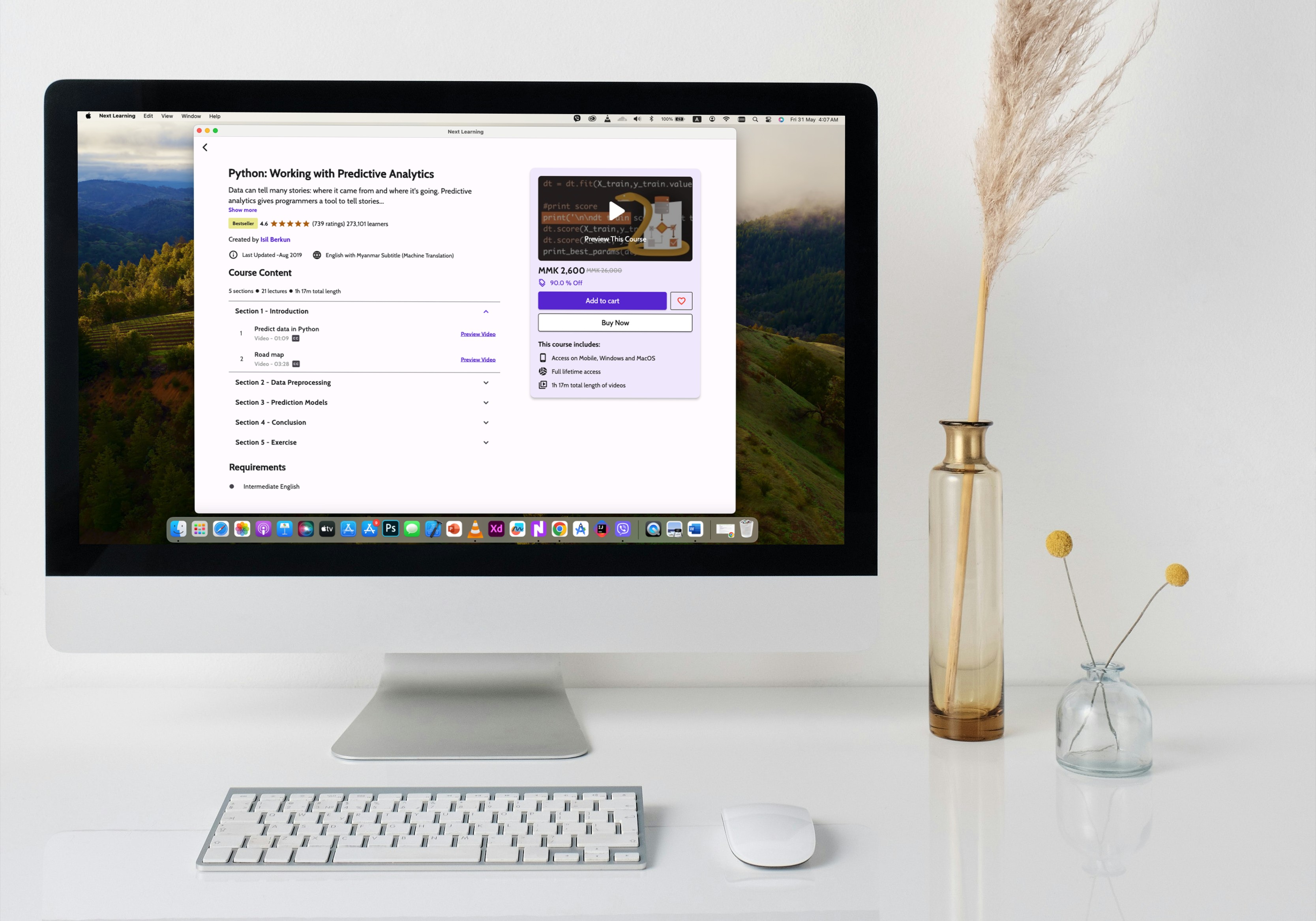
- Thorough course details and learning paths
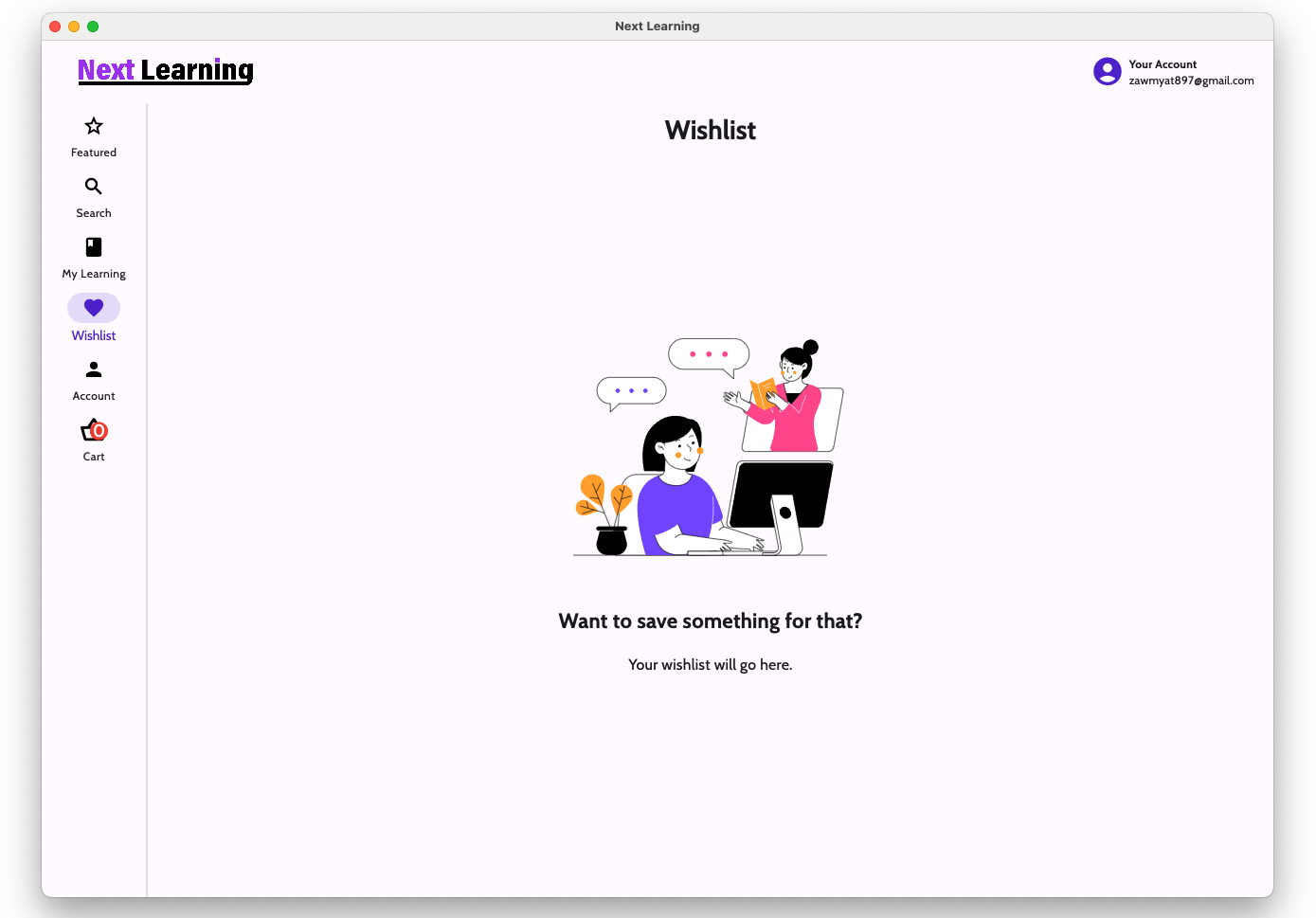
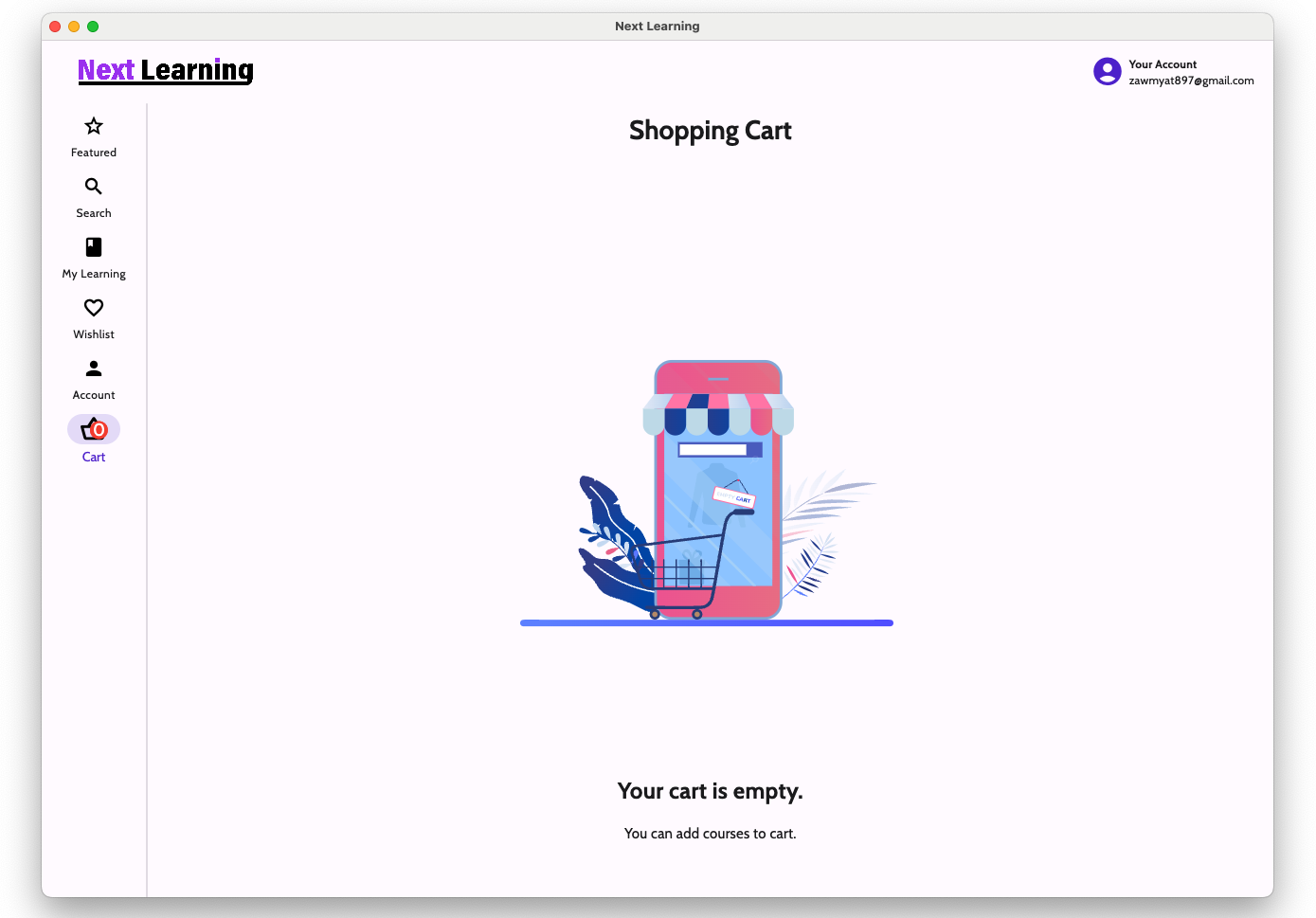
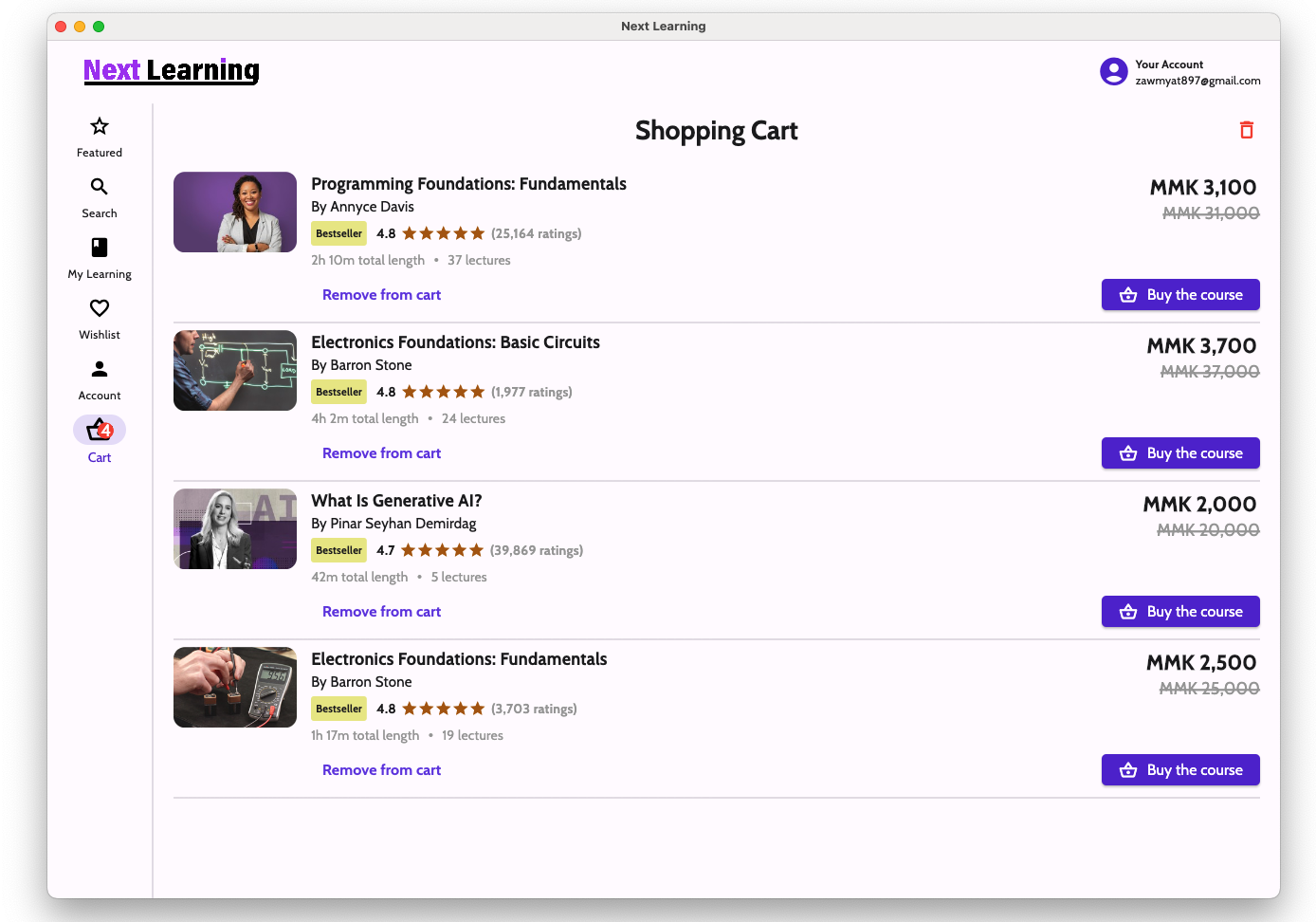
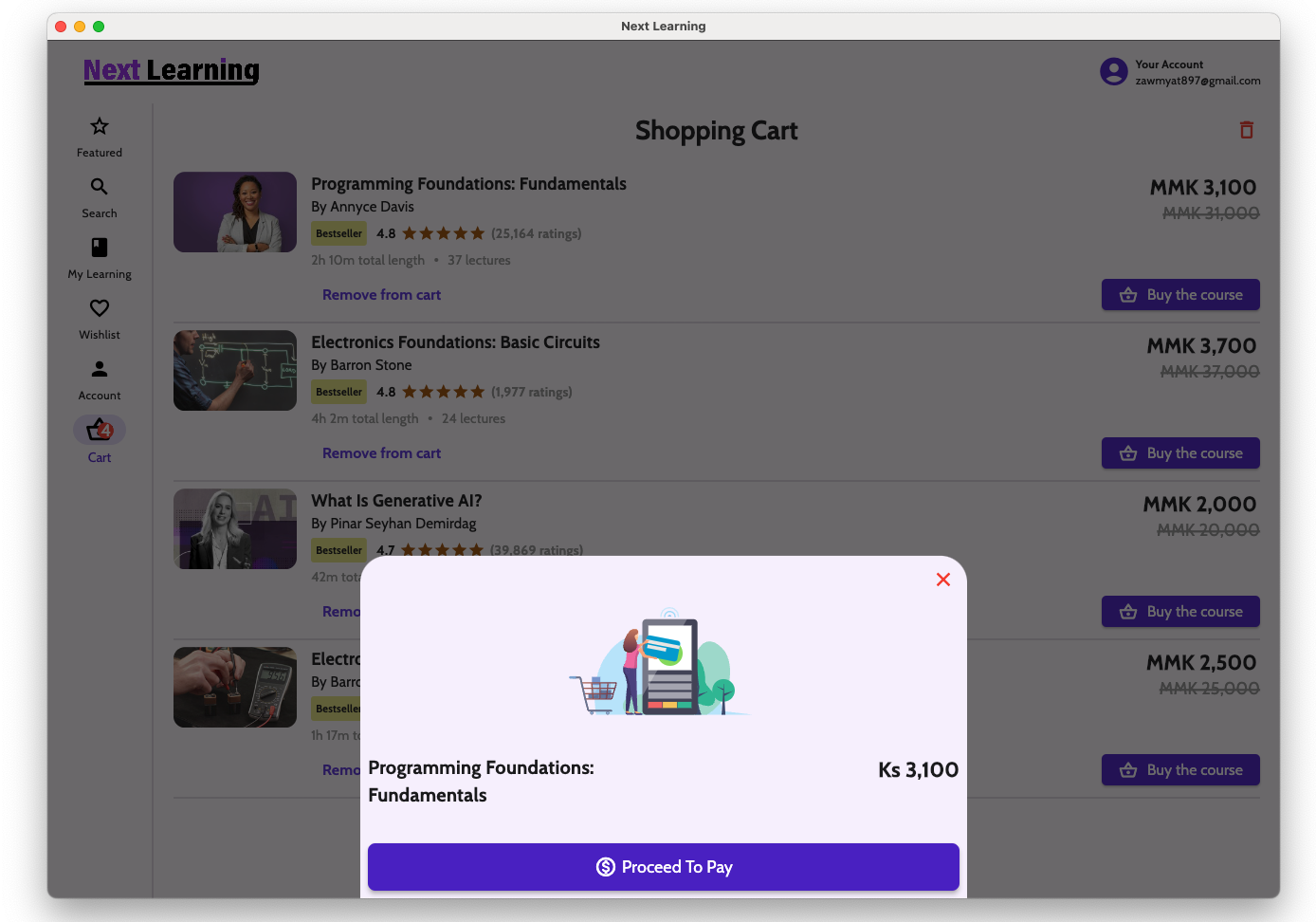
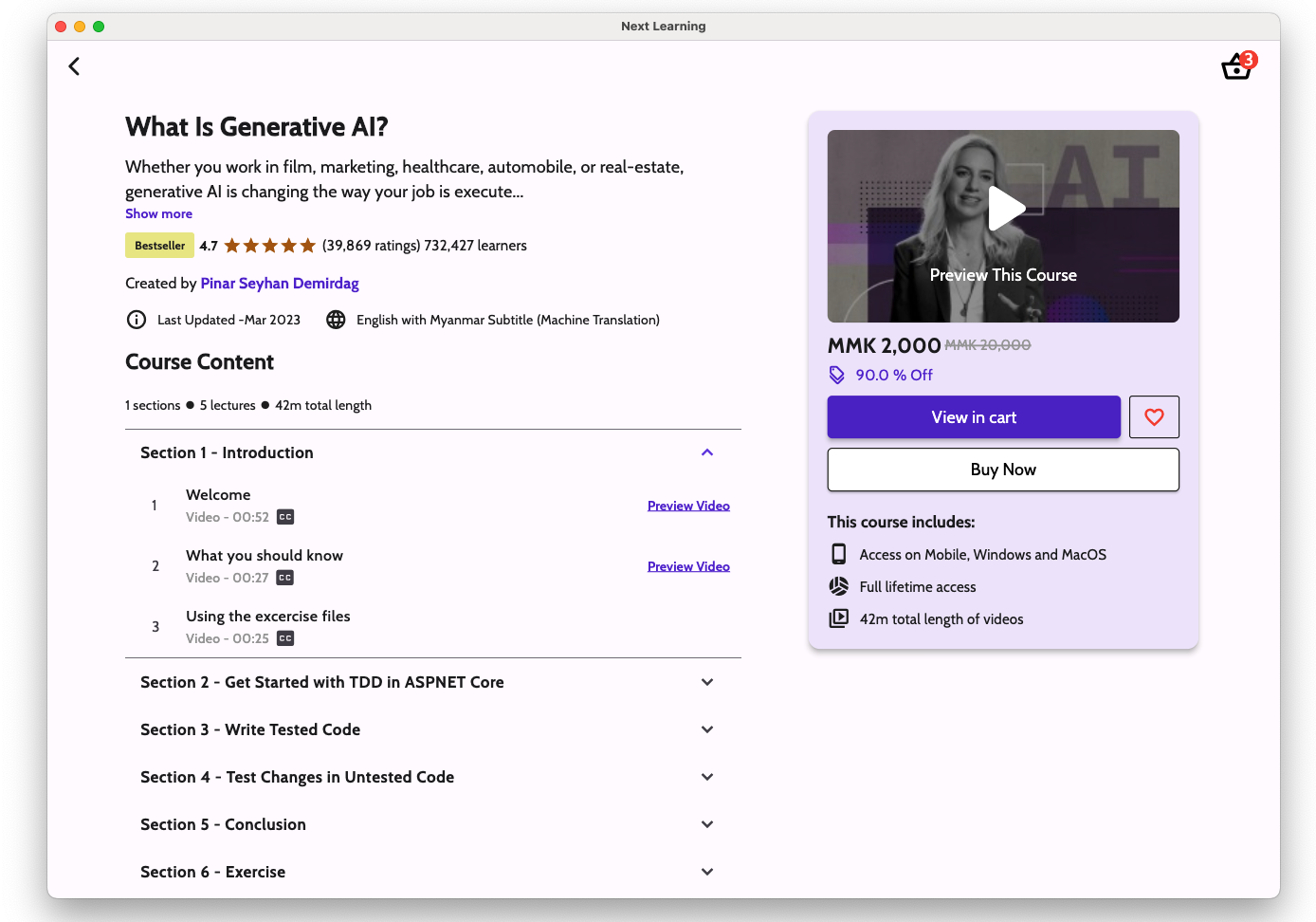
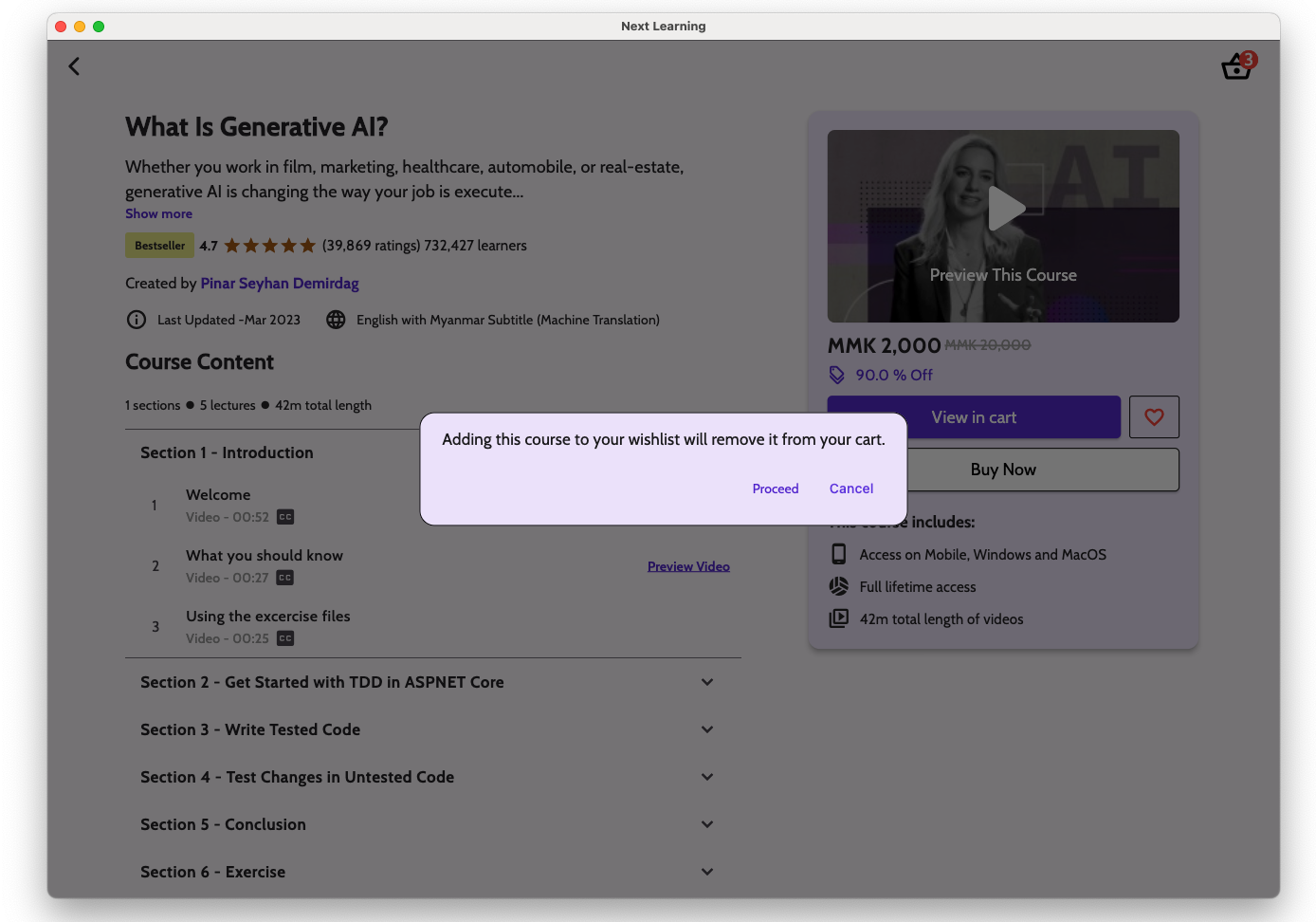
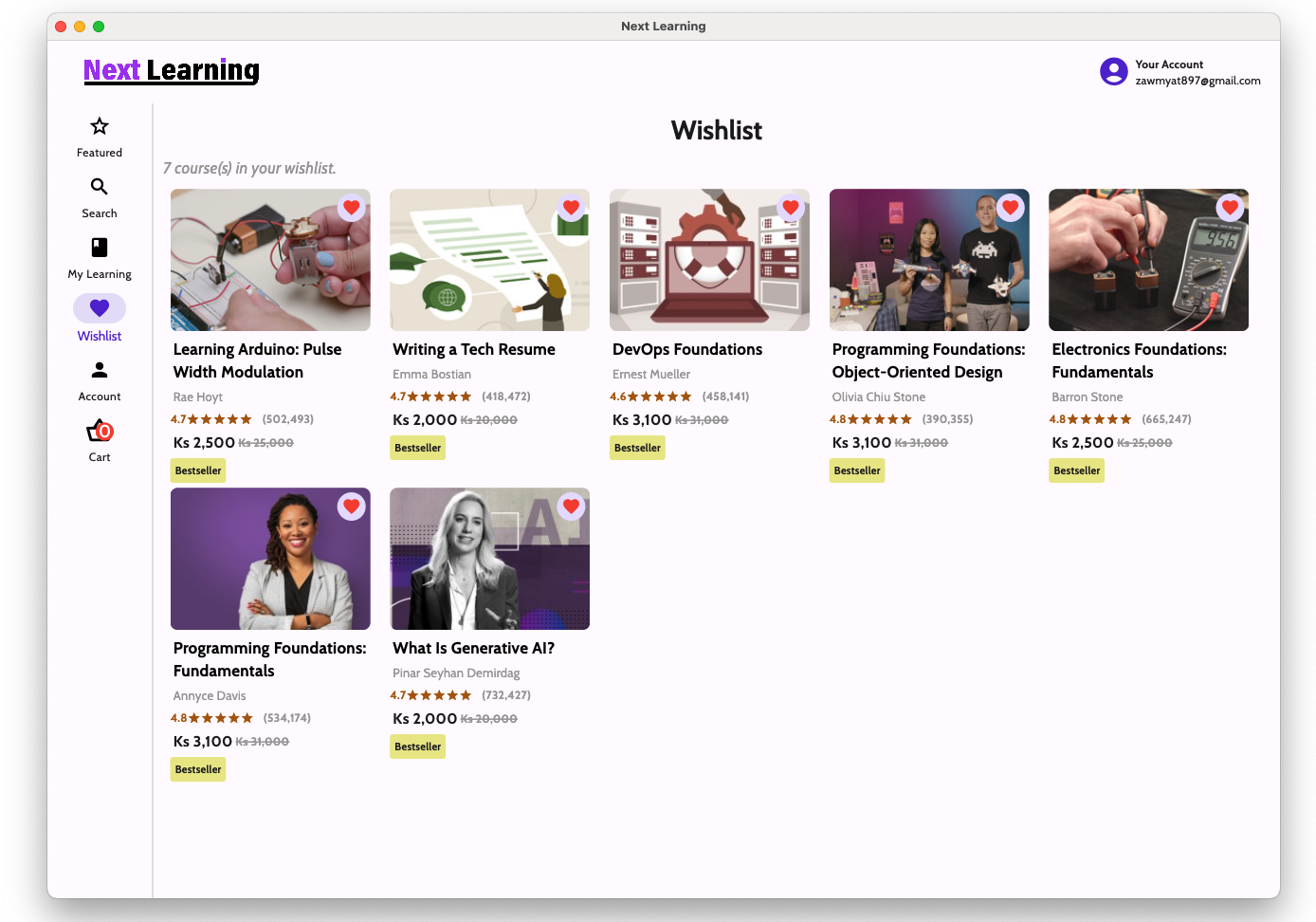
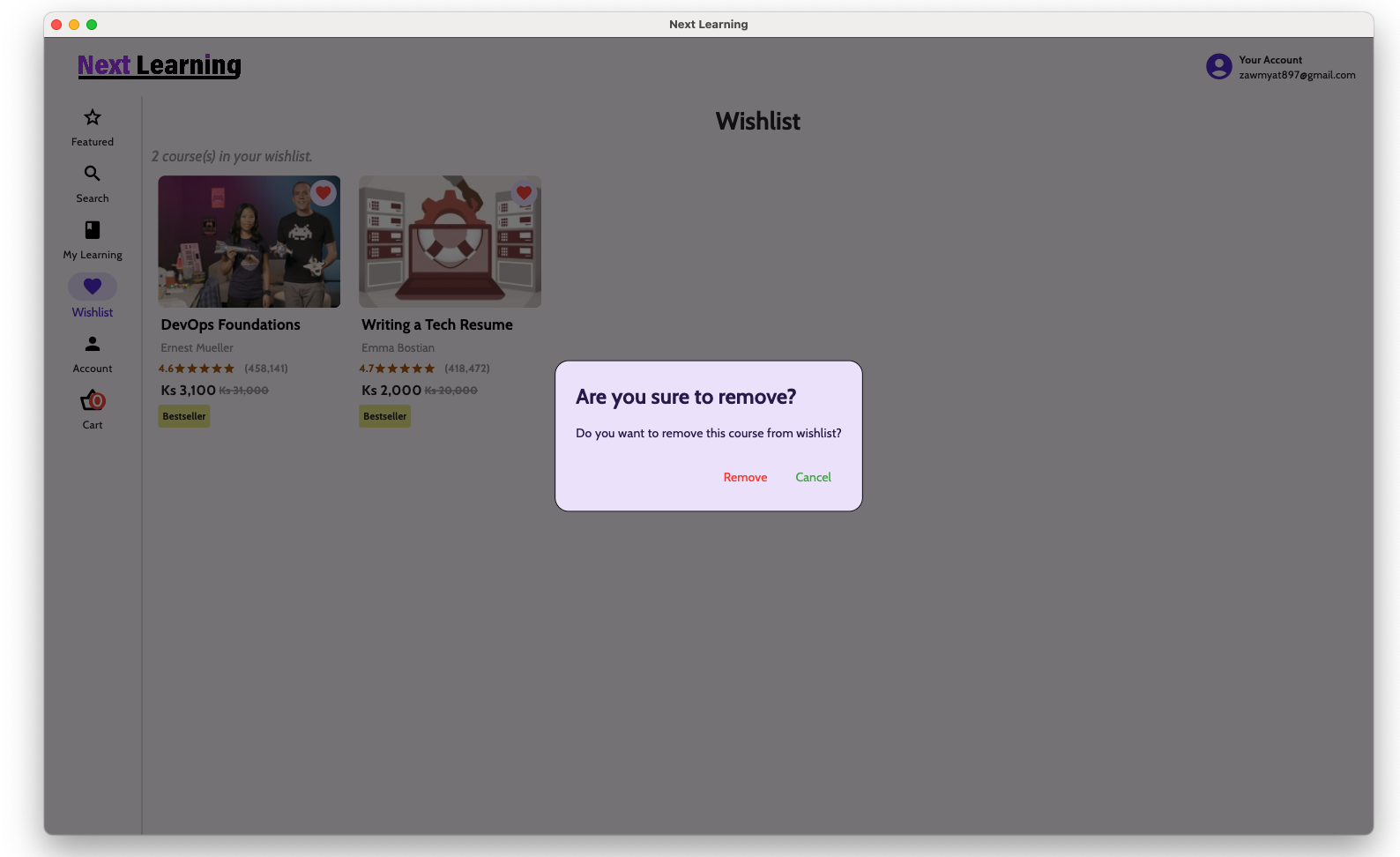
- Shopping Cart / Wishlist (If a course has already purchased, that course cannot be added to shopping cart and wishlist. If a course is in the shopping cart, that course cannot be in the wishlist. If a course is in the wishlist, that course cannot be in the wishlist
- Disabled taking screenshot and screen recording
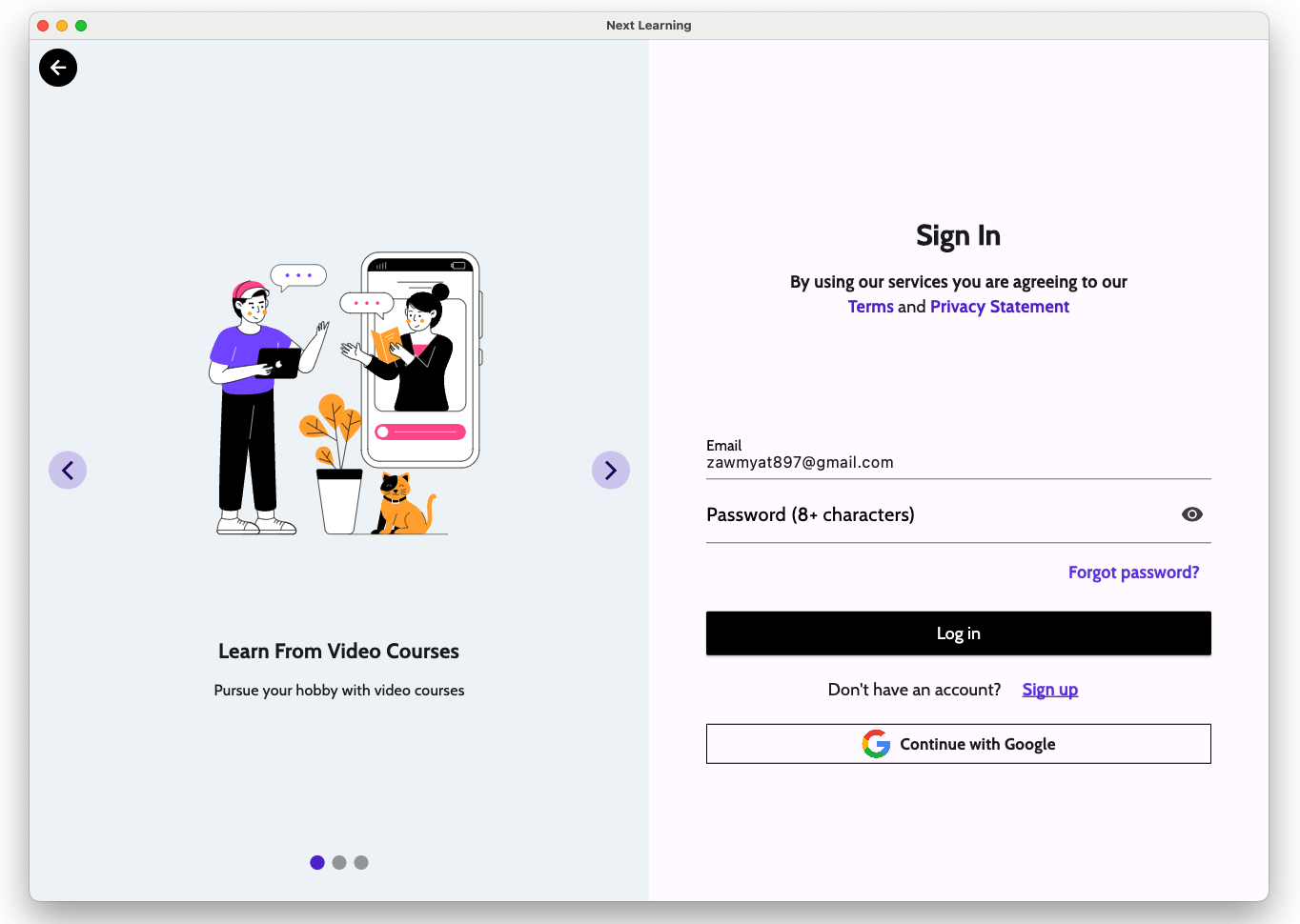
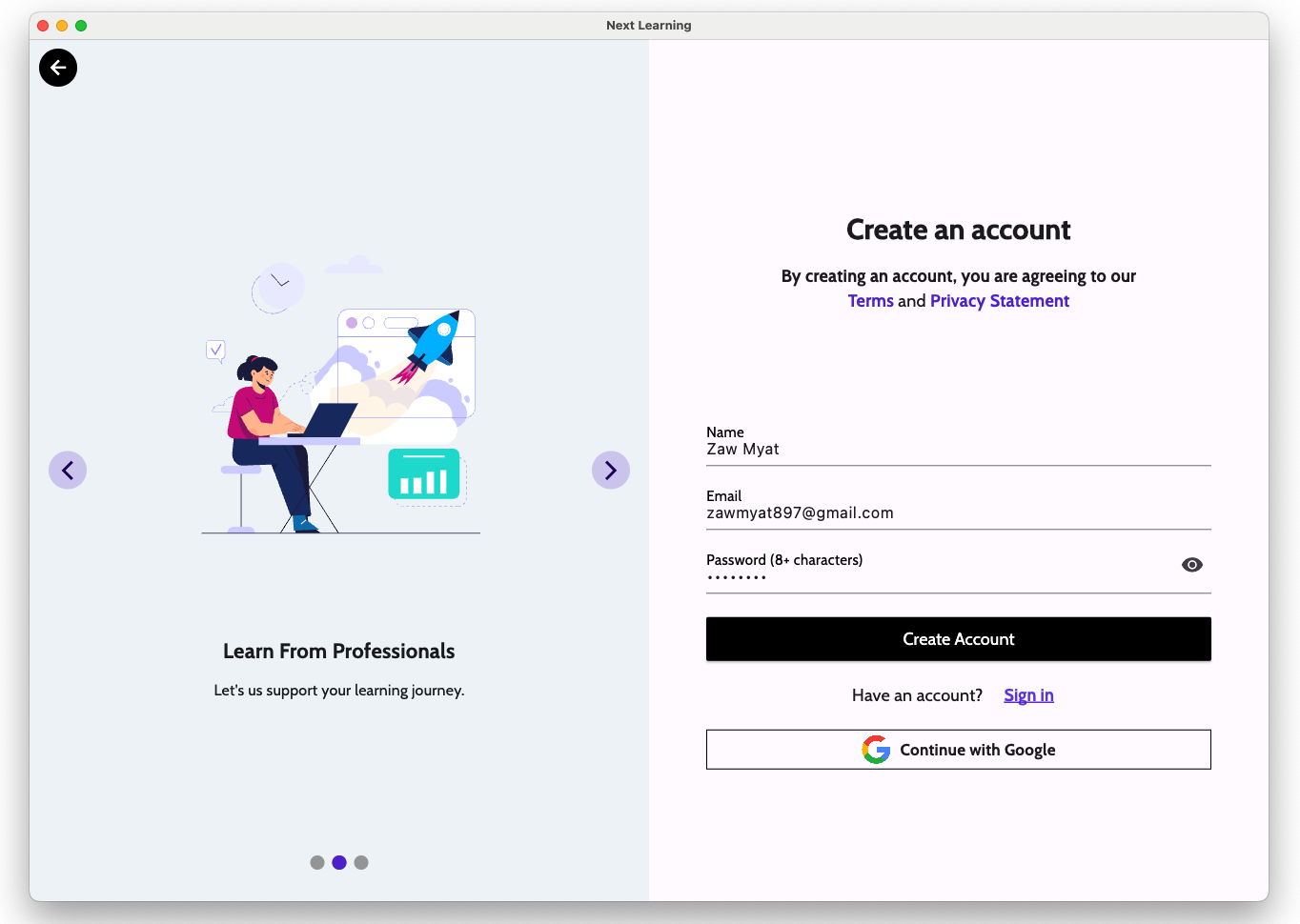
- There are 2 sign-in methods: Email/password login & Google Sign-in
- Maximum number of simultaneous device session is 3
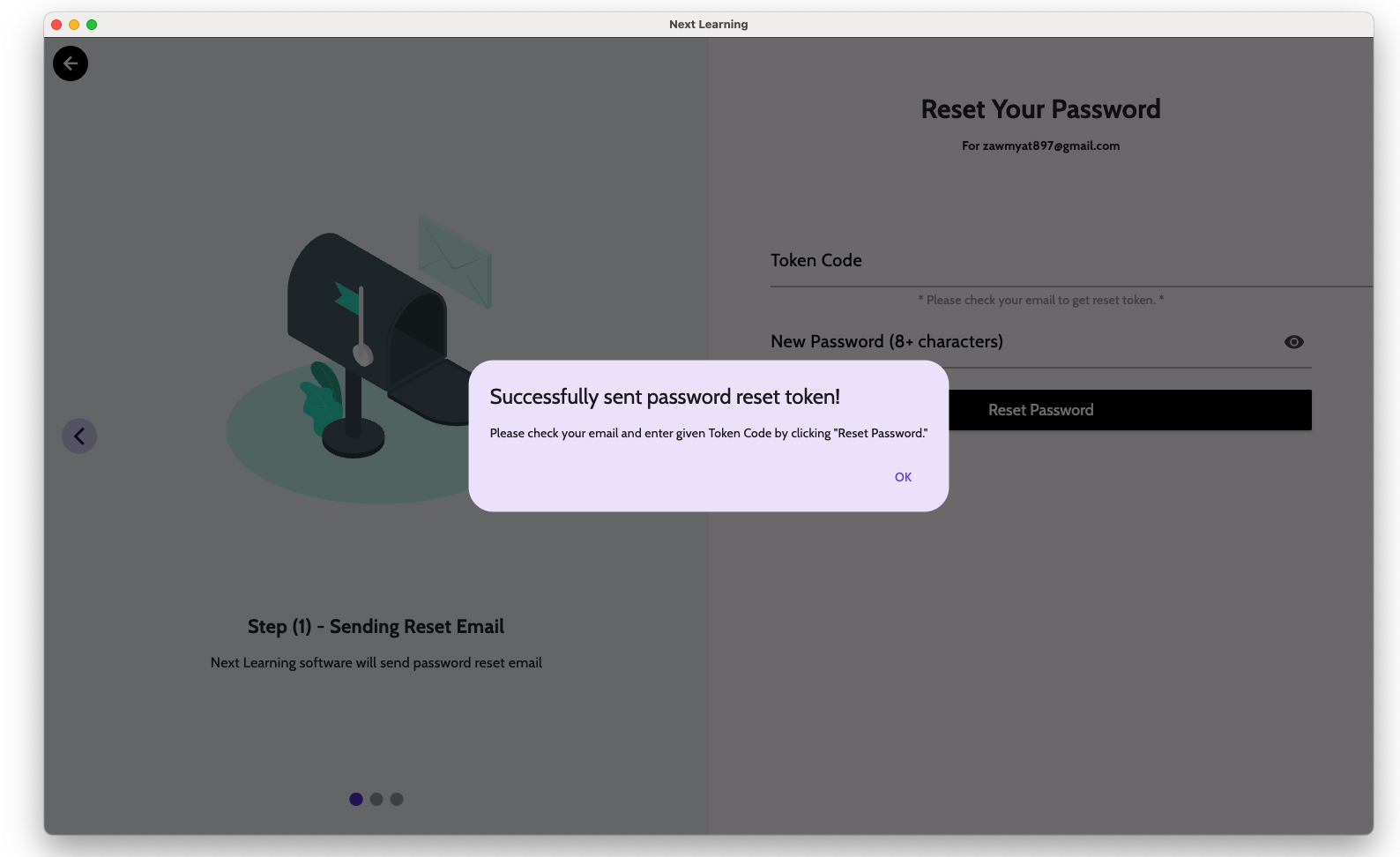
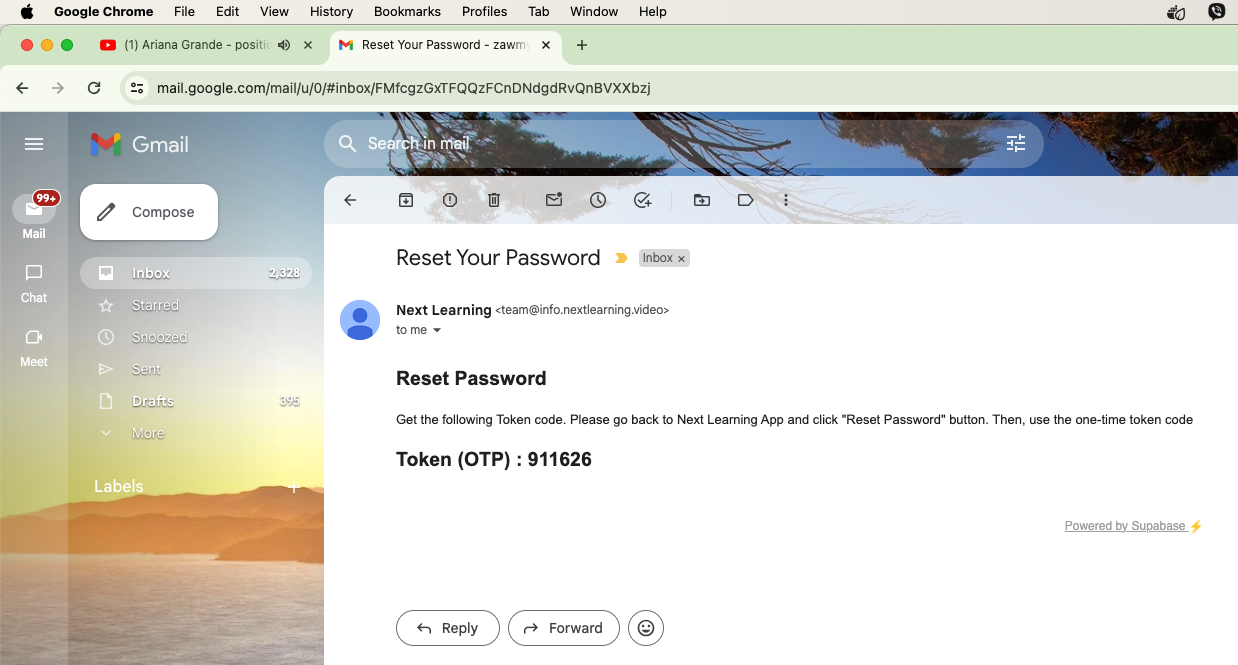
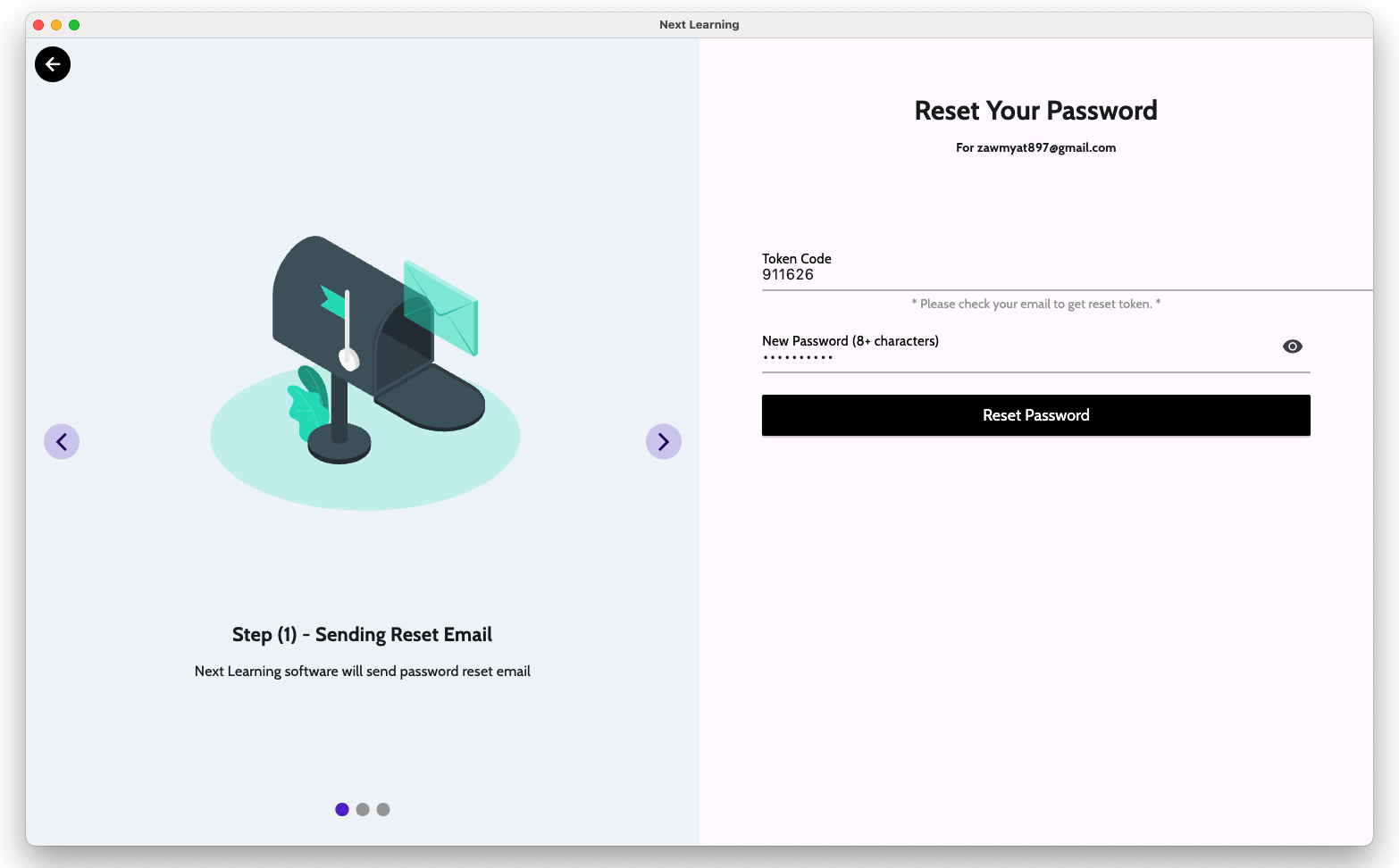
- Forgot Password / Change Password
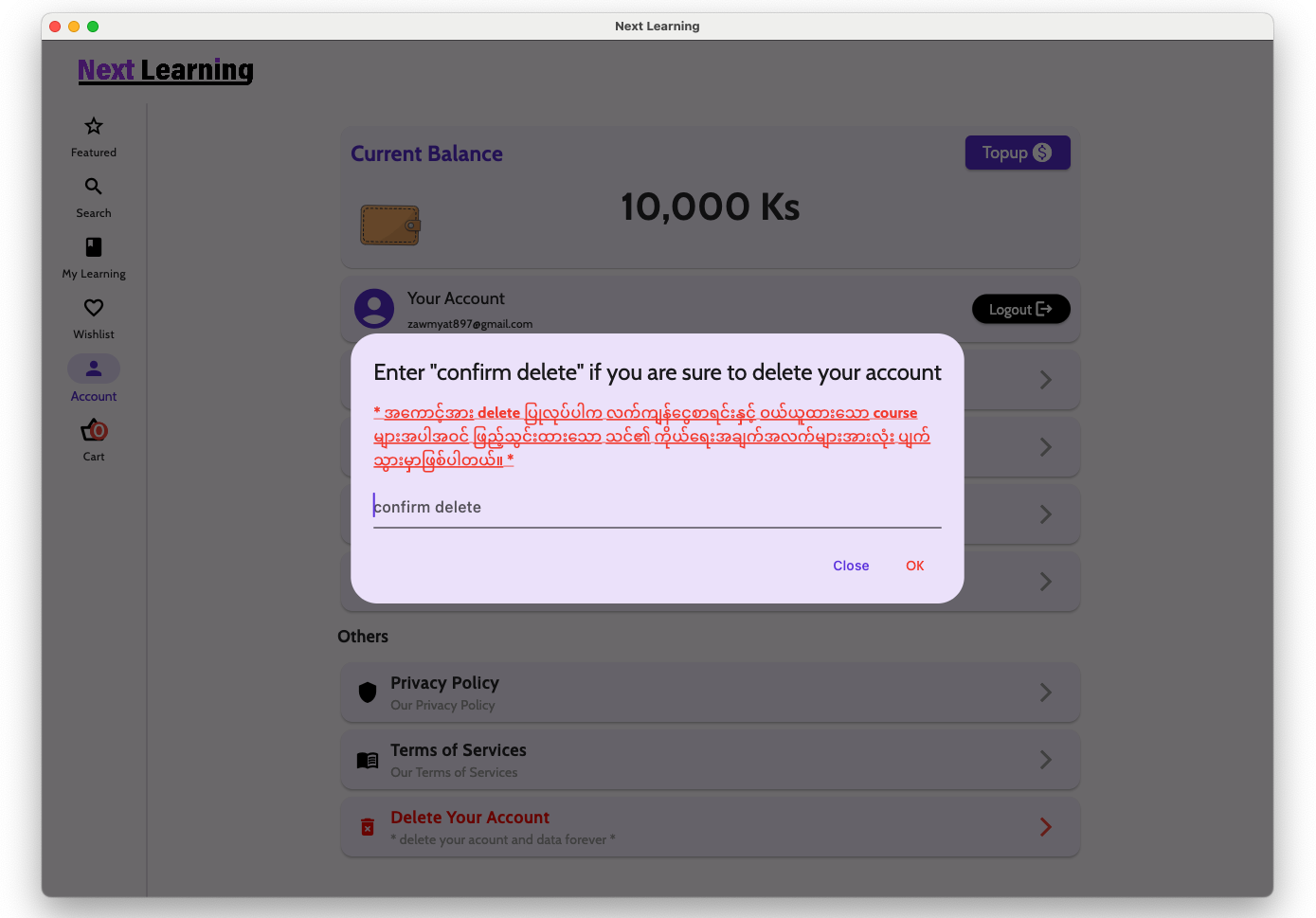
- Delete Account (For store policy compliance)
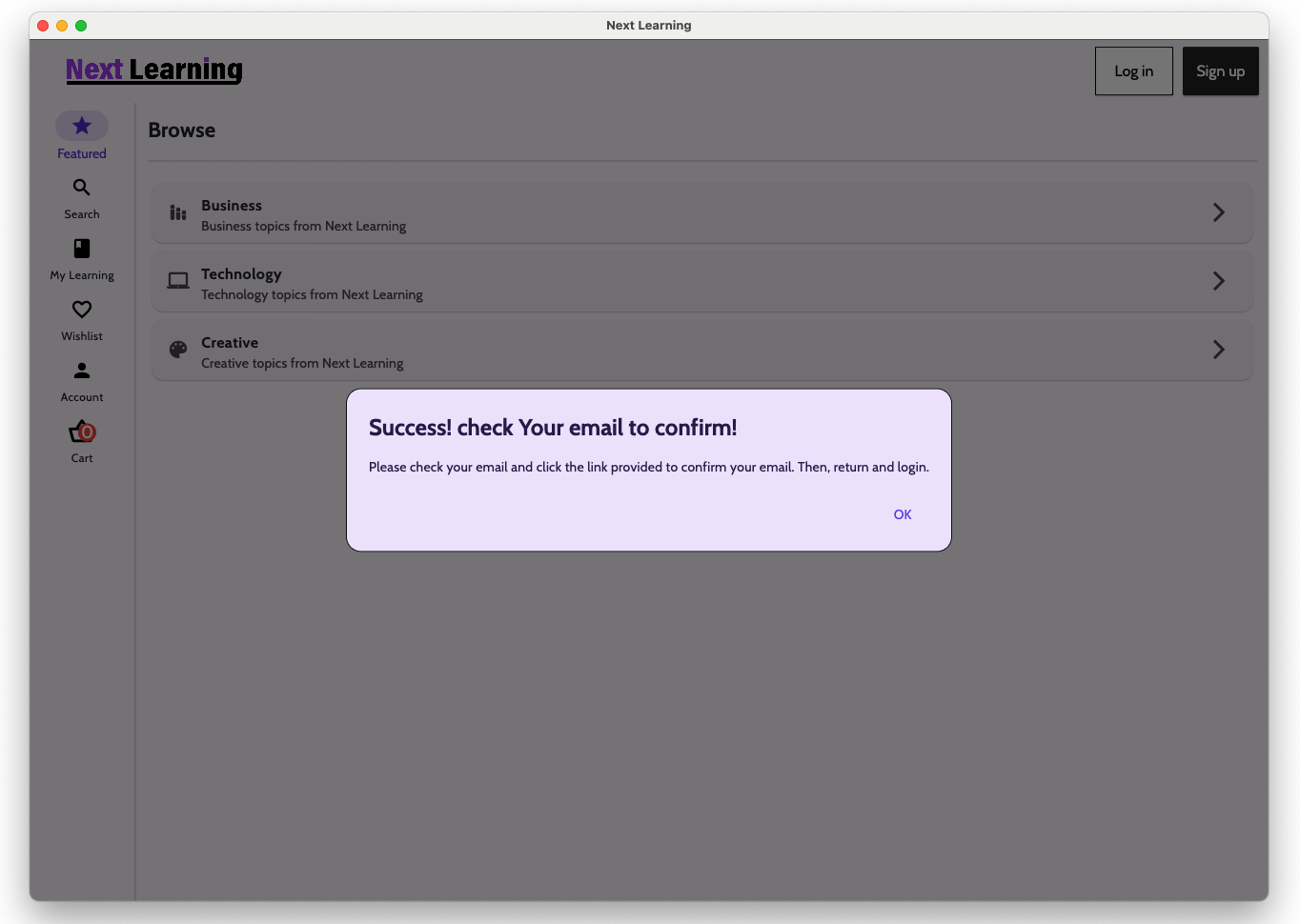
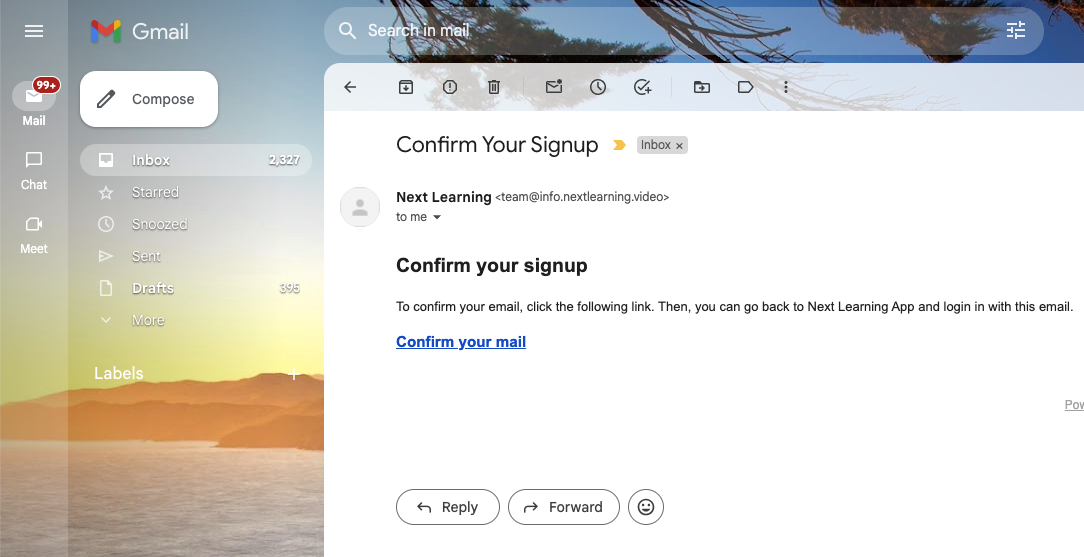
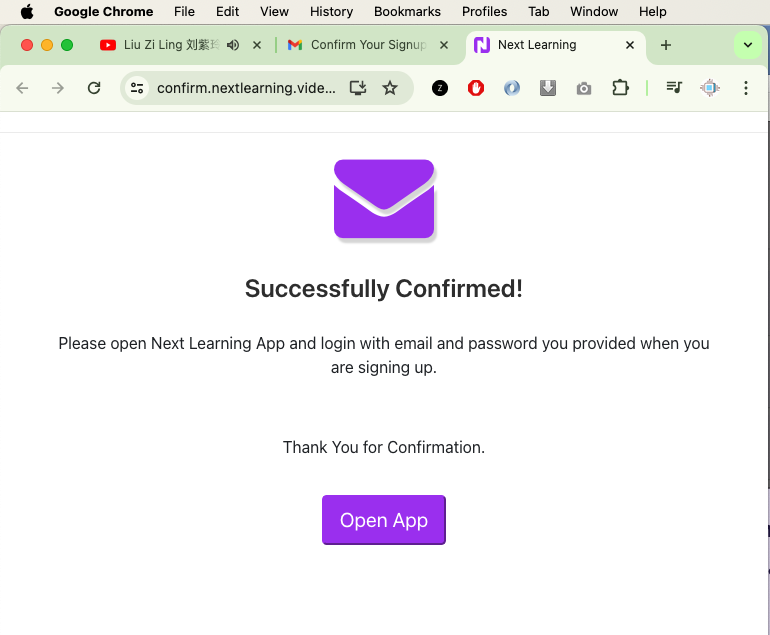
- Email Verification
- Digital Wallet (Users can topup their digital wallet with topup codes, A topup code can be used only ONCE)
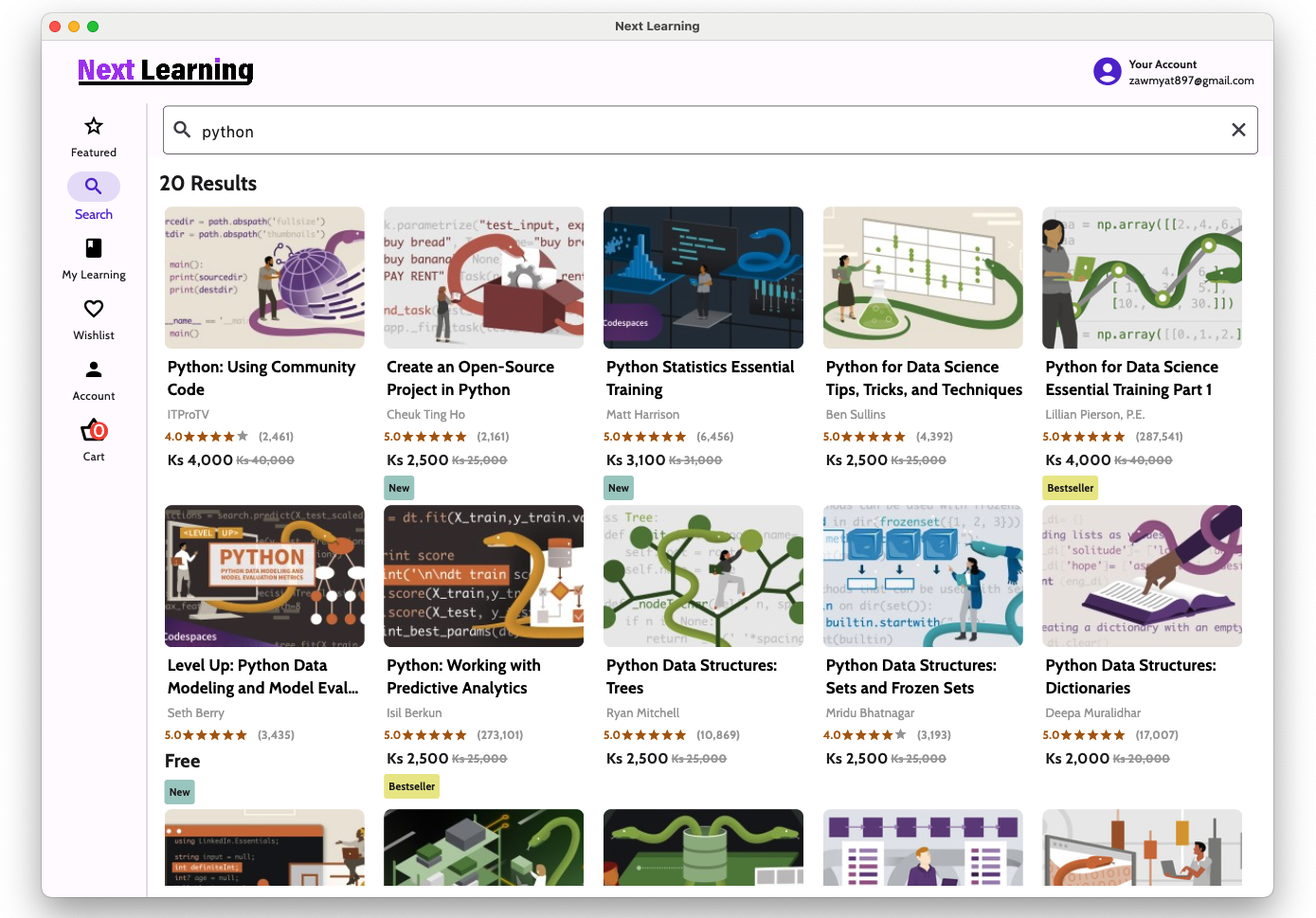
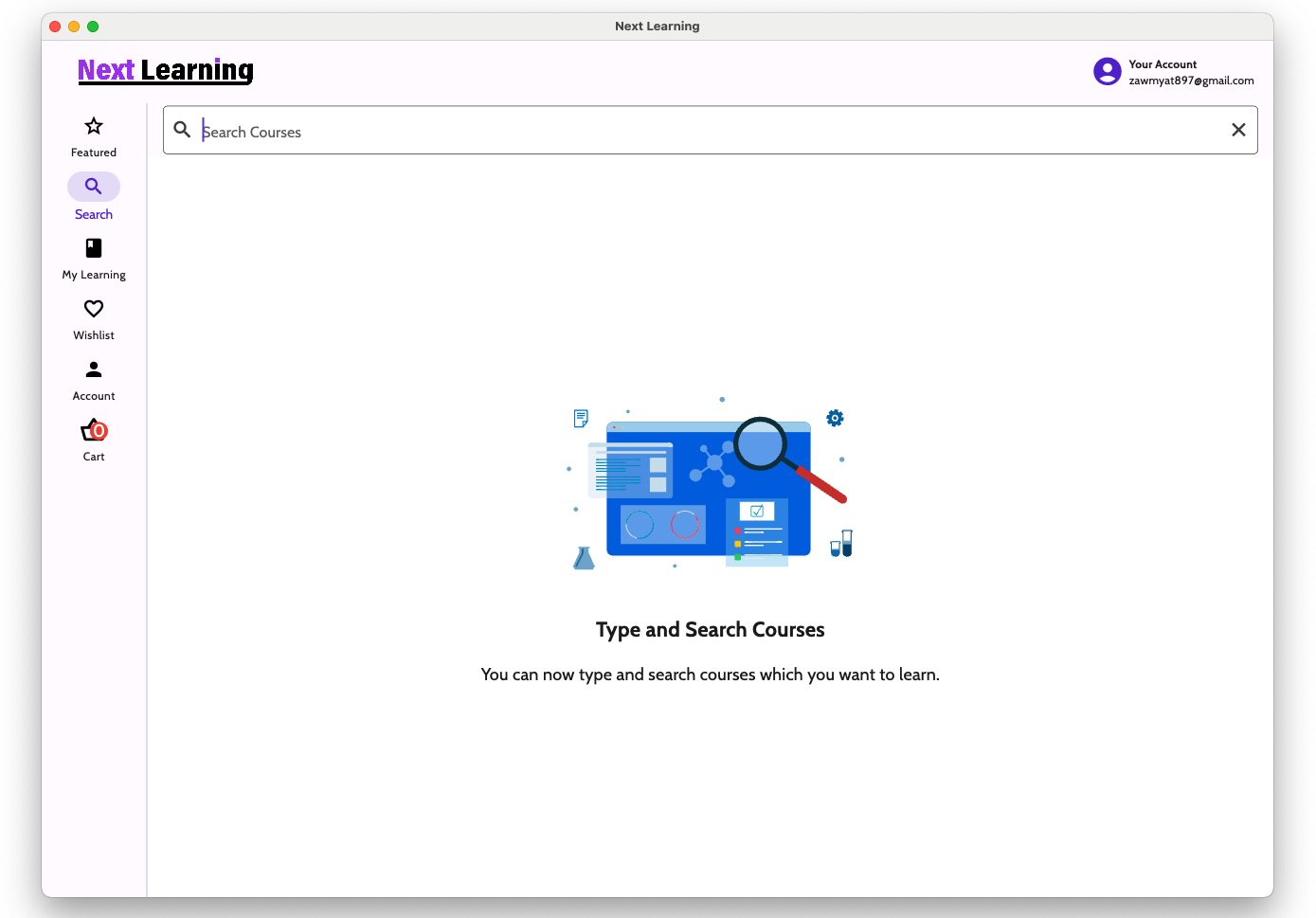
- Search Courses
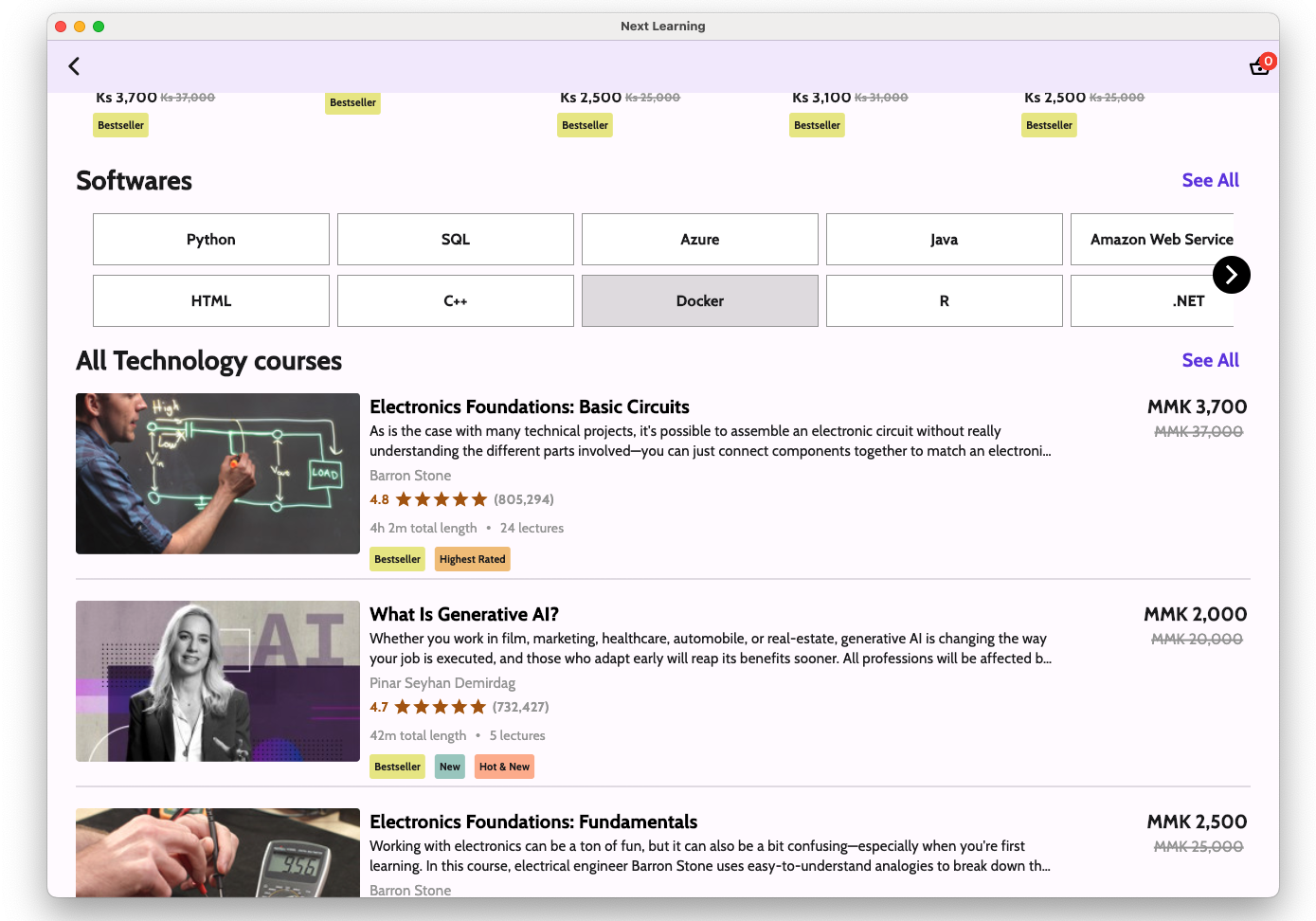
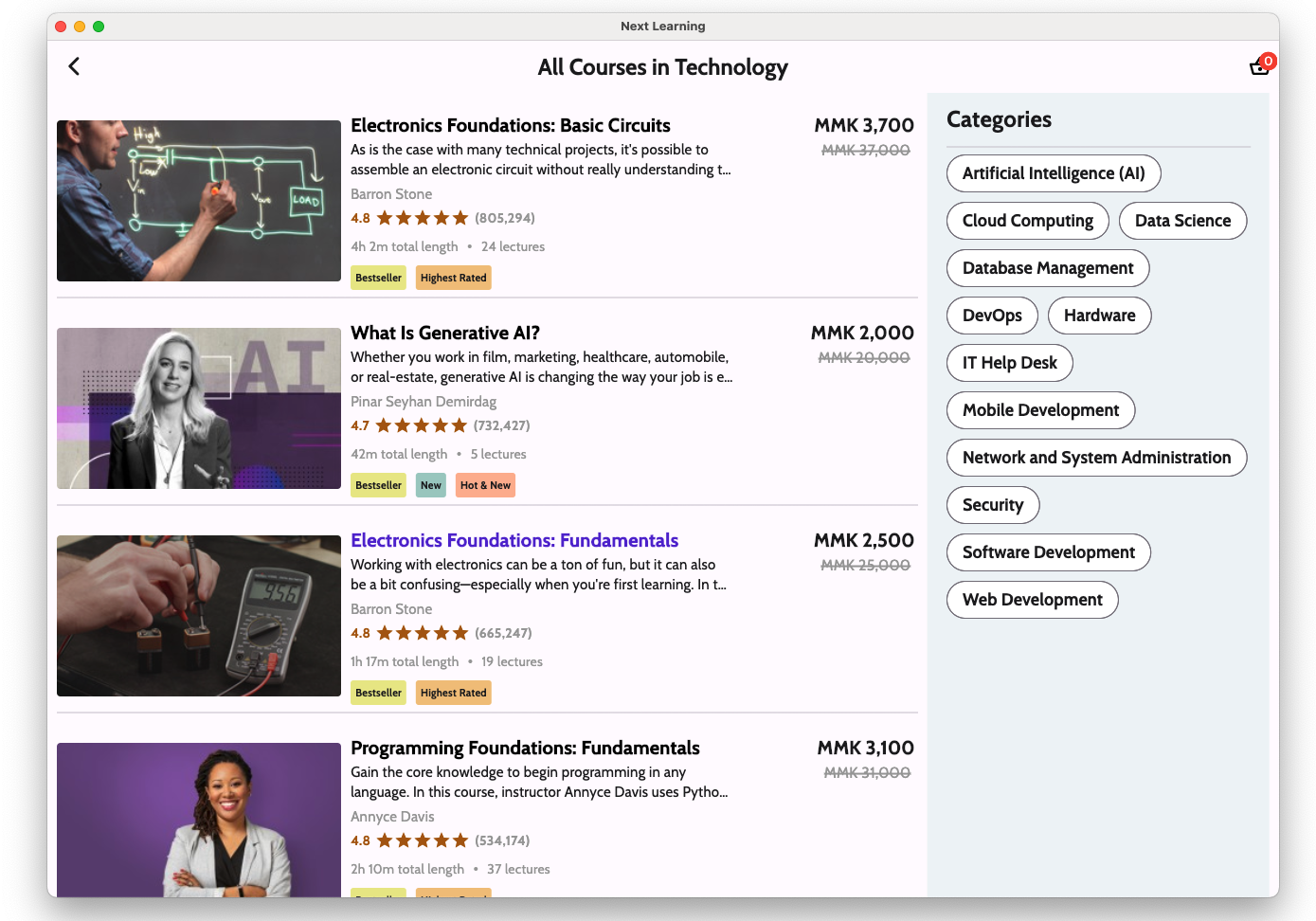
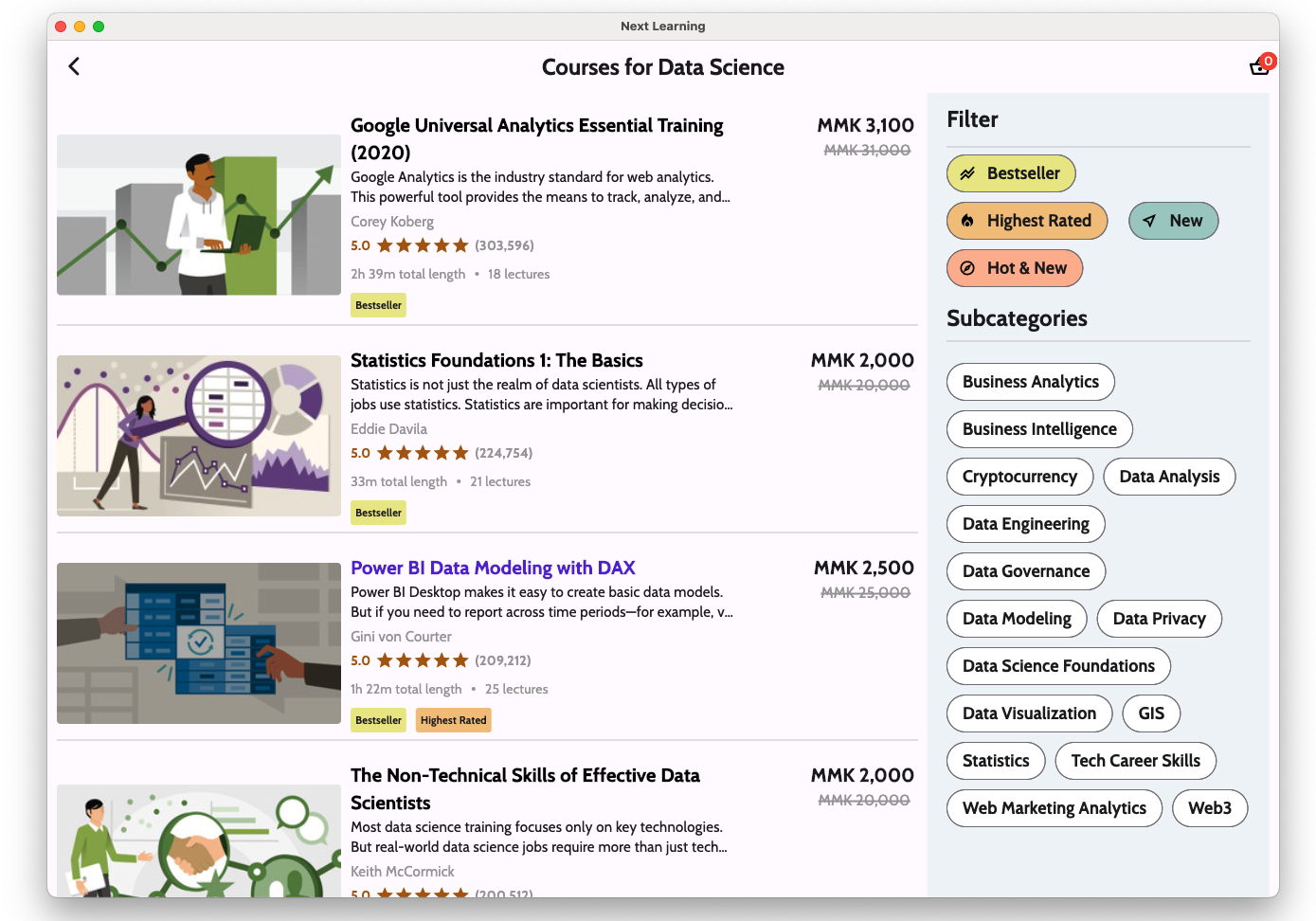
- Filtering Core Topics (eg: Business, Technology, Creative, etc.;) , Category, Subcategory Sub-subcategory
- Filtering Bestselling, Highest Rated, New, Hot & New Courses
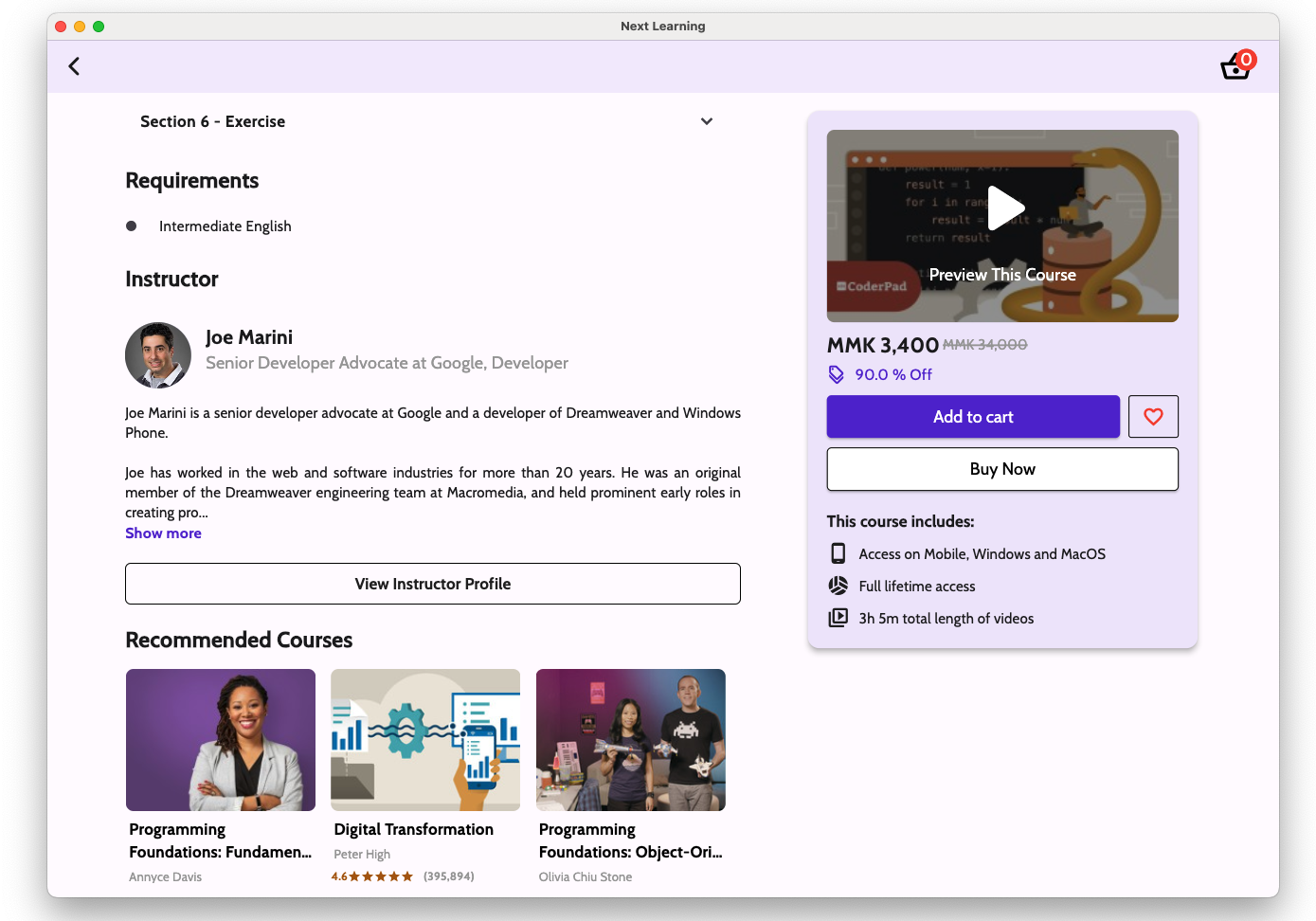
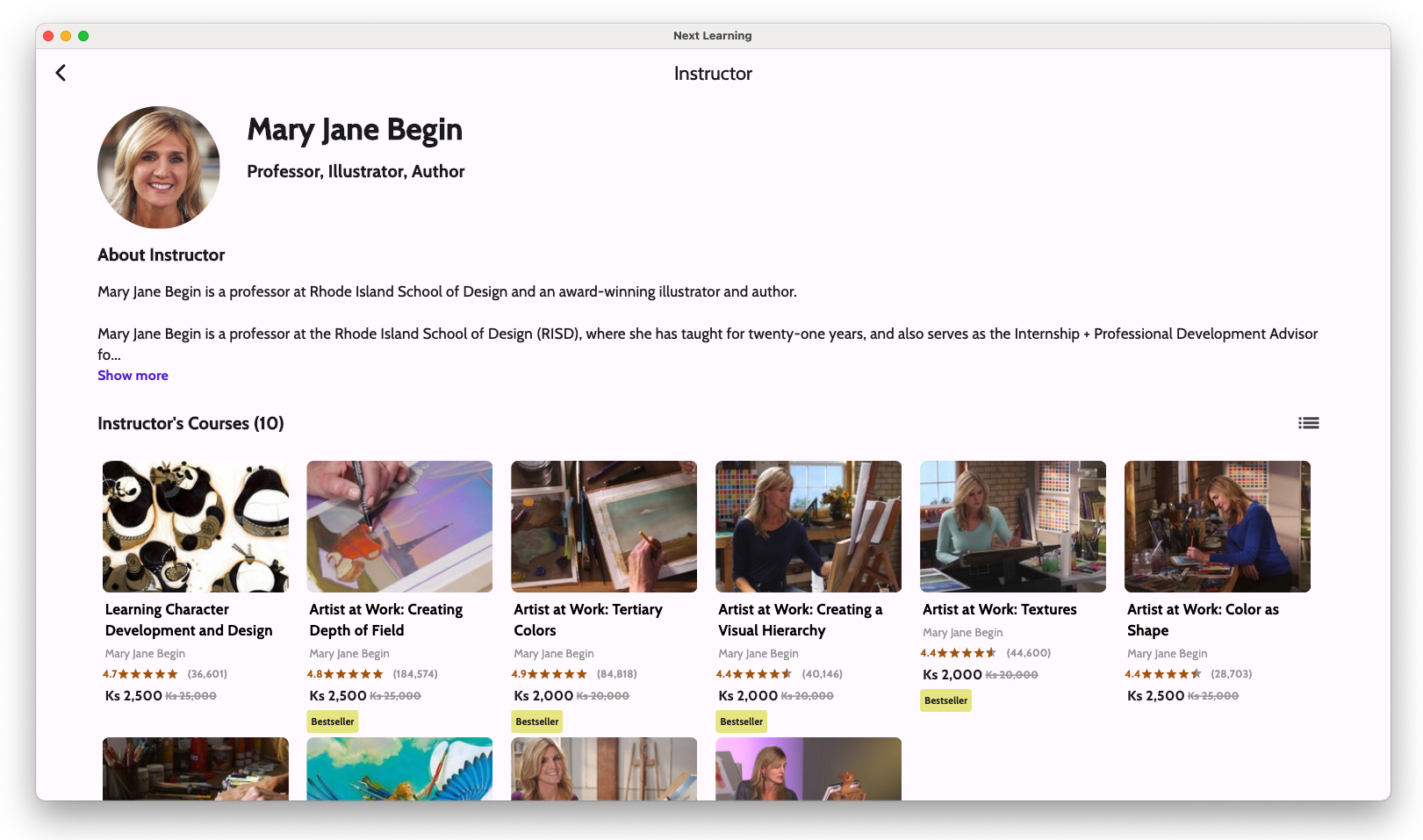
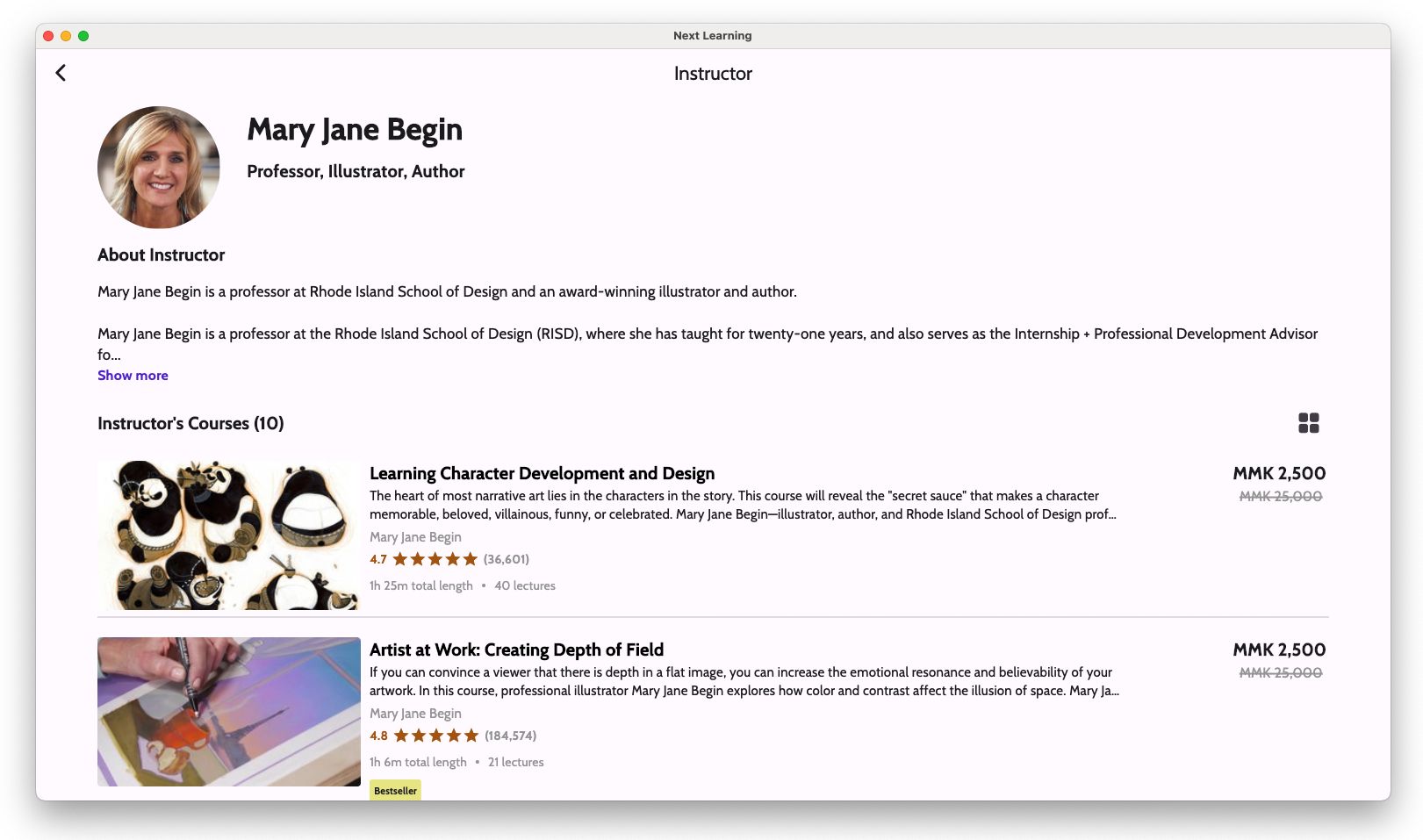
- Course Instructors’ Profile, with their courses
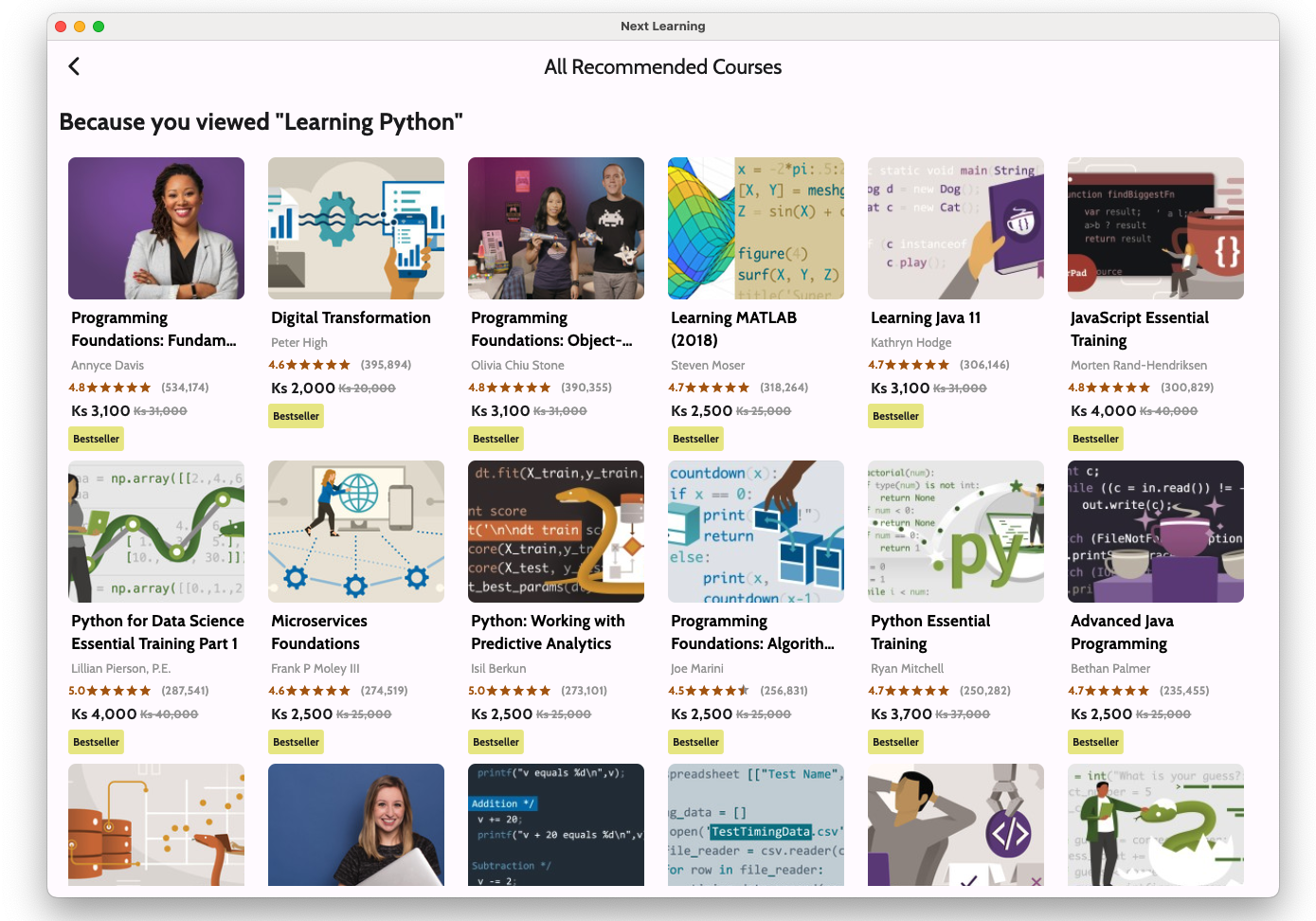
- Recommended Courses
- Responsive User Interface for different screen sizes
- (Admin Side) Insert courses and learning path with JSON file.
- (Admin Side) download course JSON
- (Admin Side) Define topic, category, subcategory, sub-subcategory
- (Admin Side) Register top-up codes
- (Admin Side) Manage Users’ devices session
Tech Stack
- Flutter for cross-platform development
- Supabase as a backend service
- Hydrated BLoC
- Hive
- MediaKit
- Custom PostgreSQL Function
App Screenshots